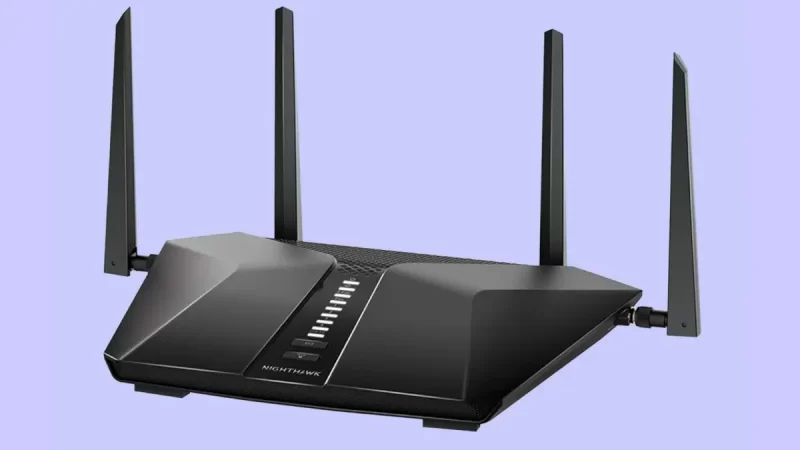
Wi-Fi 7 promises revolutionary speed and ultra-low latency for modern wireless networks. Multi-Link Operation allows your device to aggregate several frequency bands simultaneously. Consequently, this technology reduces congestion while dramatically increasing throughput across supported routers. However, many early adopters face severe Wi-Fi 7 MLO latency spikes on Windows 11. These random ping jumps disrupt online gaming, video calls, and real-time streaming. Fortunately, you can eliminate these network hiccups with a few targeted adjustments. This guide walks you through effective fixes to stabilize your wireless connection. Understanding Multi-Link Operation (MLO) Multi-Link… Read More
Posts in Home Networking
Step-by-Step: Setting Up a Completely Offline Local AI Search Engine with AnythingLLM and SearXNG
Modern artificial intelligence models deliver exceptional reasoning capabilities. However, cloud LLM providers often collect user telemetry and prompt logs. Standard cloud AI models cannot browse live information without revealing user search history. Combining a self-hosted AI stack with a private metasearch engine solves this privacy problem completely. Consequently, you can build an offline local AI search engine using two powerful open-source tools. An AnythingLLM setup paired with SearXNG delivers live, private web summaries directly to your screen. This comprehensive guide walks you through setting up an autonomous private AI agent… Read More
How to Fix Wi-Fi 7 MLO Connection Drops in Windows 11
Wi-Fi 7 introduces groundbreaking speed, but early adopters frequently encounter frustrating Wi-Fi 7 MLO connection drops in Windows 11. This revolutionary standard promises to transform your home network entirely. However, software bugs and driver conflicts often cause sudden disconnections. If your premium network constantly drops its signal, you are not alone. Fortunately, you can fix these stability issues with a few targeted adjustments. Multi-Link Operation represents the crown jewel of the new wireless standard. Because older Wi-Fi generations limit devices to a single band, they often suffer from congestion. In… Read More
Powering Creativity: Top NAS Devices for Creators & Small Teams in 2026
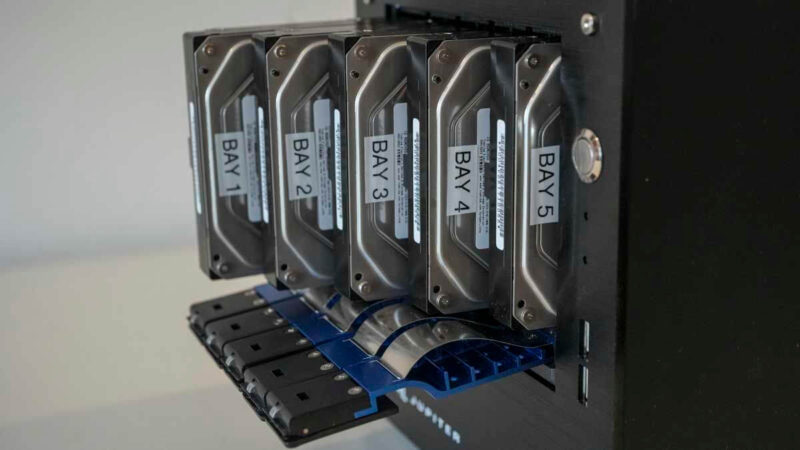
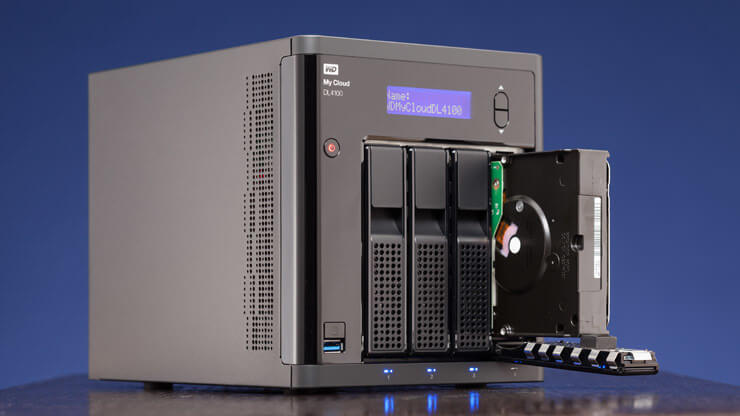
Creative professionals and small teams demand robust data solutions. Network Attached Storage (NAS) devices are essential. They offer centralized storage, easy collaboration, and data protection. In 2026, NAS technology continues to evolve. This guide explores the best NAS for creators and small teams. We will cover top hardware, performance, and crucial use cases. The digital landscape for creators is ever-growing. Large files are now commonplace. Think 8K video, high-resolution images, and complex 3D renders. These files need significant storage. They also require fast access. Furthermore, small teams need seamless collaboration…. Read More
Wi-Fi 7: A New Era for Home and Small Office Networks
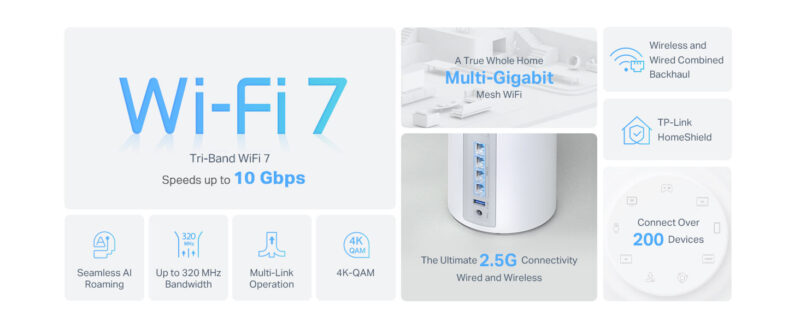
The digital landscape is rapidly evolving. We demand faster, more reliable connections. Consequently, Wi-Fi 7, also known as 802.11be or Extremely High Throughput (EHT), is here. This next-generation wireless standard promises a significant leap forward. It will transform both home and small office networks. Get ready for unprecedented speed and efficiency. Stepping Up from Wi-Fi 6: Key Enhancements Wi-Fi 6 (802.11ax) brought substantial improvements. However, Wi-Fi 7 takes connectivity to new heights. It introduces several groundbreaking features. One major advancement is 320 MHz channel width. This doubles the capacity of… Read More
Best VPN Software in 2026: Secure Your Connection Without Slowing Down
Choosing the best VPN software in 2026 is no longer just about hiding your IP address. Today, you need a tool that balances military-grade security with the high speeds required for 8K streaming. With cyber threats becoming more sophisticated, a reliable VPN has become a mandatory part of any digital toolkit. Modern users demand a seamless experience where security does not compromise performance. This guide compares the industry leaders to help you decide which service fits your lifestyle and budget. Whether you are a hardcore gamer or a remote professional,… Read More
How to Speed Up Your Internet Connection at Home: Proven Tips That Work in 2025
Slow internet at home is frustrating, especially when remote work, streaming, and smart devices rely on strong, stable connections. In 2025, with more people using bandwidth-heavy apps like video conferencing, cloud storage, and 4K streaming, optimizing your Wi-Fi performance and internet speed is more important than ever. The good news is that you don’t need to upgrade to an expensive plan or buy new equipment right away. With the right tweaks and settings, you can noticeably improve your network speed, signal strength, and consistency. In this guide, we’ll show you… Read More
How to Build a Home Media Server Using an Old PC in 2025: Stream Everything with Ease
If you have an old PC collecting dust, it’s time to give it new life—as a home media server. In 2025, repurposing outdated hardware is both environmentally smart and incredibly useful. A media server allows you to stream music, movies, TV shows, and photos across devices in your home, or even remotely. You don’t need to be a tech expert or spend much money. With tools like Plex and Jellyfin, you can create a powerful streaming solution that rivals commercial platforms. Whether you’re archiving old DVDs or organizing your digital… Read More
How to Set Up Parental Controls on Your Home Wi-Fi Router: Keep Kids Safe Online in Minutes
The internet is full of opportunities, but it also poses serious risks—especially for kids and teens. From explicit content to cyberbullying and excessive screen time, parents need smart solutions to protect their children online. That’s where Wi-Fi parental controls come in. Setting up parental controls on your home router helps you filter harmful content and manage internet use across all devices. You can block inappropriate websites, set daily screen time, or pause internet access entirely. Even better, most modern routers include parental control features you can configure in just minutes…. Read More
How to Set Up a VPN on Your Home Router for Total Online Privacy (2025 Edition)
Online privacy is no longer a luxury—it’s a necessity. In 2025, your data can be tracked by websites, ISPs, and even smart devices. If you’re concerned about privacy, security, and online freedom, using a Virtual Private Network (VPN) is a smart choice. But instead of installing VPN apps on every device, why not secure your entire network at once? By configuring a VPN directly on your home router, you protect every connected device automatically—including phones, smart TVs, and gaming consoles. This guide explains step-by-step how to do that with ease…. Read More