Posts in Hardware Troubleshooting

How to Create a Bootable Windows 11 USB Installer Using Rufus (Bypassing TPM 2.0 & RAM Requirements)

Microsoft enforces strict hardware rules for Windows 11. They demand TPM 2.0, Secure Boot, and eighth-generation processors. Millions of perfectly functional PCs fall short of these arbitrary boundaries. Your older hardware still has plenty of life left in it. You do not need to discard a fast machine just because Microsoft changed the rulebook. Enter Rufus. This open-source utility solves the hardware block completely. It flashes installation media while stripping away Microsoft’s rigid checks. I use Rufus daily in my workshop to revive client computers. Let us walk through building… Read More

Win 11 Audio Bug: Fix Games & Media Apps

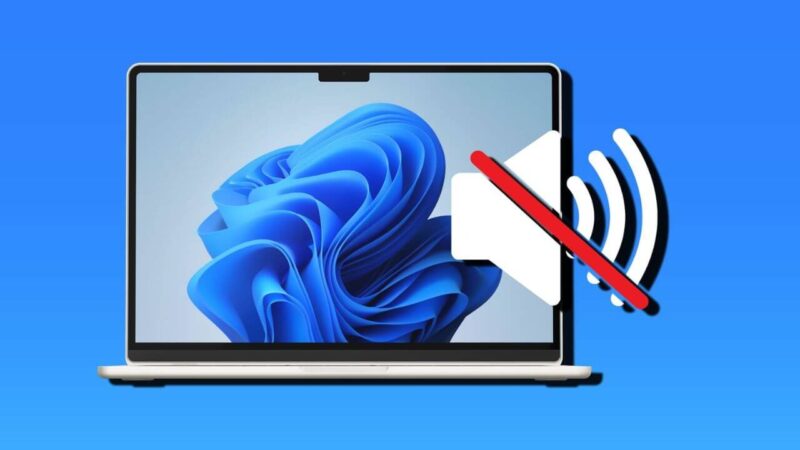
Technology enthusiasts recently encountered a frustrating system flaw. Microsoft officially acknowledged a severe windows 11 audio decoding bug affecting multiple modern operating system versions. This unexpected glitch triggers sudden crashes in video games and media playback software. Users running recent platform iterations noticed that applications terminated abruptly without warning. The underlying problem stems from faulty built-in routines handling legacy sound formats. Because reliable audio performance remains critical for daily computing, this issue caused widespread panic among gamers. Fortunately, understanding the root cause helps users implement proper remediation steps quickly. Technical… Read More

How to Test and Diagnose RAM Errors Using Windows Memory Diagnostic and MemTest86

Random Blue Screens of Death (BSOD), unexpected application crashes, and silent file corruption often stem from a single faulty component: your system memory. Because bad RAM can simulate malware infections or operating system corruption, testing your RAM is an essential diagnostic step. In this comprehensive guide, we will walk you through diagnosing RAM errors using both built-in tools and advanced third-party solutions. Unexplained system crashes often frustrate computer users. Blue Screen of Death errors, sudden reboots, and corrupted files frequently point directly to failing system memory. Furthermore, memory issues can… Read More

The Ultimate Guide to RAM Compatibility – How to Choose, Install, and Future‑Proof Your Memory

Why “Just Any RAM” Won’t Cut It Imagine you’ve just splurged on a sleek new gaming rig or a high‑performance workstation, only to discover it boots up sluggishly, crashes during intensive tasks, or refuses to recognize the memory you just installed. The culprit? Incompatible RAM. Memory (RAM) is the heart‑beat of every computer, and like any good partnership, it needs to be a perfect match. From DDR generations to voltage requirements, a single mismatch can turn a dream build into a headache. In this guide we’ll demystify RAM compatibility, walk… Read More

Mastering PC Hardware Diagnostics: A Step‑by‑Step Guide to Faster, Smarter Troubleshooting

Why Guess-and-Check Is Killing Your Productivity You’re sitting at your desk. The screen stays black, the fans whir, and the dreaded “No Boot Device Found” message flashes across the monitor. Your first instinct? “Maybe it’s the power cable.” After swapping cables, the problem persists. You’ve now wasted precious minutes, or even hours, on guess-and-check troubleshooting. Frustration mounts, and you’re still no closer to a solution. What if you could identify the exact faulty component in minutes instead of hours? That’s the power of PC hardware diagnostics. Modern diagnostic tools, both… Read More

How to Fix Windows 11 Audio App Crashes (Dolby AC-3 Filter Bug in KB5124010)

Many users encounter a frustrating Windows 11 audio bug following recent system installations. Specifically, Microsoft released patch KB5124010 to improve overall operating system stability. However, this update introduced an unexpected conflict with multimedia applications. Consequently, thousands of programs crash instantly upon launching audio playback. Furthermore, this glitch targets specific legacy audio decoders. Users report sudden application closures whenever media players load surround sound codecs. Therefore, troubleshooting requires a precise examination of the underlying system files. Experts at Microsoft Support acknowledge various playback anomalies. Meanwhile, community forums buzz with user complaints… Read More