
Choosing between Wi-Fi 6, Wi-Fi 6E, and Wi-Fi 7 starts with understanding your network’s limitations. A faster router might improve downloads, but coverage, interference, and device compatibility determine the benefits you actually experience. For remote professionals and home lab builders, consistent performance often matters as much as peak speed.
Existing routers share increasingly busy 2.4GHz and 5GHz bands with neighboring networks and household devices. Wi-Fi 6 improves how compatible devices share that airtime. Meanwhile, Wi-Fi 6E introduces access to 6GHz, providing additional spectrum for compatible equipment. Wi-Fi 7 builds on these foundations with wider channels and Multi-Link Operation.

However, a cleaner band does not automatically deliver better coverage or faster internet. Your internet plan, wall materials, and client hardware still matter. Understanding these differences helps you choose an upgrade that addresses a specific problem.
Wi-Fi 6 (802.11ax) — The Reliable Baseline
Frequency Bands, Channel Widths, and Practical Speeds
Wi-Fi 6, based on 802.11ax, operates on the familiar 2.4GHz and 5GHz bands. Its improvements include higher potential speeds and better airtime efficiency, particularly in busy households.
Its key specifications include:
- 2.4GHz: 20MHz or 40MHz channels.
- 5GHz: 20MHz, 40MHz, 80MHz, or optional 160MHz channels.
- Modulation: Up to 1024-QAM under suitable signal conditions.
- Typical 2×2 client peak link rates: Approximately 1,201Mbps at 80MHz or 2,402Mbps at 160MHz.
These figures describe PHY link rates, rather than usable download speeds. Protocol overhead, interference, signal strength, and hardware limitations reduce application throughput. Moreover, both router and client must support 160MHz to establish that wider connection.
In crowded environments, 80MHz can provide more consistent performance than 160MHz. Wider channels occupy more spectrum, increasing exposure to competing networks. Some 5GHz channels also require radar detection through Dynamic Frequency Selection (DFS), which can trigger channel changes.
How OFDMA and MU-MIMO Handle Busy Households
OFDMA, or Orthogonal Frequency-Division Multiple Access, divides a channel into smaller resource units. The router can allocate these units to multiple compatible devices within one transmission opportunity. Consequently, suitable traffic can share airtime more efficiently than through separate transmissions.
Consider a household running video calls, messaging apps, and smart devices simultaneously. OFDMA can reduce scheduling overhead when those devices exchange smaller packets. However, results depend on client support, traffic patterns, and the router’s scheduling implementation.
MU-MIMO, or Multi-User Multiple Input Multiple Output, uses spatial streams to serve multiple compatible clients simultaneously. It complements OFDMA by adding another way to share wireless resources. Benefits depend on signal conditions, client capabilities, and implementation.
Neither feature guarantees faster downloads for every device. Their practical value lies in improving efficiency when multiple devices actively compete for airtime.
Who Should Choose Wi-Fi 6?
Wi-Fi 6 remains suitable for remote work, streaming, gaming, and households with mostly older clients. It can also support gigabit internet effectively with appropriate equipment and placement. If your existing connection performs reliably, upgrading purely for a newer generation may deliver limited benefits.
However, airtime efficiency cannot create additional spectrum. When neighboring networks crowd the available channels, moving compatible devices to 6GHz becomes worth considering.
Wi-Fi 6E — The 6GHz Bridge
What the Additional Band Changes
Wi-Fi 6E extends 802.11ax into the 6GHz band. It retains technologies such as OFDMA, MU-MIMO, and 1024-QAM. Its defining advantage is additional spectrum.
Typical home-router specifications include:
- Bands: 2.4GHz, 5GHz, and 6GHz.
- 6GHz channel widths: 20MHz, 40MHz, 80MHz, and 160MHz.
- Typical 2×2 peak link rate: Approximately 2,402Mbps at 160MHz.
- Compatibility: A 6GHz-capable client is required for the additional band.
The 2.4GHz band serves many networks and shares spectrum with Bluetooth devices and other household equipment. Meanwhile, 5GHz carries substantial traffic from modern routers. By comparison, 6GHz excludes older Wi-Fi clients, often providing cleaner airtime and more opportunities for wide channels.
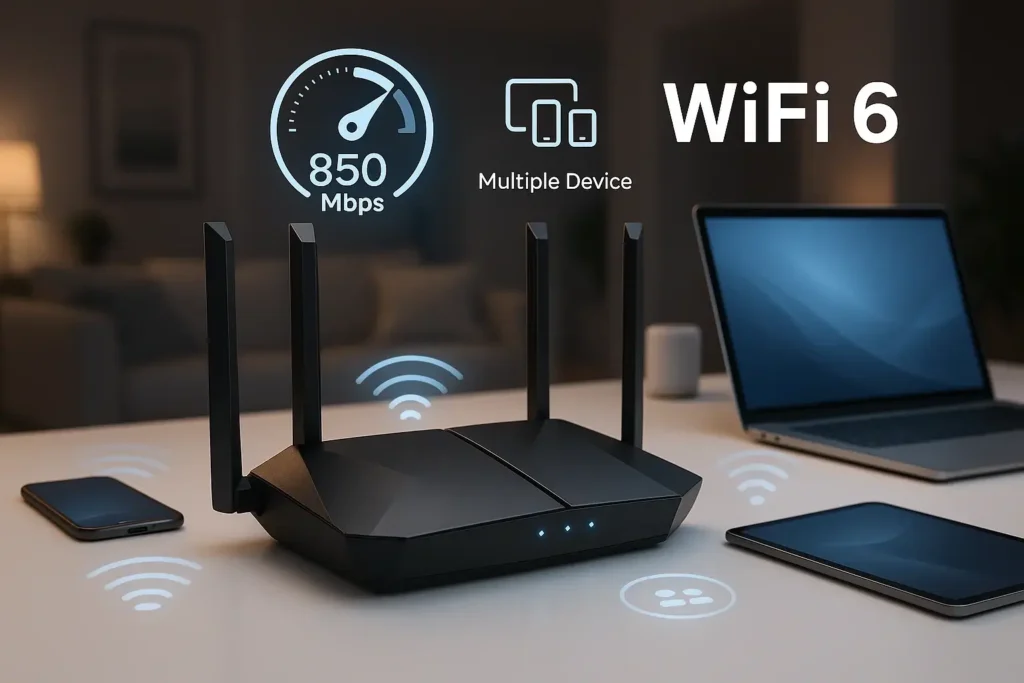
However, cleaner does not mean interference-free. Nearby 6GHz networks still share spectrum, and regional regulations determine available channels and power limits. At equal channel widths and spatial streams, Wi-Fi 6E has the same maximum PHY rate as Wi-Fi 6.
Compatibility and Coverage Tradeoffs
A Wi-Fi 6 laptop cannot access 6GHz simply because you install a Wi-Fi 6E router. It continues using compatible 2.4GHz or 5GHz connections. Accessing the additional band requires compatible hardware, drivers, operating systems, and regional support.
Furthermore, 6GHz generally experiences greater wall attenuation than lower frequencies. Its strongest benefits often appear near an access point. Choose Wi-Fi 6E when compatible devices face congestion; address distant coverage through better placement or additional access points.
For buyers considering 6E, pricing matters. A meaningful discount can make it attractive, especially when compatible devices already exist. If comparable Wi-Fi 7 equipment costs only slightly more, examine its actual capabilities before deciding.
Wi-Fi 7 (802.11be) — Maximum Performance
How Multi-Link Operation Improves Performance
Wi-Fi 7, based on 802.11be, introduces Multi-Link Operation (MLO). This allows compatible routers and clients to establish multiple wireless links. These links can span different bands, such as 5GHz and 6GHz.
With supported implementations, simultaneous band aggregation distributes traffic across links, increasing available throughput. Traffic can also use an available link instead of waiting for a busy channel. Consequently, MLO can reduce contention delays and improve latency consistency during competing transfers.
However, simultaneous aggregation and latency improvements depend on the implementation. Some clients switch between links rather than transmit concurrently. Router firmware, client hardware, and drivers determine which capabilities operate together.
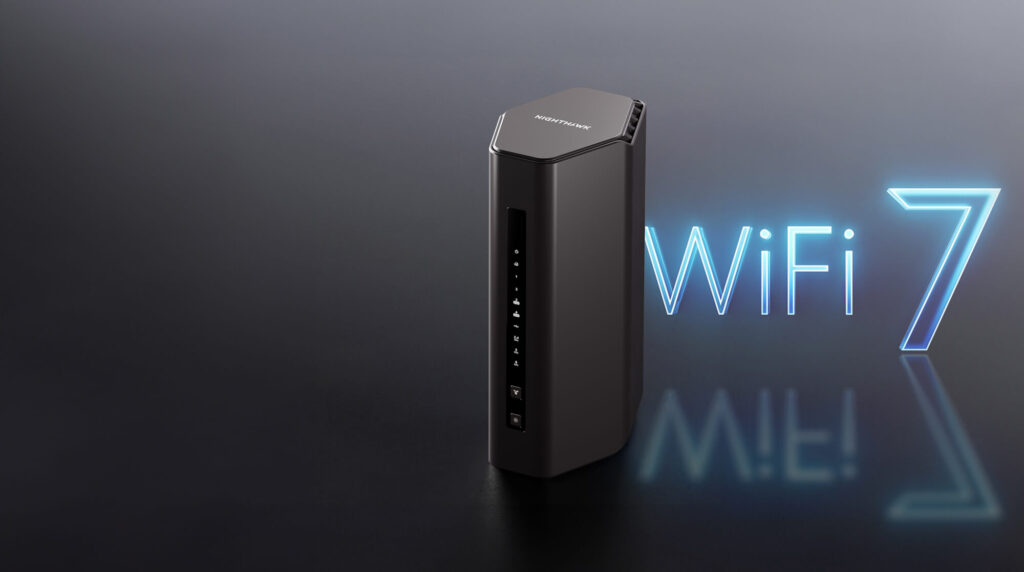
For remote professionals, the potential benefit is steadier calls during household activity. Home lab builders may also gain faster wireless transfers. However, MLO cannot eliminate ISP congestion, internet routing delays, or router bufferbloat.
What 320MHz Channels and 4K-QAM Deliver
Wi-Fi 7 increases maximum channel width from 160MHz to 320MHz, doubling potential capacity under otherwise equal conditions. However, 320MHz requires 6GHz spectrum, compatible equipment, and regional permission.
Its main performance upgrades include:
- 320MHz channels: Provide greater peak throughput, especially near an access point.
- 4K-QAM: Encodes 12 bits per symbol, versus 1024-QAM’s 10 bits.
- Modulation gain: Up to 20% higher theoretical rates under otherwise identical conditions.
- Combined potential: Approximately 5.76Gbps PHY for a fully capable 2×2 client at 320MHz.
These capabilities require strong signal quality. Walls, distance, and interference reduce achievable rates, while wider channels consume more shared spectrum. Therefore, 160MHz or 80MHz can remain appropriate for some deployments.
Also, Wi-Fi 7 does not guarantee 6GHz or 320MHz support. Some products operate only on 2.4GHz and 5GHz, while client capabilities also vary. Check individual specifications before buying.
The Buyer’s Decision Matrix: Which Router Do You Need?
Compare Equivalent Client Speeds
The table uses maximum single-link PHY rates for a 2×2 client, rather than combined router marketing totals. These are connection rates; usable application throughput will be lower. Router labels such as AX5400 or BE19000 combine radio capacities and do not represent one device’s download speed.
| Specification | Wi-Fi 6 | Wi-Fi 6E | Wi-Fi 7 |
|---|---|---|---|
| Max Speed* | Approximately 2.40Gbps | Approximately 2.40Gbps | Approximately 5.76Gbps |
| Frequency Bands | 2.4GHz, 5GHz | 2.4GHz, 5GHz, 6GHz | 2.4GHz, 5GHz, 6GHz; product-dependent |
| Max Channel Width | 160MHz | 160MHz | 320MHz on 6GHz |
| Best For | Everyday workloads and mixed clients | Compatible devices facing congestion | Multigigabit transfers and demanding compatible clients |
Assumes maximum supported modulation and channel width with a short guard interval. Wi-Fi 7’s figure excludes additional MLO aggregation.
Match the Upgrade to Your Internet Plan
For internet plans up to 500Mbps, a capable Wi-Fi 6 router usually provides sufficient capacity. Prioritize placement, firmware support, and consistent coverage. Paying for a newer standard may deliver little improvement if your current network already handles your workload.
For 500Mbps–1Gbps connections, Wi-Fi 6 remains viable. However, Wi-Fi 6E becomes attractive when compatible devices encounter crowded 5GHz channels. Compare its price against similarly equipped Wi-Fi 7 models.
For multigigabit internet or frequent NAS transfers, consider Wi-Fi 7 with appropriate Ethernet connectivity. Check both WAN and LAN ports: a 1GbE connection can bottleneck faster wireless transfers. Local workloads can justify an upgrade even when your internet plan is relatively modest.
Account for Home Size and Client Devices
For large homes, concrete walls, or multiple floors, prioritize additional access points and preferably wired backhaul. A newer wireless generation cannot compensate for poor placement. Wireless mesh performance also depends on the connection between nodes, rather than just the connection to your device.
Before purchasing, inventory client bands, channel widths, and spatial streams. Check MLO support individually instead of assuming every Wi-Fi 7 device offers identical capabilities. Home lab builders should also evaluate VLAN support, SSID mapping, and management features.
💡 Pro Tip: Test internet speed over Ethernet, then measure local wireless throughput at your normal work locations. Compare idle latency with latency during uploads and downloads. These checks help distinguish ISP limitations, wireless congestion, and coverage problems.
Conclusion: Upgrade for a Measurable Benefit
Choose Wi-Fi 6 for dependable everyday networking, Wi-Fi 6E for useful access to cleaner spectrum, and Wi-Fi 7 for demanding compatible workloads. Match the router to your clients, wired infrastructure, and home layout. The best upgrade removes a limitation you can identify and measure.
Share your internet plan, home layout, router, and main devices in the comments. Which bottleneck are you trying to solve? Share this guide with someone considering their next network upgrade.