Posts in System Administration

How to Resolve “Trust Relationship Failed” Active Directory Errors in Windows 11 (KB5124008 Fix)

System administrators face significant operational disruptions when Windows 11 systems suddenly lose connection with domain controllers. The recent Windows 11 security update designated as KB5124008 triggers severe Active Directory error symptoms across enterprise networks. Furthermore, affected devices display a trust relationship failed error during interactive user login attempts. Consequently, employees lose access to core corporate infrastructure, cloud endpoints, and essential network shares. Understanding the underlying cause helps IT teams restore device connectivity without compromising overall environment security. This comprehensive guide breaks down why update KB5124008 breaks the secure channel, how… Read More

Windows 11 September 2026 Patch Tuesday (KB5124008) Arrives with Native Search Controls and Critical Zero-Day Fixes

Microsoft officially released the mandatory Windows 11 update for September 2026 today. Therefore, sysadmins worldwide are rapidly reviewing the official update notes on the Microsoft Support Portal. Specifically, cumulative update KB5124008 introduces crucial security patches alongside highly requested user features. Consequently, system administrators must prioritize this rollout immediately to prevent potential network compromises. Furthermore, this update addresses severe security vulnerabilities actively circulating across global digital networks. In addition, Microsoft finally implemented granular controls for system search functionality. Hence, everyday desktop users can seamlessly refine search behaviors while security teams patch… Read More

Microsoft Purview Priority Cleanup: Hard-Delete Mailbox Data

Managing enterprise email storage presents severe administrative challenges today. Systems administrators constantly fight exploding storage costs across hybrid cloud deployments. Moreover, regulatory mandates require precise control over message lifecycles and retention limits. Modern organizations must enforce retention schedules while removing obsolete data efficiently. Therefore, Microsoft administrators frequently configure default retention policies to preserve historical communications. However, default rules sometimes lock unwanted items inside user mailboxes indefinitely. As a result, critical storage quotas suffer from excess legacy email retention. You must implement aggressive overriding mechanisms to solve this problem cleanly. Consequently,… Read More

Entra Connect Build Upgrade: Sunsetting Legacy Builds

System administrators running hybrid environments face a critical infrastructure deadline. Microsoft is officially sunsetting legacy Microsoft Entra Connect builds. Consequently, any synchronization engine running a build version below 2.5.79.0 faces an abrupt service hard stop. Because legacy identity protocol security requires constant modern authentication enhancements, Microsoft implemented essential back-end architectural changes. Therefore, older client binaries will no longer communicate with cloud endpoints effectively. Executing a timely Entra Connect Build Upgrade ensures your organization avoids unexpected identity synchronization failures. Moreover, staying updated protects your hybrid identity security standard across all managed… Read More

Microsoft Entirely Eliminates Legacy WMIC Command-Line Tool from Windows 11 to Curb Ransomware Attacks

Microsoft has officially retired the legacy Windows Management Instrumentation Command-line (WMIC) tool from Windows 11. Consequently, this major security update removes the command-line utility across modern versions of the operating system. For over two decades, system administrators relied heavily on this text-based tool. However, modern cyberthreats have forced Microsoft to eliminate the legacy executable entirely. Furthermore, cybercriminals frequently leveraged WMIC in Windows 11 attacks as a ransomware deployment driver and living-off-the-land binary (LOLBIN). Because the tool came pre-installed on every Windows build, attackers could execute malicious commands without uploading external… Read More

How to Disable Windows 11 Recall AI Snapshots

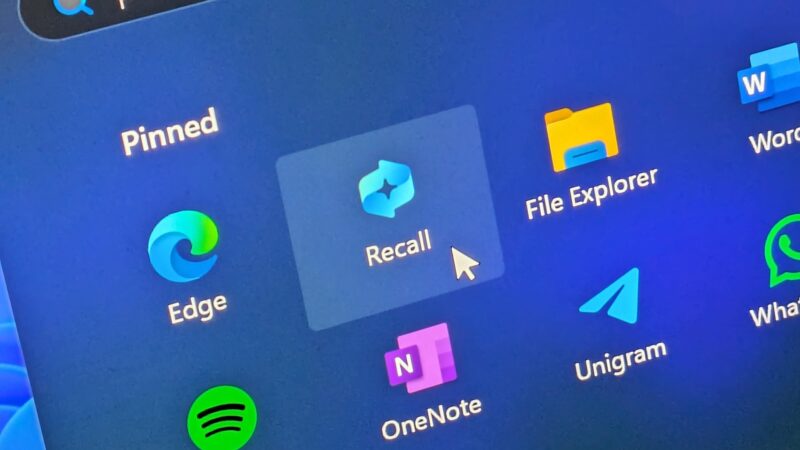
Microsoft recently introduced Windows 11 Recall AI to enhance search capabilities across Copilot+ PCs. However, this feature continuously captures screenshots and creates a comprehensive digital timeline of your desktop activity. Consequently, many users want to disable Windows 11 Recall to safeguard sensitive personal data and business documents. In fact, storing unencrypted or local activity logs raises serious security concerns among enterprise IT administrators. Fortunately, you can take total control over your device privacy today. Specifically, Microsoft offers several methods to pause, sandbox, or completely erase these background AI tracking systems…. Read More

How to Configure Windows 11 “Quick Machine Recovery” (QMR) for Remote System Repair

System administrators remember catastrophic boot outages with intense frustration. For example, flawed kernel driver updates can instantly paralyze thousands of endpoint devices. Consequently, IT teams must manually physically touch each broken workstation. That manual recovery process burns hundreds of expensive engineering hours. Microsoft addresses this massive operational vulnerability with Windows 11 Quick Machine Recovery. This groundbreaking system provides reliable QMR remote system repair capabilities directly over your network. Furthermore, system resilience has become a top operational priority for modern remote workforces. When a remote laptop crashes in another country, shipping… Read More

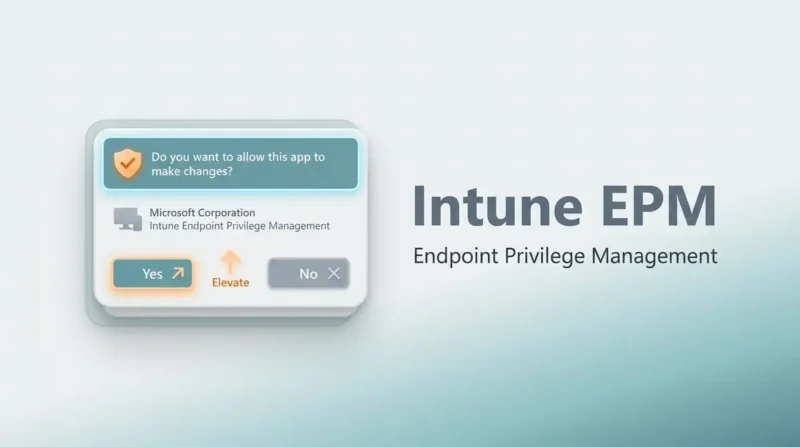
How to Configure Intune EPM to Remove Local Admin Rights Safely

Managing enterprise Windows endpoints requires balancing strict security controls with daily user productivity. Operating with Intune EPM local admin rights strategies allows IT organizations to enforce least privilege access Windows environments cleanly. Historically, revoking local administrative privileges triggered endless helpdesk tickets. End users frequently needed admin rights to update developer tools, run specialized software, or alter system configurations. Consequently, many system administrators delayed removing local admin rights entirely. Modern cyber threats exploit local administrative credentials to spread malware lateral movement across internal corporate networks. Operating endpoints without local admin rights… Read More