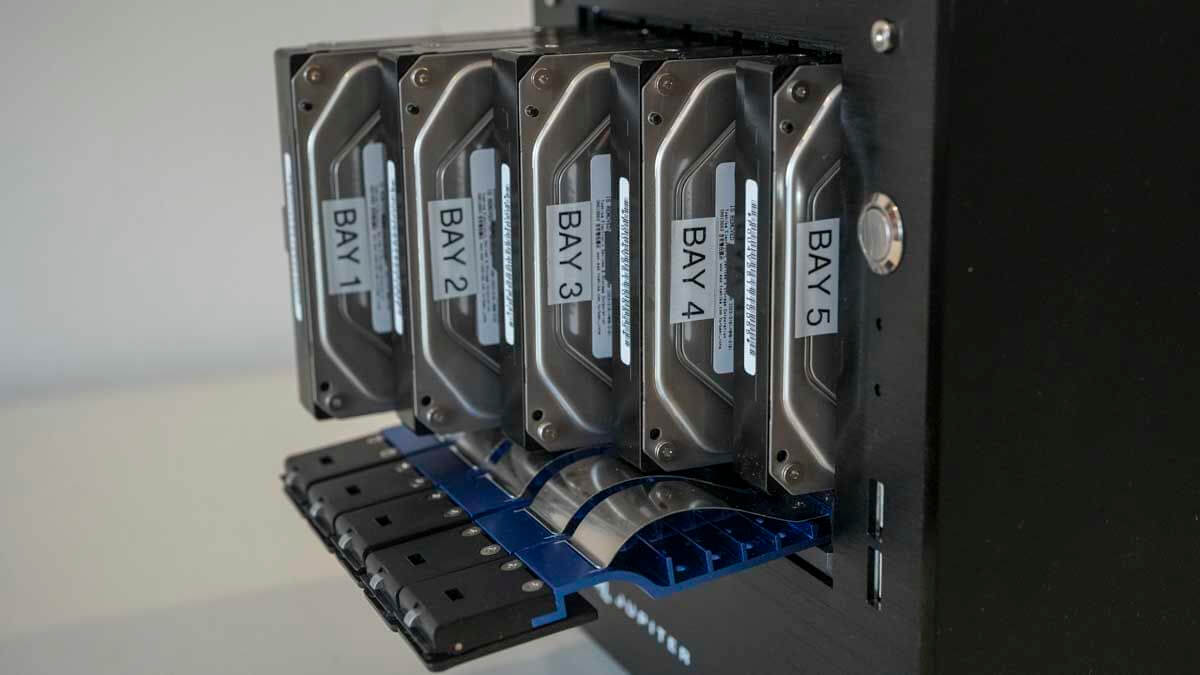
Creative professionals and small teams demand robust data solutions. Network Attached Storage (NAS) devices are essential. They offer centralized storage, easy collaboration, and data protection. In 2026, NAS technology continues to evolve. This guide explores the best NAS for creators and small teams. We will cover top hardware, performance, and crucial use cases.
The digital landscape for creators is ever-growing. Large files are now commonplace. Think 8K video, high-resolution images, and complex 3D renders. These files need significant storage. They also require fast access. Furthermore, small teams need seamless collaboration. Multiple users must access and edit files concurrently. Traditional external hard drives fall short. Cloud storage can be slow and expensive for massive datasets. Therefore, a dedicated NAS for creators provides the ideal solution. It balances speed, capacity, and cost-effectiveness.
Understanding NAS for Creative Workflows
A NAS is more than just a hard drive enclosure. It is a dedicated network server. It stores and shares files. Most importantly, it runs a specialized operating system. This OS offers advanced features. These include RAID data protection, user management, and remote access. For creators, RAID is vital. It safeguards against drive failure. Moreover, a NAS acts as a private cloud. You control your data entirely. This is crucial for sensitive projects. It also ensures consistent performance.
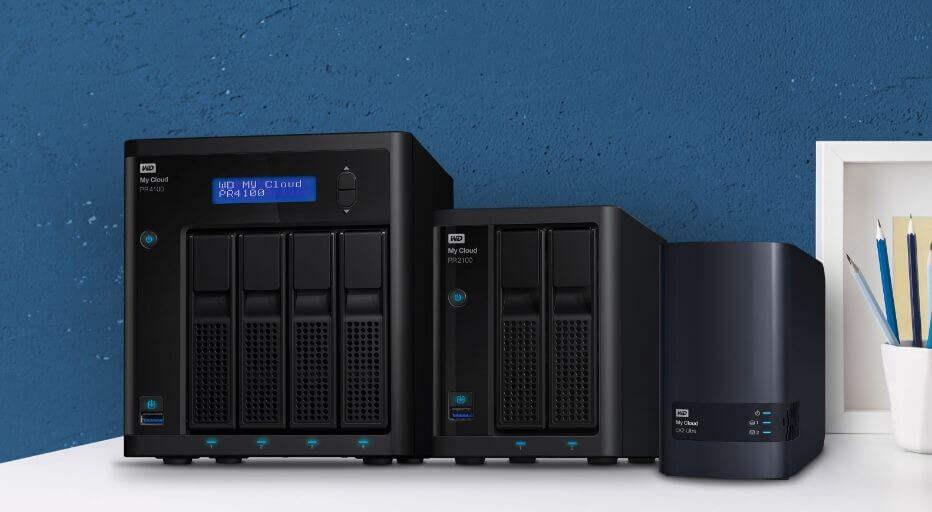
Many factors influence NAS performance. The processor is very important. RAM also plays a key role. Network connectivity is another major factor. Look for 10GbE or even 25GbE ports. These ensure lightning-fast transfers. Drive bay count dictates capacity. More bays mean more storage. SSD caching boosts speed significantly. This is especially true for frequently accessed files. Consider expansion options for future growth.
Top NAS Hardware Contenders for 2026
Several manufacturers lead the NAS market. Synology and QNAP are consistently strong performers. Asustor and TerraMaster also offer compelling options. Each brand has unique strengths. Let’s look at specific models suitable for creative tasks.
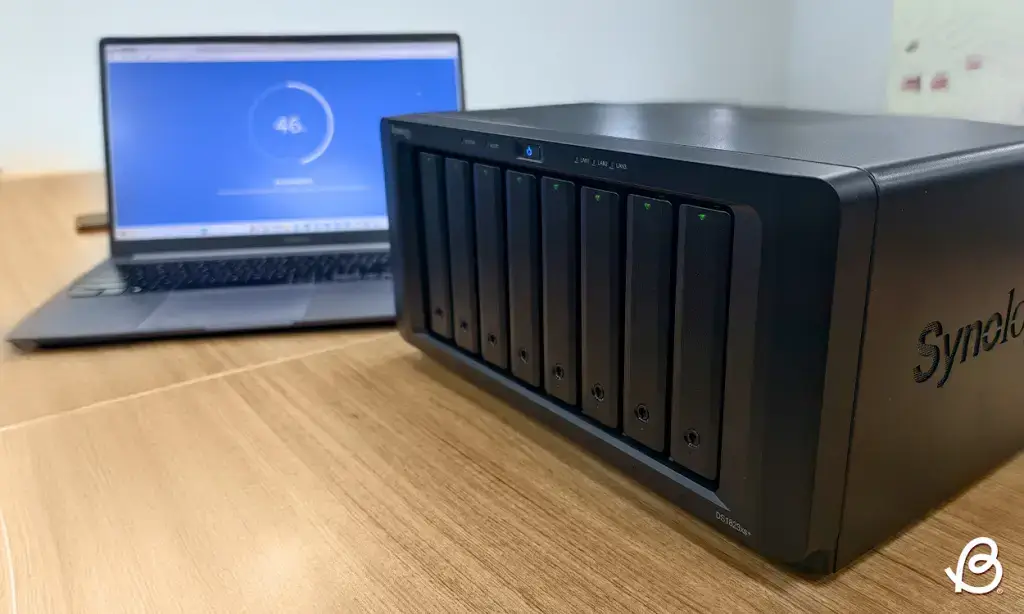
Synology DiskStation DS1826xs+ This model is a powerhouse. It targets demanding professional environments. The DS1826xs+ boasts an Intel Xeon processor. It supports up to 64GB DDR4 ECC RAM. This ensures exceptional multitasking. It features eight drive bays. These are hot-swappable for easy maintenance. It also includes two 10GbE ports. This provides superior network throughput. Expandability is excellent. You can add up to two expansion units. This brings total bays to 18. This model is perfect for large studios. It handles intense video editing workflows. Learn more about Synology’s professional line here: Synology Professional NAS.
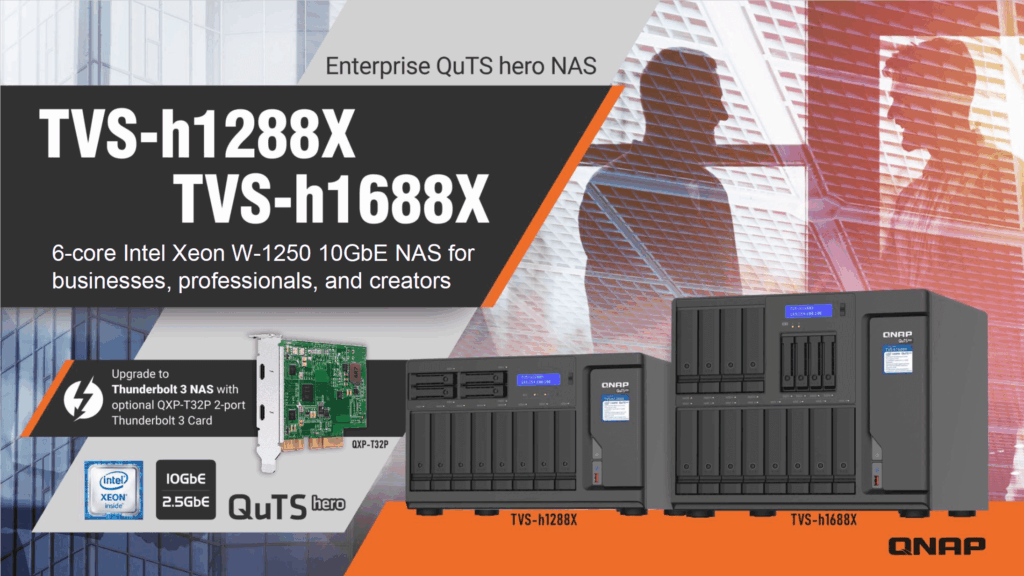
QNAP TVS-h1288X
The TVS-h1288X is another strong contender. It uses an Intel Core i7 processor. It also supports up to 128GB DDR4 RAM. This NAS features eight 3.5-inch bays. It also has four 2.5-inch SSD bays. This hybrid design is very versatile. The SSD bays are ideal for caching. They can also host crucial projects. It includes two 10GbE ports as well. Furthermore, it supports M.2 NVMe SSDs for even faster caching. QNAP’s QTS operating system is user-friendly. It offers many creative applications. This high-performance NAS truly delivers. Check out QNAP’s enterprise solutions: QNAP Business NAS.
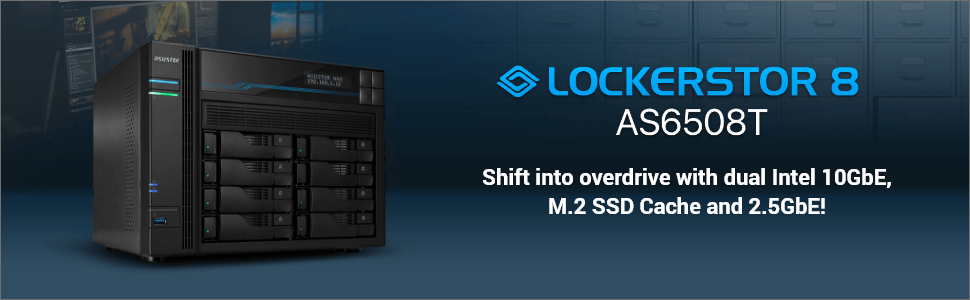
Asustor Lockerstor 8 (AS6708T)
Asustor offers great value. The Lockerstor 8 is an excellent choice. It features an Intel Celeron quad-core processor. It includes 8 drive bays. It also has dual 2.5GbE ports. These are link-aggregable. This boosts bandwidth. It also has two M.2 NVMe slots. These are perfect for caching. Asustor’s ADM OS is intuitive. It offers a good range of apps. This model is suitable for growing teams. It balances cost and performance effectively.
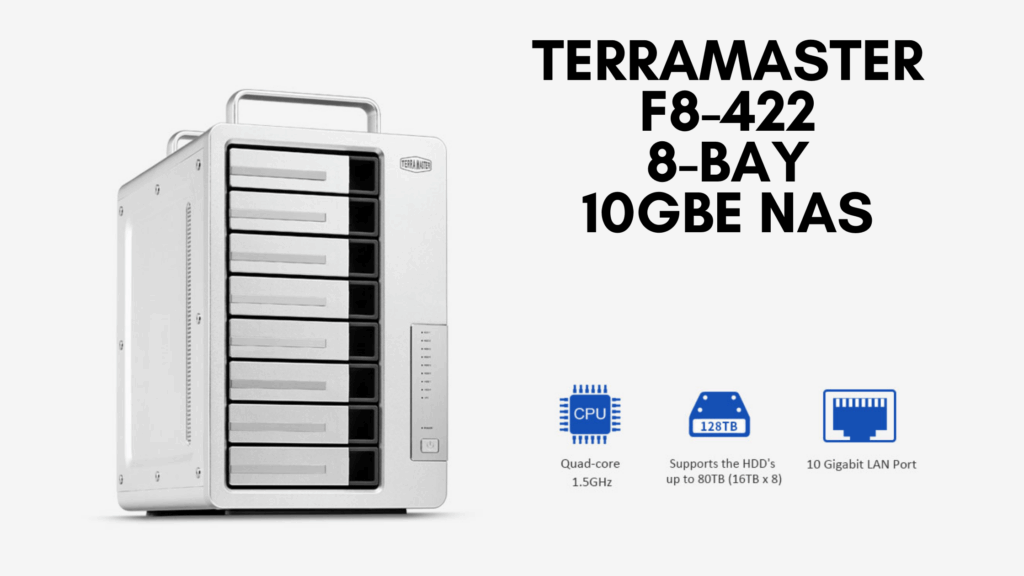
TerraMaster F8-422
TerraMaster provides cost-effective solutions. The F8-422 is a solid option. It has an Intel Celeron quad-core processor. It features eight drive bays. It also includes a 10GbE port. This makes it a great entry into high-speed networking. TerraMaster’s TOS operating system is clean. It is also easy to navigate. This creative storage solution is budget-friendly. It still offers good performance.
Performance Benchmarks and Real-World Use Cases
Benchmarks reveal true performance. We test sequential read/write speeds. We also examine random I/O. These metrics simulate real-world tasks. For video editing, sequential speeds are critical. Large file transfers benefit greatly. For graphic design, random I/O matters. It affects opening many small files.
Pro-Tip: Always populate your NAS with CMR (Conventional Magnetic Recording) drives. These are more reliable. Avoid SMR (Shingled Magnetic Recording) drives for NAS. They can cause performance issues.
Consider these common creative scenarios:
- 4K/8K Video Editing: The Synology DS1826xs+ or QNAP TVS-h1288X excel here. Their powerful CPUs handle multiple video streams. 10GbE ensures smooth playback. SSD caching drastically reduces render times. Many editors can work on projects simultaneously.
- Large Photography Libraries: All mentioned NAS devices are suitable. Use RAID 5 or RAID 6 for data redundancy. This protects precious photo archives. Organize and search photos easily. Many NAS offer built-in photo management.
- 3D Rendering & Animation: CPU-intensive tasks benefit from robust processors. The QNAP TVS-h1288X shines here. Its generous RAM helps with complex scenes. Fast network access speeds up asset loading. Render farms can leverage NAS storage.
- Small Team Collaboration: Centralized storage simplifies file sharing. Version control ensures no work is lost. Remote access allows working from anywhere. Secure permissions manage who sees what. Integrate with project management tools. Check out solutions for remote work here: Remote Collaboration Tools.
Warning: Always implement a 3-2-1 backup strategy. Keep three copies of your data. Store them on two different media types. Keep one copy offsite. A NAS is not a backup solution by itself. It’s primary storage.
Software Ecosystem and Integrations
A NAS’s software is as important as its hardware. Synology’s DSM and QNAP’s QTS are feature-rich. They offer app stores for expansion. Look for integrations with creative software. Adobe Creative Cloud integration is often available. Media server capabilities are also useful. Plex and Emby can stream your content. Virtualization support can run virtual machines. This expands the NAS’s utility. Cloud sync features also keep data synchronized. You can mirror to public cloud services. This adds another layer of security. Consider using Google Drive for extra offsite storage. Google Drive Storage. For secure file transfers, look into SFTP solutions: SFTP for businesses.
Choosing the Right NAS for Your Needs
Assess your current storage needs. Project future growth. Consider your budget carefully. Prioritize features that align with your workflow. Do you need maximum speed? Or is capacity more important? How many users will access the NAS? What level of data protection do you require? These questions guide your decision. A good NAS is an investment. It boosts productivity and safeguards your work.
Final Thoughts and Future Outlook
NAS technology will continue to advance. Faster networking is on the horizon. NVMe over Fabrics (NVMe-oF) will become more common. AI integration will also improve data management. Investing in a quality NAS now pays dividends. It provides a stable foundation for your creative endeavors. It simplifies team workflows. It also protects your valuable assets. What NAS features are most important to your team? Share your thoughts in the comments below!