
The landscape of free office suites has evolved dramatically. Many users seek robust alternatives to Microsoft Office. Indeed, these powerful options cater to diverse needs. This article explores the leading contenders in 2026. We will compare LibreOffice, WPS Office, Google Workspace, and Microsoft Office Online. Discover the best free office software for you.
The Ever-Growing Need for Free Office Software
The dominance of Microsoft Office is undeniable. However, its subscription costs can be prohibitive. Many individuals and businesses now prioritize cost-effective solutions. Fortunately, numerous high-quality free suites exist. These alternatives offer impressive functionality. They handle word processing, spreadsheets, and presentations. Furthermore, they provide a compelling alternative.
LibreOffice: A Community-Driven Powerhouse
LibreOffice stands out as a premier open-source suite. It is developed by The Document Foundation. This suite offers a comprehensive set of applications. These include Writer, Calc, Impress, Draw, Math, and Base. Users often praise its extensive features. LibreOffice is compatible with many file formats. This includes Microsoft Office formats. Its interface is familiar to many users. The community provides excellent support. You can download LibreOffice here.
LibreOffice boasts powerful capabilities. Writer handles complex documents with ease. Calc offers advanced spreadsheet functions. Impress creates stunning presentations. Draw is perfect for vector graphics. Math assists with mathematical equations. Base manages databases effectively. Its constant updates bring new features. Therefore, it remains a strong competitor.
WPS Office: A Sleek and Feature-Rich Option
WPS Office has gained significant traction. It is known for its modern interface. Many find its design intuitive. This suite offers WPS Writer, Spreadsheet, and Presentation. It also includes a robust PDF editor. WPS Office provides excellent compatibility. It works well with Microsoft Office files. A free version offers core functionalities. A premium version unlocks more features. You can explore WPS Office here.
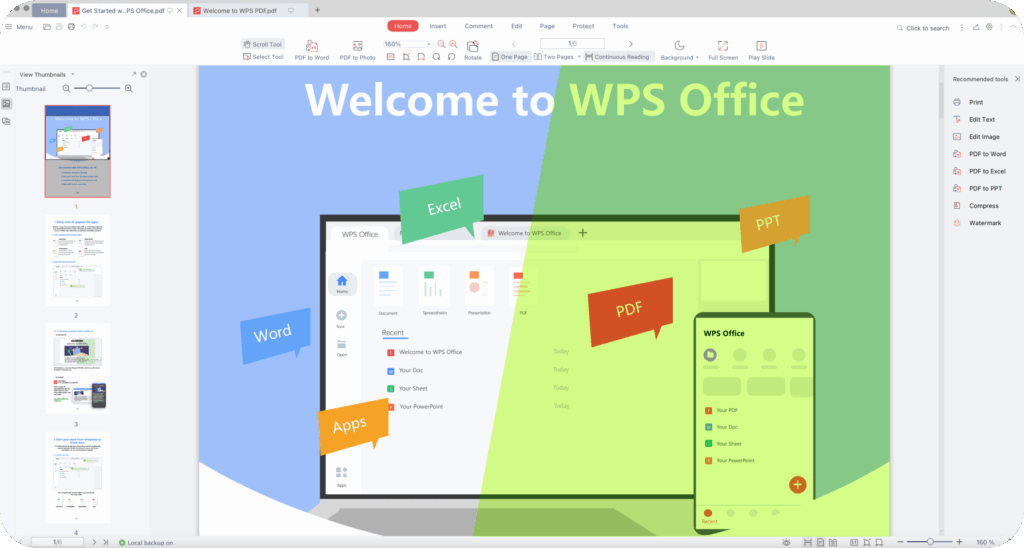
The aesthetic appeal of WPS Office is a major draw. Its performance is also very impressive. Users report fast loading times. The PDF editor is a particularly useful addition. It allows for easy PDF manipulation. This makes it a versatile tool. WPS Office provides a strong user experience. It continues to attract many new users.
Google Workspace: Cloud-Native Collaboration
Google Workspace (formerly G Suite) is a cloud-based solution. It offers Docs, Sheets, and Slides. These applications are entirely web-based. Real-time collaboration is its strongest feature. Multiple users can edit documents simultaneously. This significantly boosts productivity. Google Workspace integrates seamlessly with other Google services. These include Gmail and Drive. A free personal version is available. Business plans offer enhanced features. Learn more about Google Workspace here.
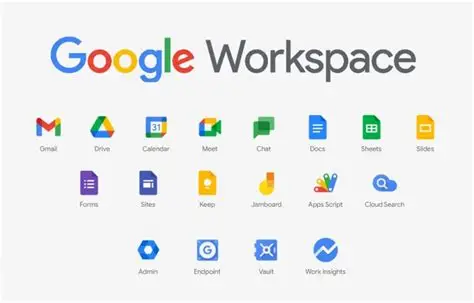
The collaborative power of Google Workspace is unparalleled. It eliminates version control issues. All changes are saved automatically. Access your files from any device. This provides incredible flexibility. Its sharing options are very straightforward. This makes teamwork simple and efficient. Google Workspace is ideal for remote teams.
Microsoft Office Online: The Free Official Experience
Microsoft Office Online provides free web versions. These include Word, Excel, and PowerPoint. It offers a familiar interface. This is a huge advantage for many. Functionality is somewhat limited compared to desktop versions. However, it handles basic tasks very well. It integrates with OneDrive for storage. An internet connection is essential for use. Access it directly through your web browser here.
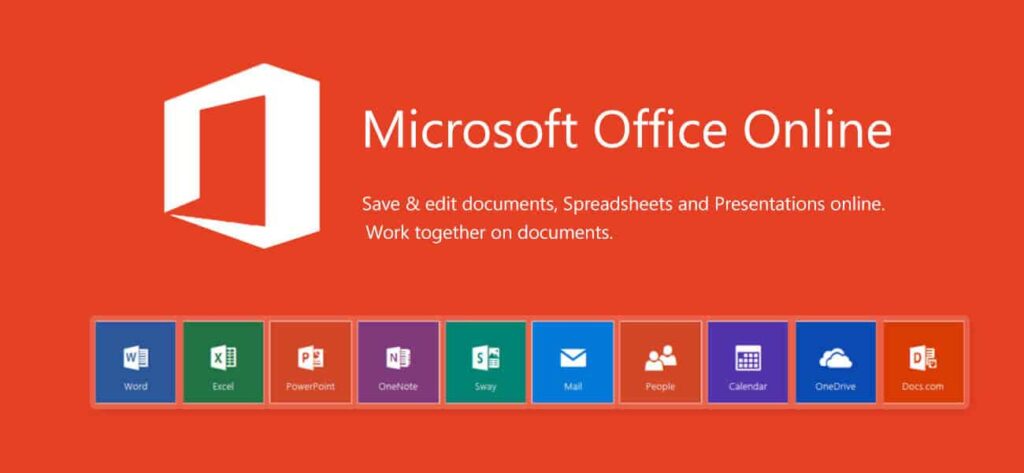
Microsoft Office Online is a convenient choice. It offers the authentic Microsoft experience. For quick edits or simple documents, it excels. Its direct integration with OneDrive is useful. Sharing documents is also straightforward. It serves as a good entry point. Many users find it sufficient for everyday tasks. Consider it for light usage.
Choosing Your Ideal Free Office Suite
Each suite offers distinct advantages. LibreOffice provides desktop power and open-source freedom. WPS Office combines a sleek design with strong features. Google Workspace shines in cloud collaboration. Microsoft Office Online offers familiar tools. Your best choice depends on specific needs. Consider your workflow and priorities. Experiment with each option. This will help you decide.
Consider your operating system. Some suites are platform-independent. Others may have specific system requirements. Evaluate file compatibility needs. Ensure seamless document exchange. Think about collaboration features. Are real-time edits crucial for you? Finally, assess user interface preferences. A comfortable interface boosts productivity.
Final Thoughts on Free Office Suites
The array of free office suites in 2026 is impressive. They offer powerful and reliable alternatives. You no longer need to pay for essential productivity tools. These suites empower users globally. They support diverse workflows. We encourage you to try them out. Share your experiences in the comments below! What is your favorite free office suite?