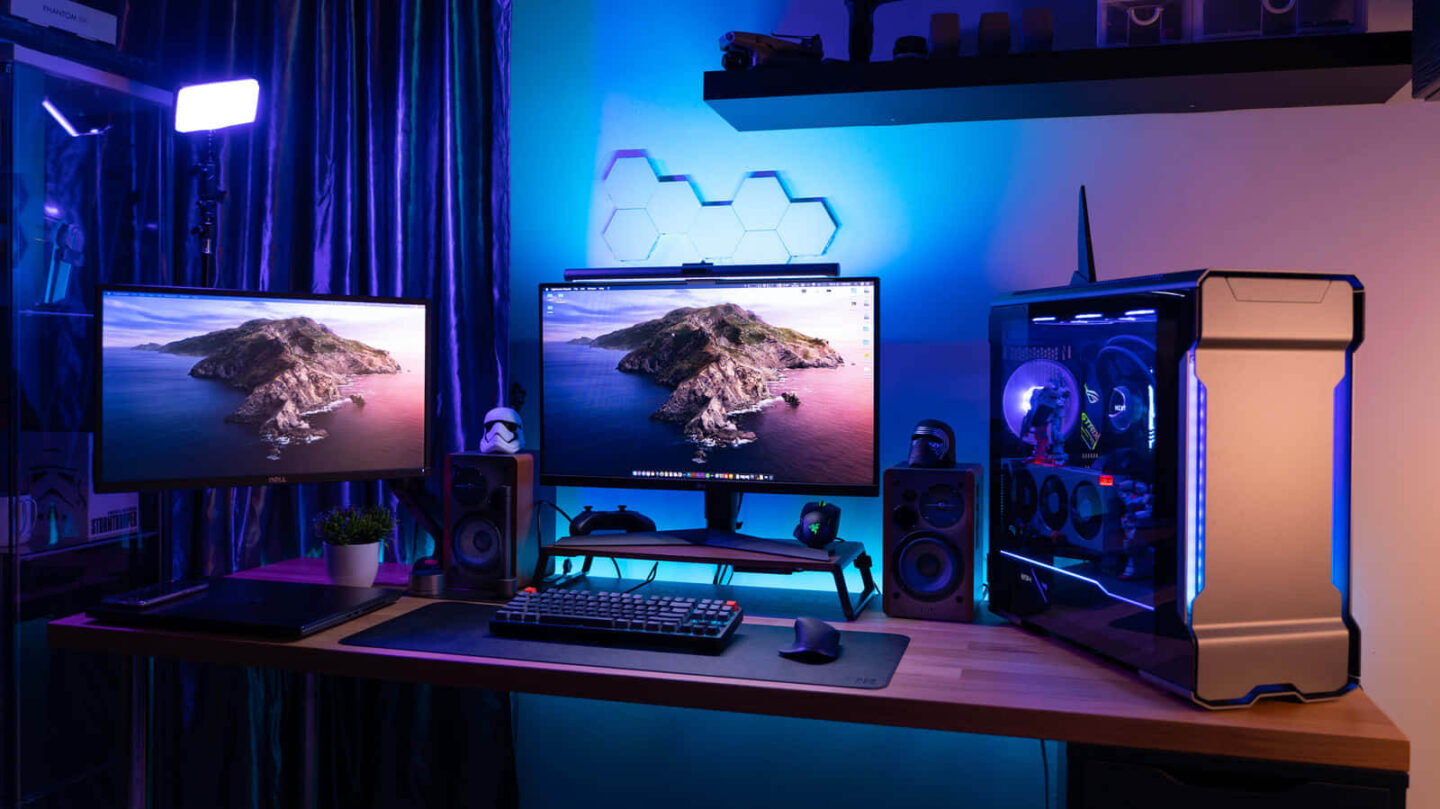
Building a budget gaming PC in 2025 is easier and more exciting than ever before. Thanks to newer hardware options and better performance-to-price ratios, even budget-conscious gamers can enjoy solid frame rates and crisp visuals. Whether you’re upgrading from an old rig or building your first gaming setup, this guide will walk you through what you need—and what to avoid.
In this rapidly evolving tech world, budget gaming PC and best cheap GPU 2025 are popular search phrases. That’s because people want high performance without emptying their wallets. You can build a great gaming PC without compromising too much on frame rates or resolution. Let’s dive into the essentials and steer clear of costly mistakes.
1. Set a Realistic Budget and Stick to It
Planning comes first. Before buying any parts, set a clear budget. Many first-time builders overspend early and regret it later.

A solid budget for 1080p gaming in 2025 is around $600 to $900 USD. This range allows for a capable GPU, a strong processor, and enough RAM. For mid-range builds aiming at 1440p, expect to spend around $1,000.
Tip: Always include room for peripherals like a monitor, keyboard, and mouse. These costs add up quickly. Use resources like PCPartPicker to help track and balance your spending.
2. Choose the Right Graphics Card: Avoid Overhyped Models
Your GPU will affect your performance the most. However, not every card is worth the price in 2025.
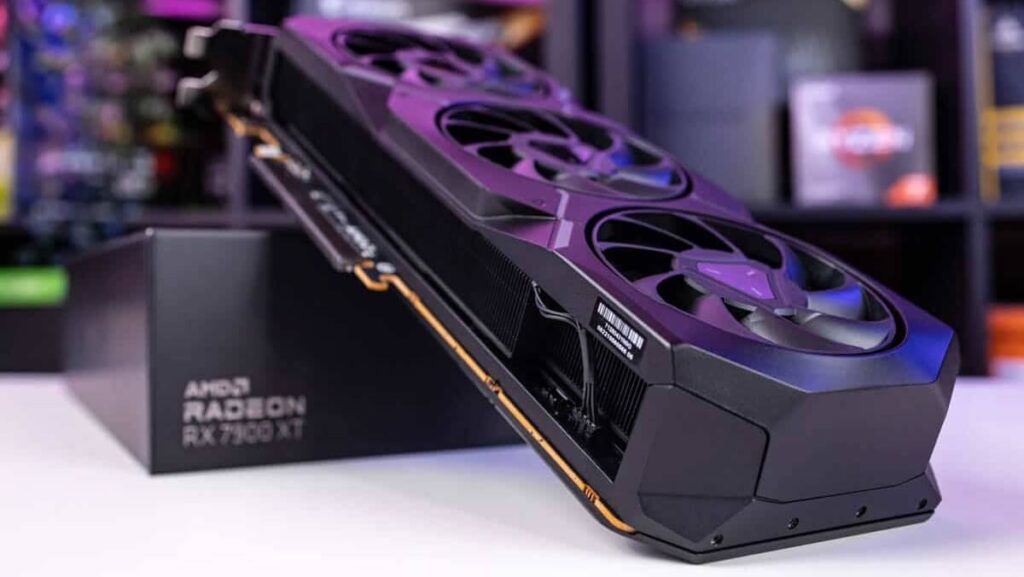
NVIDIA’s RTX 4060 and AMD’s RX 7600 are currently the best value cards under $300. These cards offer great 1080p performance and decent 1440p gaming too. Avoid older models like the GTX 1650 or overpriced used GPUs from 2020.
Check real-world benchmarks on TechPowerUp or Tom’s Hardware before buying. Also, don’t get drawn into marketing hype for ultra-premium cards if you’re sticking to a budget.
3. CPU and Motherboard: Balance Power and Compatibility
Pair your GPU with a capable CPU. For budget builds, AMD Ryzen 5 7600 and Intel Core i5-13400 are top performers under $200.
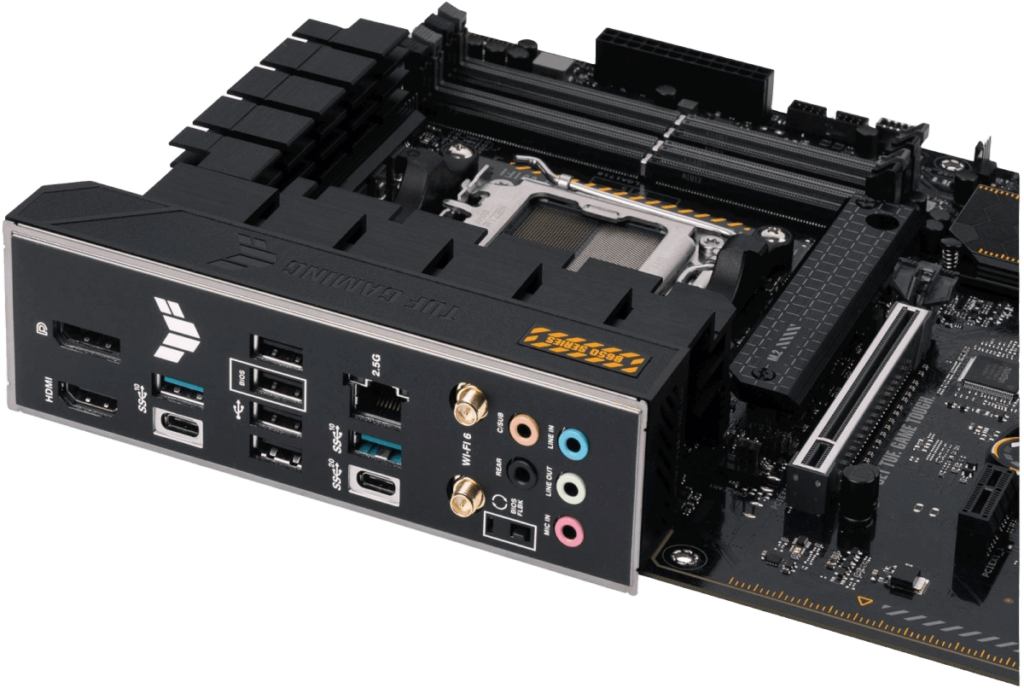
Ensure your motherboard matches your CPU socket and supports features like PCIe 4.0 or 5.0 for future upgrades. Stick with B650 (AMD) or B760 (Intel) chipsets for good value.
Look for user reviews on AnandTech and always compare price vs. performance.
4. RAM and Storage: Don’t Skimp Here
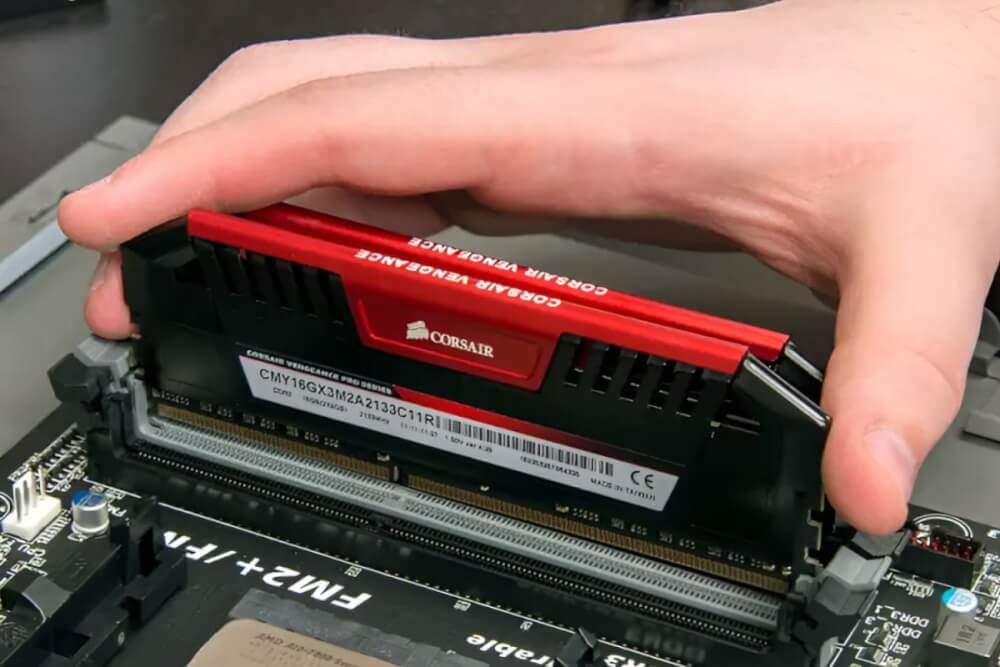
RAM is essential for gaming performance and multitasking. Go with 16GB DDR5 RAM at 5600MHz or higher. Anything less may slow your system down in modern titles.
For storage, combine a 500GB NVMe SSD for your OS and games with a 1TB HDD for media. SSD prices have dropped significantly, so avoid older SATA SSDs or traditional hard drives for boot drives.
Check current deals at Newegg or Amazon.
5. Power Supply and Case: Efficiency and Airflow Matter
Never cut corners on the power supply. Choose a 500W to 650W 80+ Bronze certified PSU from trusted brands like Corsair or EVGA.
Cheap, generic PSUs risk damaging your components. Also, airflow is critical for performance. Select a case with at least two pre-installed fans and mesh front panels.
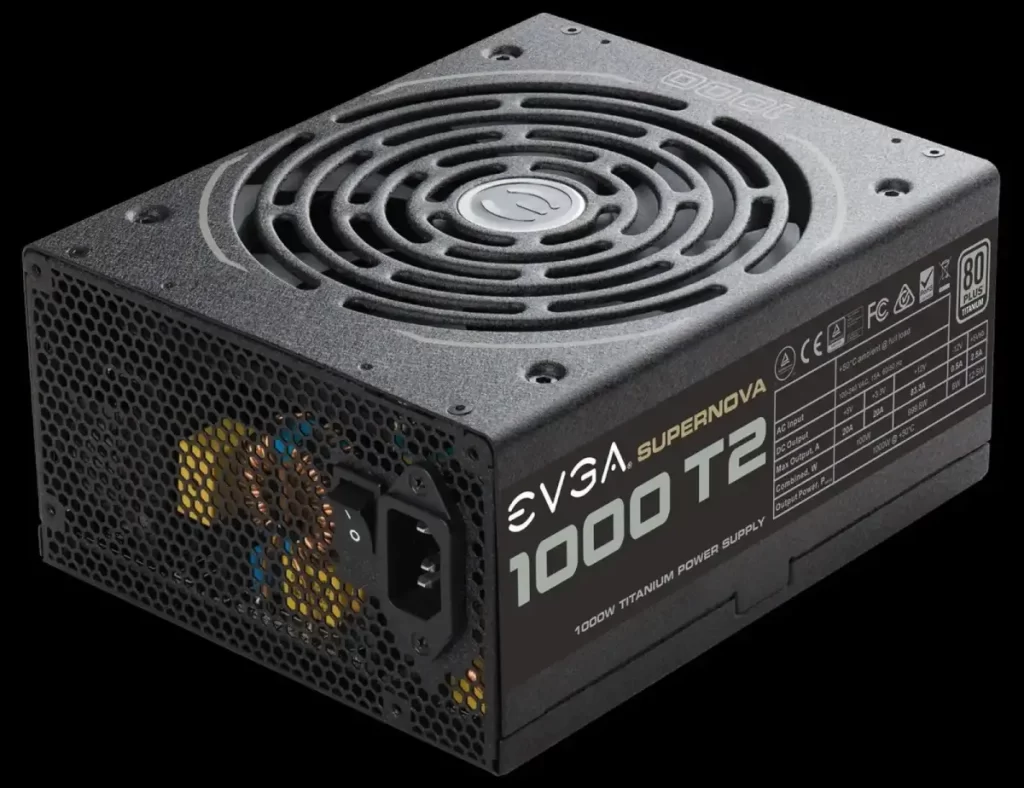
Use modular or semi-modular power supplies to make cable management easier and improve airflow.
6. What to Avoid in 2025: Common Budget PC Pitfalls
Many budget builders make preventable mistakes. Don’t overspend on RGB lighting and ignore cooling. While aesthetics matter, thermal performance is more important.
Avoid buying used or refurbished parts unless you’re certain of the source. These often lack warranties or may be outdated.
Additionally, steer clear of low-resolution monitors or those stuck at 60Hz. A 1080p 144Hz monitor greatly enhances your gaming experience.
7. Final Thoughts: Build Smart, Play Smarter
Building a gaming PC on a budget in 2025 doesn’t mean you must compromise on performance. With careful planning and research, you can assemble a powerful, efficient machine that delivers great gameplay.
Always check user reviews, compare benchmarks, and stick to your budget. A well-balanced PC will outshine a flashy build that lacks core performance. Stay informed, and you’ll avoid regret and enjoy smooth gaming.
Suggested Categories:
Gaming Hardware, PC Builds, Budget Tech, DIY Computers
Suggested Slug:
Meta Description:
Keywords: