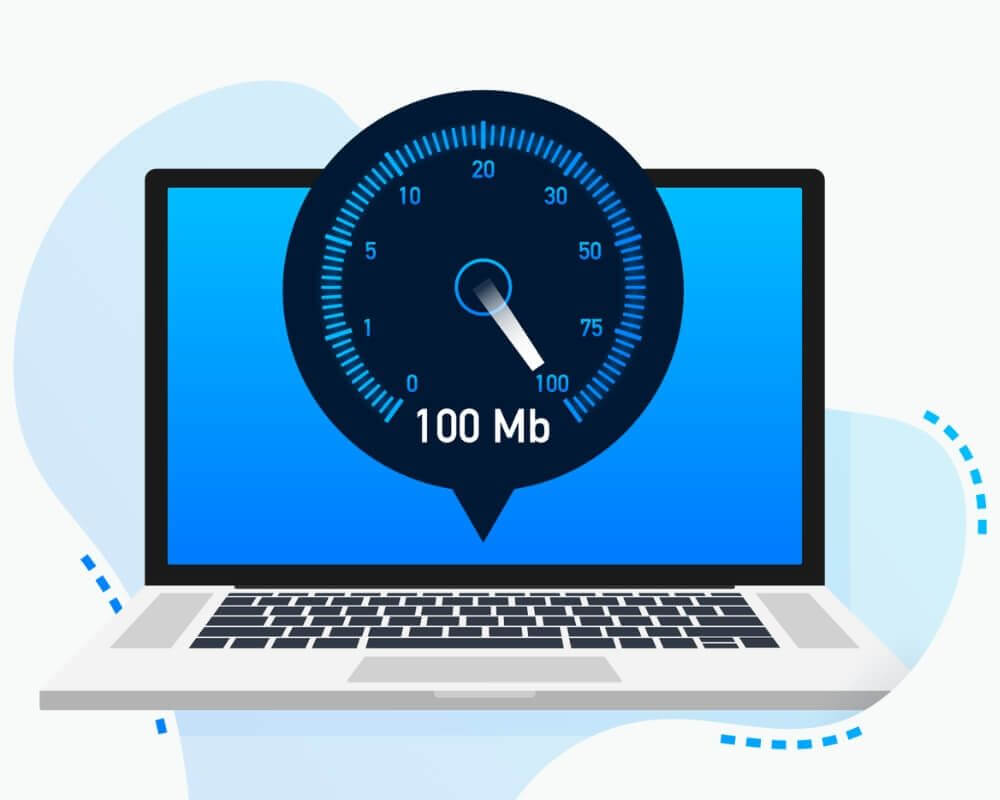
A slow internet connection can ruin your workflow, kill productivity, and frustrate even the calmest person. Whether you’re working remotely or just binge-watching a new show, fast internet is a must.
Thankfully, you don’t need to be a tech genius to improve your connection. These 7 proven fixes will help you boost internet speed right away. Even better, they require no advanced tools or skills. If you’re struggling with slow internet or network lag, this guide is for you.
Let’s dive into simple yet effective ways to speed up your internet and stay connected seamlessly.
1. Restart Your Modem and Router
It might sound basic, but restarting your modem and router can solve many internet issues. Routers can get overloaded or experience memory leaks over time.
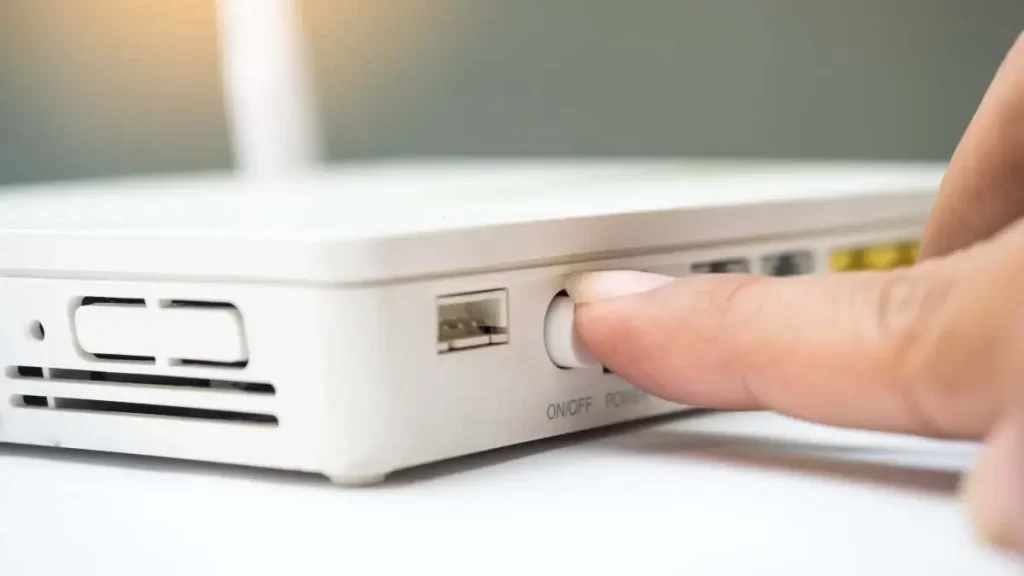
A quick reboot resets your connection and clears the cache. Turn off the modem and router, unplug them for 30 seconds, then plug them back in.
If your internet still lags after a reboot, consider resetting your modem to factory settings. This step often clears deeper connectivity issues. For help, Netgear’s official reboot guide can walk you through the process.
2. Position Your Router for Better Coverage
Placement matters more than you think. Your router should be in a central, open area—not hidden behind furniture or walls.
Avoid placing it near microwaves, cordless phones, or metal objects. These items can interfere with the signal.

The higher you place the router, the better the signal. For multi-floor homes, place it on the upper level to distribute the signal evenly.
You can check optimal positioning tips on TP-Link’s guide to router placement.
3. Use Ethernet Instead of Wi-Fi
Although Wi-Fi is convenient, Ethernet connections are often faster and more reliable. They bypass interference and offer a direct path to your router.
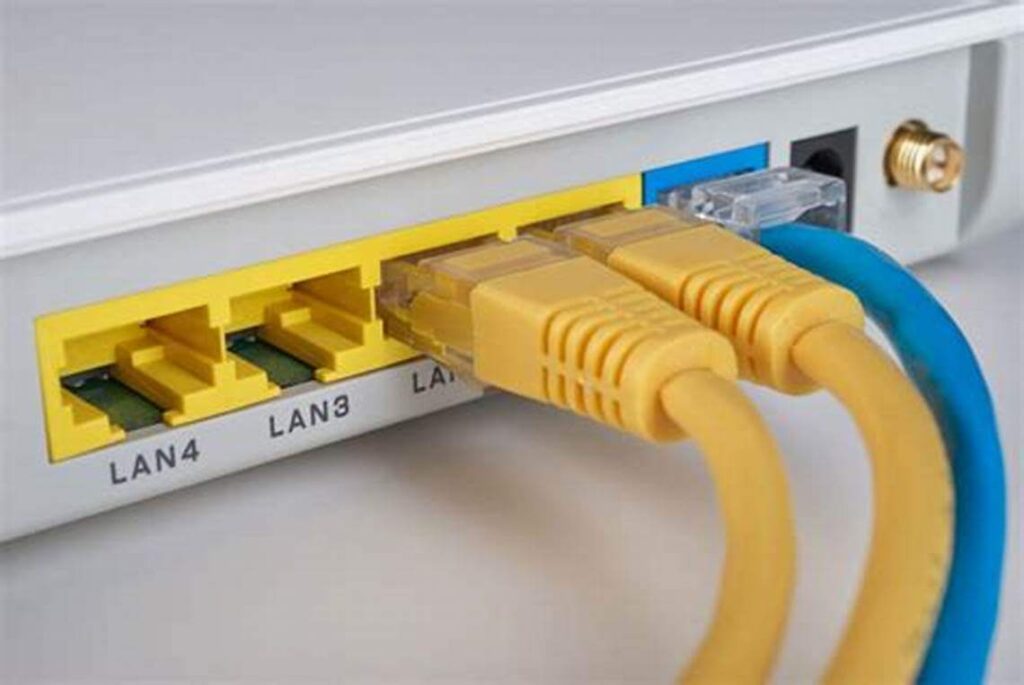
If possible, connect your most important devices (like your desktop or gaming console) via Ethernet.
You’ll notice an immediate increase in speed and stability. Check out this article by How-To Geek to learn why wired beats wireless.
4. Upgrade Your Internet Plan
Sometimes, the issue isn’t your setup—it’s your internet plan. Many users unknowingly exceed their bandwidth limit, which leads to slow speeds.
Check with your Internet Service Provider (ISP) for your plan’s maximum speed. If you’re a heavy streamer or gamer, upgrade to a higher plan.
You can test your current speed using Speedtest by Ookla. Compare it with what your ISP promised.
If your speeds are far below expectations, it’s time to renegotiate or switch providers.
5. Clear Your Browser and Device Cache
Temporary files and stored cookies can slow down your internet experience. Regularly clearing your browser cache improves loading speed significantly.
On Chrome, go to Settings > Privacy > Clear Browsing Data. Choose cached images and cookies.
Additionally, clear your device’s DNS cache. This refreshes the domain lookup system and helps webpages load faster. Here’s a step-by-step DNS guide by Cloudflare.
6. Limit Background Applications and Devices
Multiple devices or background apps consume bandwidth and reduce internet speed. Video calls, auto-updates, or cloud backups often run without notice.
Use Task Manager (Windows) or Activity Monitor (Mac) to see which apps use the internet most. Disable or pause unnecessary ones.
Also, disconnect idle devices from your network. This frees up bandwidth for your primary device and boosts performance.
Learn to control bandwidth usage effectively with this detailed guide from Lifewire.
7. Install a Quality Wi-Fi Extender
If some areas in your home have weak signals, a Wi-Fi extender can help. These devices strengthen and spread the signal over larger areas.
Choose extenders compatible with your router’s speed and standard. Some modern models even use mesh technology for seamless connectivity.
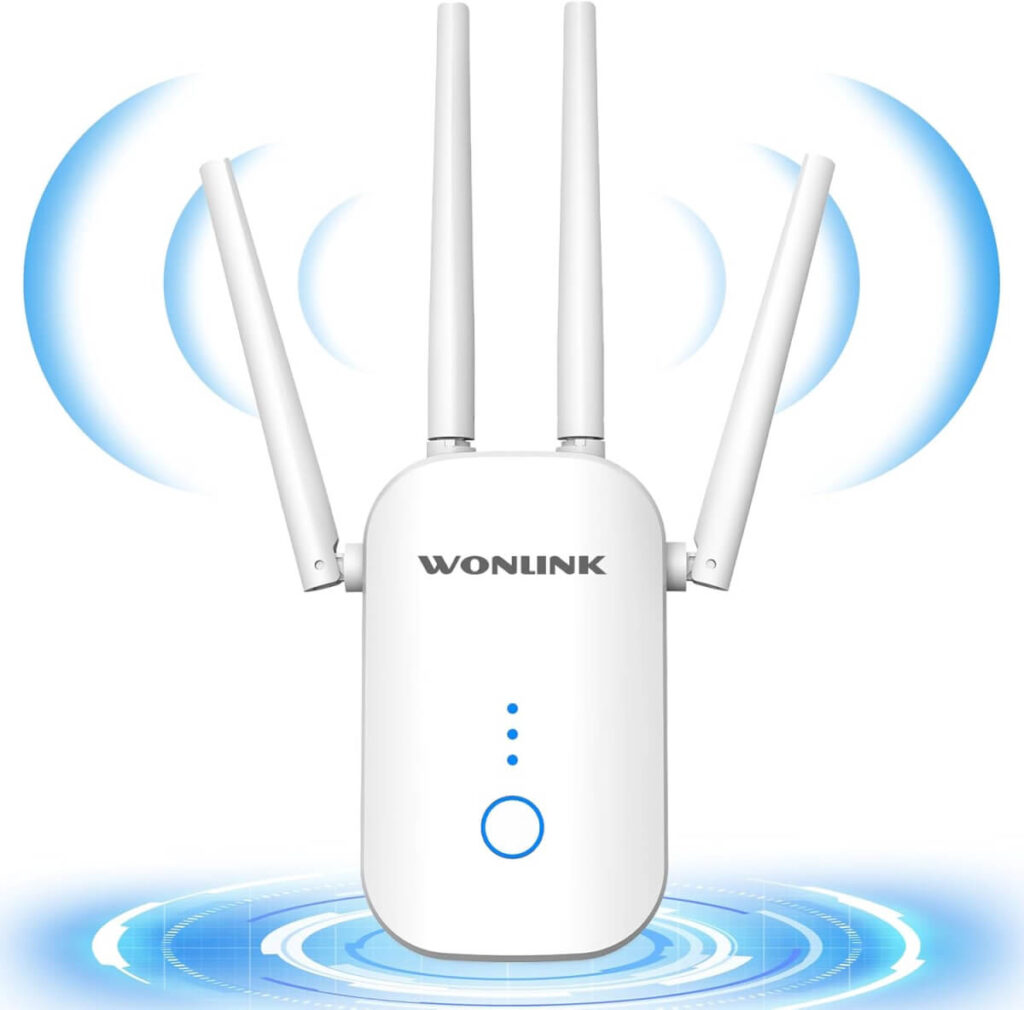
Set up your extender halfway between your router and the dead zone. This ensures it gets enough signal to repeat.
PCMag’s Wi-Fi extender reviews can help you choose the best model for your needs.
Conclusion
Improving your internet speed doesn’t have to be complicated. These 7 quick fixes are easy, effective, and proven to work. From restarting your router to upgrading your plan, each step brings you closer to seamless connectivity.
So, don’t suffer from slow speeds any longer. Apply these solutions today and enjoy the fast, stable internet you deserve.