In today’s digital workplace, finding the perfect project management app is more important than ever. Teams are often remote, cross-functional, and fast-moving. As a result, collaboration and task tracking must be seamless. Choosing the right tool can help you hit deadlines, improve communication, and boost productivity.

Because there are so many apps available, it’s easy to feel overwhelmed. The best way to start is to understand your team’s needs. Do you need time tracking? File sharing? Real-time chat? You should also compare features, usability, and cost. Whether you’re a small team or a growing enterprise, this guide will help you make the right choice. We’ll look at leading options, weigh the pros and cons, and match tools to team types.
1. Understand Your Team’s Workflow and Needs
Before exploring tools, analyze how your team currently works. Do they follow Agile, Scrum, or Kanban?
Perhaps they manage projects with spreadsheets or email chains. Either way, understanding your baseline workflow matters.
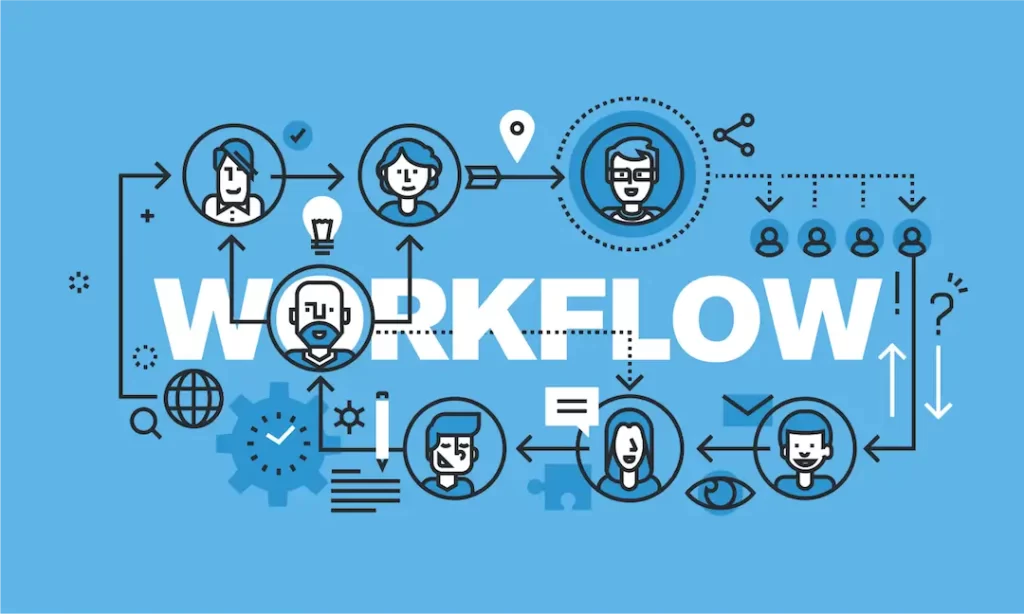
Next, identify pain points. For example, do tasks get lost in chats or updates missed in emails? Choose a tool that solves these problems. Additionally, consider whether your team needs integrations with Google Workspace, Slack, or CRM software.
2. Evaluate User Interface and Ease of Use
A user-friendly interface ensures higher adoption rates. If the app feels clunky, your team won’t use it.
Look for clean design, quick navigation, and intuitive dashboards. Popular apps like Trello, ClickUp, and Asana score high in usability.

Moreover, make sure the learning curve is short. Although training is sometimes needed, the basics should be easy to grasp. Simplicity boosts productivity and saves time on onboarding.
3. Compare Features Based on Team Size and Project Scope
Smaller teams may prefer visual tools like Notion or Trello. These focus on task boards and flexibility.
Larger teams may need robust solutions like Monday.com or Jira that support multiple users and complex workflows.
Key features to consider:
- Task assignments and due dates
- File storage and sharing
- Time tracking
- Calendar sync
- Mobile access
- Reporting tools
Keep in mind that more features often come with a higher price. So match tools to needs, not just trends.
4. Look for Seamless Integration with Existing Tools
Integration plays a major role in choosing the right app. Your team likely uses several tools already.
Apps that sync with tools like Zoom, Google Drive, or GitHub reduce context switching. They also automate routine tasks.
For instance, ClickUp integrates with over 1,000 tools including Slack and Outlook. This saves time and reduces data silos. Choose platforms that allow custom workflows, so you can automate repetitive tasks and alerts.
5. Consider Cost and Scalability
Budget matters. Free plans work well for small teams, but they come with limits.
As your team grows, you may need premium features like advanced reporting or user permissions.
Compare pricing models. Some apps charge per user, while others offer flat rates. Jira is cost-effective for tech teams, but ClickUp offers more features in its free tier.
Look at long-term scalability. Can the platform grow with your team and projects?
6. Assess Customer Support and Community Resources
Reliable customer support can save hours of frustration. Look for tools with live chat, email support, and comprehensive help centers. Check community forums and YouTube tutorials for user-generated content.

ClickUp, for example, has a strong community and training academy. Asana offers step-by-step guides and live webinars. Choose tools that offer onboarding help and responsive support to ensure smooth implementation.
7. Read Reviews and Run Trial Tests Before Committing
Never skip this step. Online reviews reveal real user experiences, highlighting both strengths and weaknesses. Sites like G2 and Capterra offer unbiased comparisons and feature breakdowns.
Also, most project management tools offer free trials. Use these to explore core features and test collaboration functions. Gather feedback from your team during this period to ensure alignment with their needs and preferences.
Conclusion
Choosing the perfect project management app isn’t just about features or price. It’s about finding a tool that supports your team’s unique workflow. Focus on usability, integration, cost, and scalability. Most importantly, involve your team in the selection process to ensure full adoption.
The right tool will reduce miscommunication, enhance productivity, and align your projects toward success. With the right match, your team will collaborate more effectively and grow with confidence.