The digital landscape changes rapidly every single year. You must choose between Microsoft 365 and traditional software models. This choice impacts your daily Productivity software needs significantly. Furthermore, selecting the right model saves you or your organization time and money. You often face confusion regarding these two distinct paths. Therefore, this guide clarifies your options and helps you decide.
Most professionals value stability in their digital tools. Others prefer the latest features delivered through the cloud. You likely fall into one of these two camps. Consequently, understanding the differences becomes crucial for your success. This comprehensive analysis evaluates both paths in detail. We explore features, costs, and long-term value for every user.
The Dynamics of an Office suite subscription
Microsoft 365 represents the modern standard for professional work. You pay a recurring fee for constant access. Furthermore, you receive continuous updates for all applications. This model ensures you always use the latest tools available. Consequently, you avoid the hassle of manual upgrades every few years.
Many businesses rely on this model for growth. It offers scalable plans for teams of any size. Visit the Microsoft 365 Official Site to review current pricing. In addition, you gain access to premium services. These services include advanced security and sophisticated AI tools. Thus, your team maintains a competitive edge easily.
Pro-Tip: Enable auto-renew for your subscription to prevent service interruptions. This keeps your workflow smooth and uninterrupted throughout the year.
The Value of Cloud storage benefits
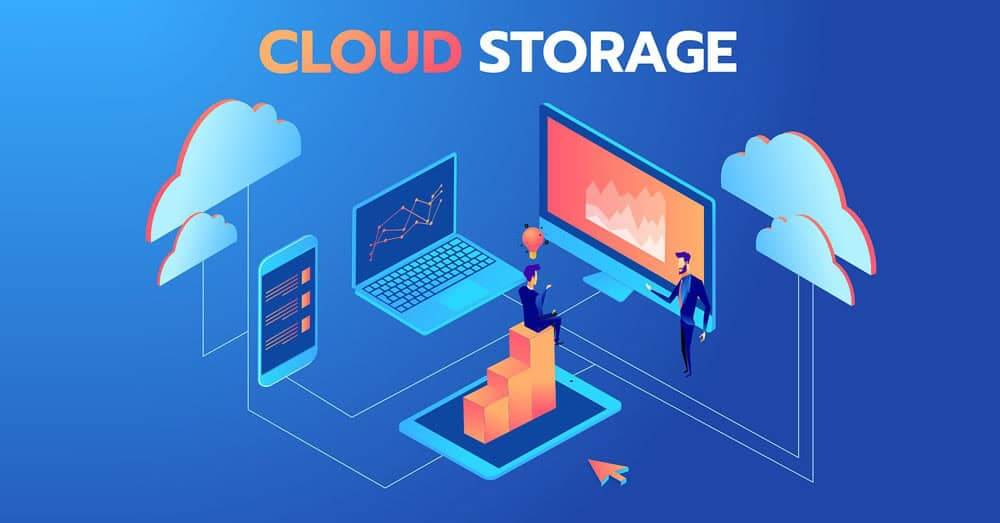
One major advantage involves Cloud storage benefits for your files. You receive 1TB of space with standard plans. Furthermore, OneDrive syncs your data across all devices automatically. You can start a document on your desktop. Then, you finish it on your mobile device effortlessly.
This connectivity transforms your daily operations significantly. You no longer worry about local file backups or hardware failure. Consequently, your data remains safe in the cloud. Learn more about OneDrive integration to protect your work effectively. You also collaborate with others in real-time. Thus, teams edit files simultaneously without version conflicts.
Warning: If you stop your subscription payments, you lose access to the premium cloud storage. Always back up critical data locally before cancelling services.
Understanding the Lifetime software license
Conversely, a Lifetime software license appeals to specific user groups. You pay once for the software permanently. However, you do not receive major version upgrades later. You own that specific version of the software forever. Therefore, this model provides budget predictability for small organizations.
Many users prefer this static environment for stability. You avoid the constant changes associated with cloud-based apps. Furthermore, you do not require an active internet connection to function. This helps users in regions with unreliable connectivity. Check the latest Office 2024 product page to see current features. You simply install the software and work offline.
Pro-Tip: Use the perpetual version for static, long-term archiving tasks. It remains functional without future subscription fees.
The Role of Office 2024 (One-Time Purchase)
The Office 2024 (One-Time Purchase) model serves a distinct purpose today. It includes the classic versions of Word, Excel, and PowerPoint. However, it excludes many cloud-based services found in M365. You gain full ownership of the base software applications. Consequently, you avoid recurring monthly costs for these specific tools.
Many students and home users select this route for simplicity. You pay your bill once and forget about it. Nevertheless, you miss out on modern security patches often. Read about the version differences here for further details. You must weigh the lack of updates against the initial savings.
Warning: Security threats evolve constantly in the digital world. A one-time purchase version eventually lacks the protections against modern exploits.
Mastering Business document management
Effective Business document management demands high agility in the current market. Microsoft 365 provides that flexibility for your operations. Teams share files via SharePoint or Teams seamlessly. Therefore, growing companies often choose subscriptions. They prioritize collaboration over static file storage solutions. Compare the best office suites to understand the market trends.
Meanwhile, small offices might prefer a fixed cost structure. You should evaluate your specific storage needs carefully. Ultimately, your choice impacts your future workflow efficiency. You must balance the upfront cost against potential long-term gains. Furthermore, assess if your team requires mobile access daily. Most modern businesses rely on mobile productivity tools.
Economic Analysis: Subscription vs. Perpetual
You must analyze the total cost of ownership carefully. Subscriptions require ongoing cash flow from your budget. However, they include upgrades that add value over time. You receive new AI-powered features frequently. Therefore, the value increases as the software improves.
On the other hand, the one-time purchase looks cheaper initially. You save cash during the first year of operation. Nevertheless, you pay full price again for new versions. This creates an unpredictable cycle of capital expenditure. Consequently, you must budget for future software renewals. See an independent cost comparison to visualize these long-term trends.
Pro-Tip: Calculate your total cost over five years. Often, the subscription model aligns better with modern business expenses.
Collaboration and the Modern Workplace
Modern work requires instant communication between team members. Microsoft 365 integrates Teams directly into your suite. Consequently, you chat, call, and edit files in one window. This integration drives significant efficiency for remote teams. You waste less time switching between different applications.

Contrast this with the one-time purchase model. You rely on email attachments for sharing files. This process creates multiple versions of the same document. Therefore, you struggle to identify the “final” version later. You lose valuable time reconciling these changes manually. Thus, subscriptions foster a more cohesive work environment.
Deployment and IT Management
IT administrators prefer the management capabilities of subscriptions. You deploy and update software across an organization easily. Furthermore, you manage licenses from a central dashboard. You add or remove users as your team grows. Consequently, you maintain control over your software assets.
Managing perpetual licenses creates significant administrative overhead. You track product keys for every single machine. Furthermore, you handle individual installations manually. This process consumes your valuable IT resources over time. Therefore, organizations scale much faster with cloud-managed subscriptions.
Warning: Keep an accurate inventory of your product keys. Losing them results in the total loss of your software investment.
Choosing for Your Unique Situation
Your decision depends entirely on your specific goals. Do you require constant access to cloud-based collaboration tools? Then, you should select the subscription model. You benefit from real-time updates and seamless storage. Furthermore, you support your team with the latest technology.
Do you work independently in a stable, offline environment? Then, a one-time purchase might suit your needs perfectly. You save money and avoid the dependency on cloud services. Furthermore, you appreciate the simplicity of a static toolset. Assess your workflow carefully before making the final commitment.
Integrating AI into Your Workflow
Microsoft 365 now includes advanced AI capabilities. These tools suggest edits, format documents, and analyze data. Consequently, you work faster and smarter every day. You cannot access these modern tools with older, perpetual versions. Therefore, subscriptions provide access to future-proof technology.
Imagine writing reports with AI assistance automatically. You generate insights from data tables in seconds. This capability alone justifies the subscription cost for many users. You remain at the forefront of productivity technology. Thus, you gain a massive advantage over competitors using static tools.
Final Thoughts and Recommendations
Choosing the right suite defines your digital success. You must weigh the features against your current budget. Many users find the subscription model offers more value. It provides peace of mind through constant updates. Furthermore, it supports the mobile nature of modern work.
However, the one-time purchase retains its place for specific users. It offers a simple, cost-effective solution for static needs. You own your software and control your environment. Ultimately, you decide which path aligns with your vision.
Do you prefer constant updates or one-time costs for your software? Please share your thoughts in the comments section below! Furthermore, share this article with colleagues who face the same difficult software decision.