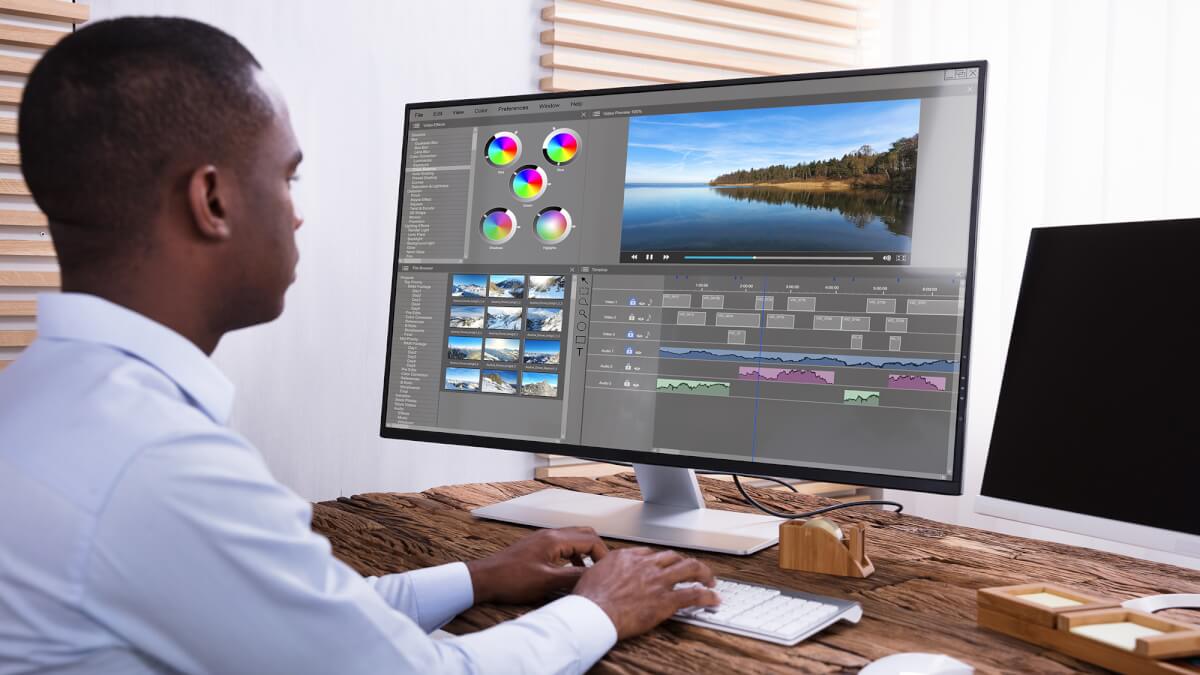
Are you a content creator looking for the best free video editing software without watermarks in 2025? You’re not alone. As demand for video content rises, creators are searching for powerful, free video editors that don’t compromise quality or branding. Fortunately, the software market has evolved to offer excellent free tools that are feature-rich and watermark-free.
Whether you’re editing vlogs, tutorials, short films, or reels, you need a clean export. That’s why this guide covers the most impressive free video editors that let you publish professional-grade videos—without watermarks—on platforms like YouTube, TikTok, and Instagram.
Let’s explore your top options in 2025.
1. DaVinci Resolve – Best for Advanced Users and Color Grading
DaVinci Resolve continues to dominate the editing scene. It combines professional video editing, color correction, visual effects, and audio post-production in one tool. You get access to advanced features like Fusion (VFX) and Fairlight (audio) without paying a dime.
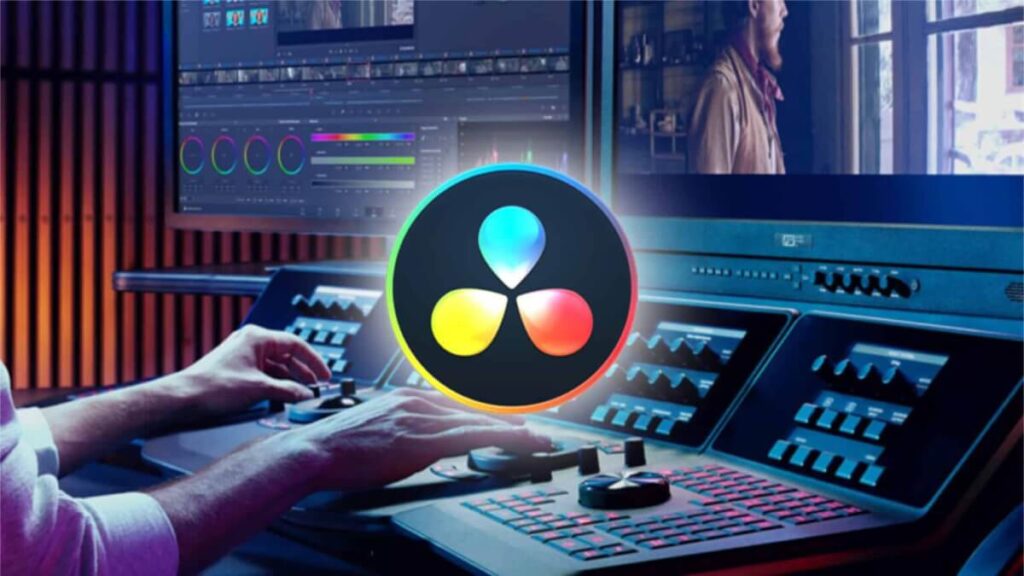
What makes it stand out is the Hollywood-level color grading. Many indie filmmakers prefer it over paid alternatives. Even better, the free version includes 4K rendering and has no watermark. If you’re working on serious projects or plan to scale your content quality, DaVinci Resolve is your go-to.
Download it here.
2. CapCut – Best for Mobile and TikTok Creators
CapCut is a favorite among mobile users and TikTok creators. Owned by ByteDance, it integrates seamlessly with TikTok and other short-form video platforms. With a user-friendly interface and built-in music library, it simplifies mobile editing.
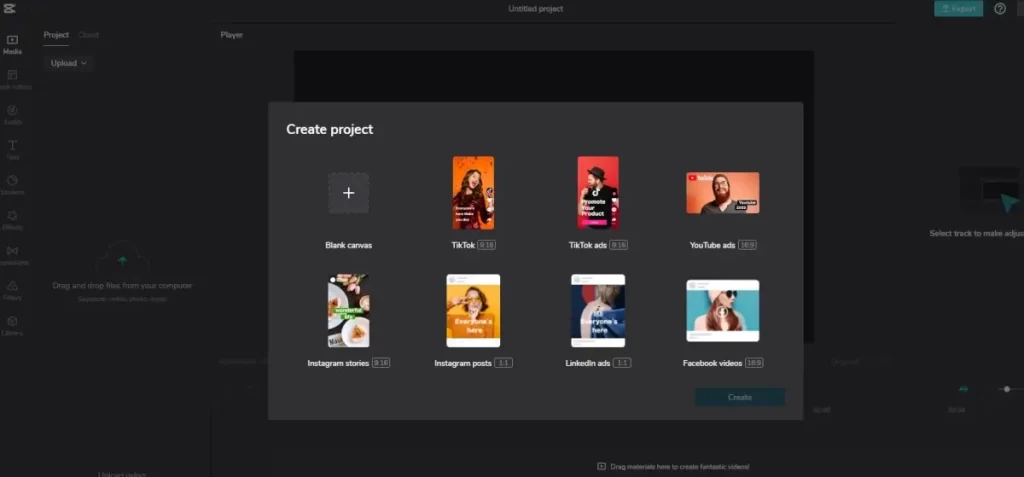
You can also edit in CapCut on desktop, and all versions are free and watermark-free. It offers auto-captions, transitions, templates, and green screen effects. Additionally, CapCut supports high-definition exports, which is rare for a mobile app.
Try CapCut here.
3. Clipchamp – Best Browser-Based Editor (Now Backed by Microsoft)
Clipchamp is a cloud-based video editor that doesn’t require installation. After being acquired by Microsoft, it became more robust and tightly integrated with Windows 11. It’s ideal for beginners and casual users who want to edit without downloading heavy software.
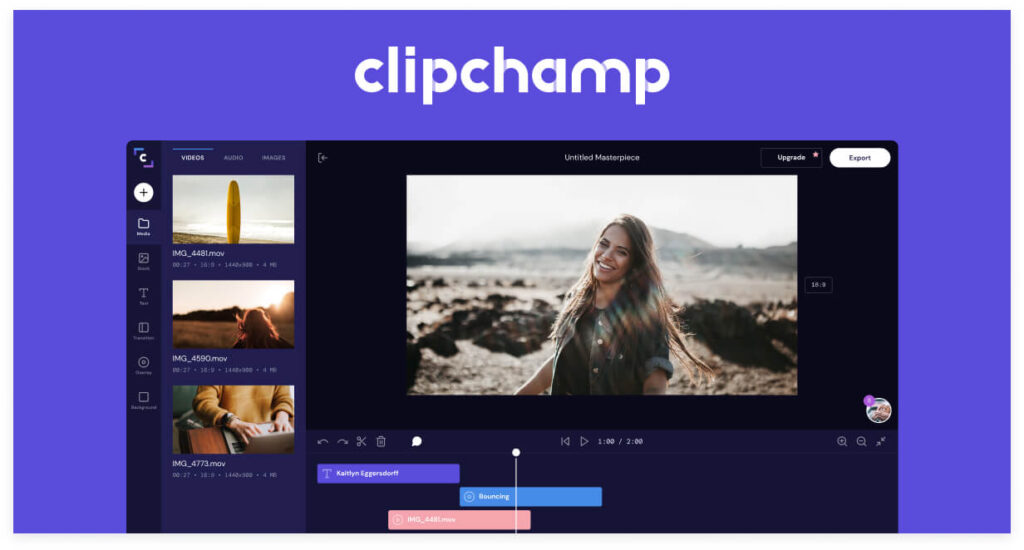
It features timeline editing, stock footage, transitions, and even screen recording. More importantly, the free plan lets you export videos without any watermark, which is perfect for YouTubers or online instructors. If you’re on Windows, it might already be pre-installed.
Use Clipchamp online here.
4. Shotcut – Best Open-Source Editor for Full Control
Shotcut is an open-source video editing tool for creators who want full creative control. It’s completely free with zero limitations or watermarks. Shotcut supports a broad range of formats, 4K editing, and hardware acceleration for smoother performance.
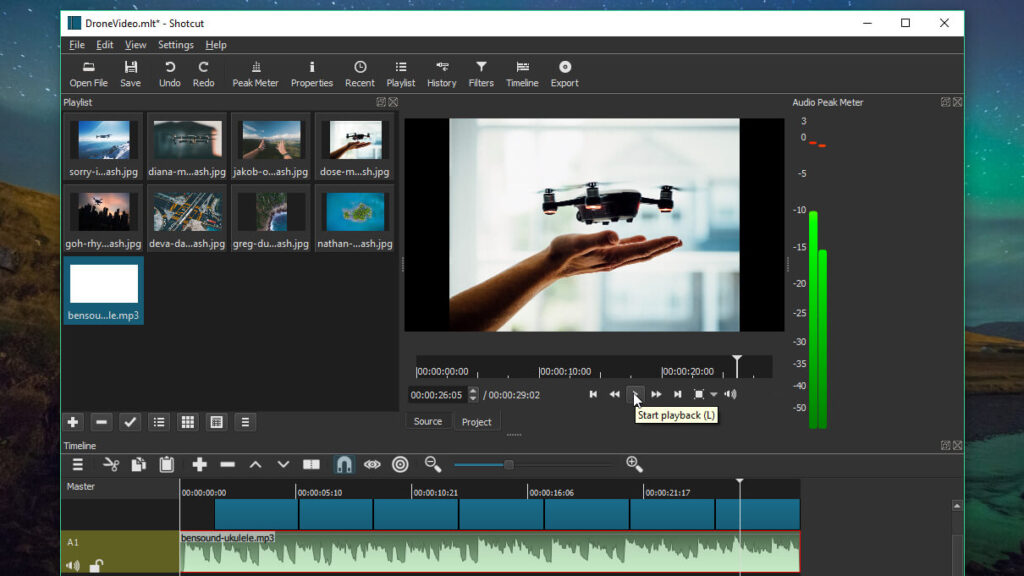
While the interface may look basic, Shotcut provides pro features like chroma keying, keyframe animations, and audio filters. It’s cross-platform and updated regularly by a passionate community. That means you’re not tied to subscriptions or licenses.
Download Shotcut here.
5. HitFilm Free – Best for YouTube and Effects-Heavy Videos
HitFilm Free, developed by Artlist, is designed for content creators who love cinematic effects. It includes hundreds of free presets for text, transitions, explosions, and color effects. If you’re a YouTuber, gamer, or filmmaker, this one’s a treat.
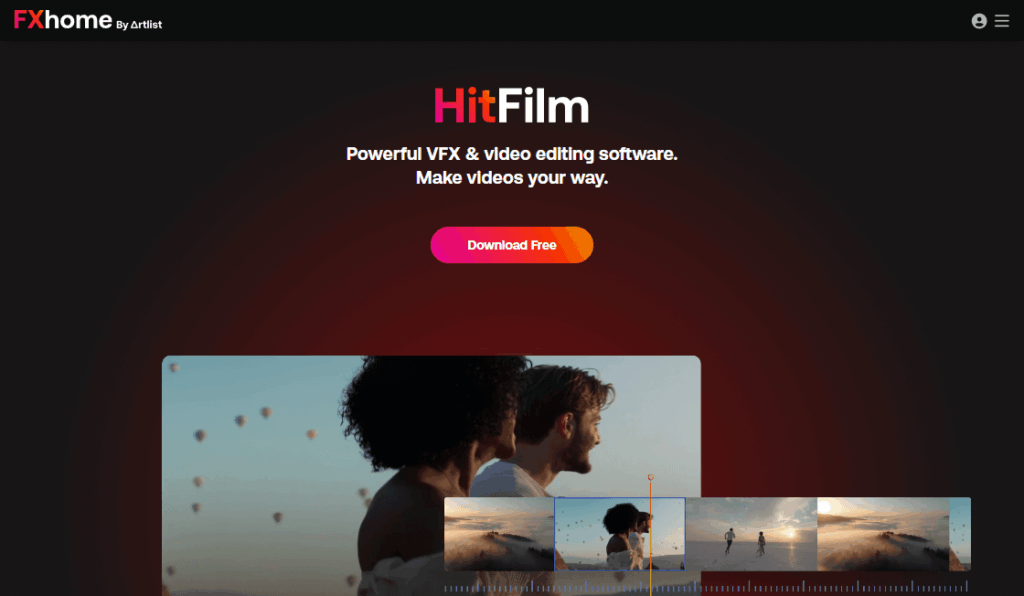
Although the pro version offers more features, the free version is generous. You can export watermark-free videos in HD. It also includes 2D/3D compositing and motion tracking. However, it might require a slightly powerful machine.
Get HitFilm here.
6. OpenShot – Best for Beginners Learning the Basics
OpenShot is a simple yet effective tool for beginners. It features a drag-and-drop interface, supports unlimited layers, and provides basic video transitions. What stands out is its commitment to simplicity without sacrificing key tools like titles, effects, and slow motion.
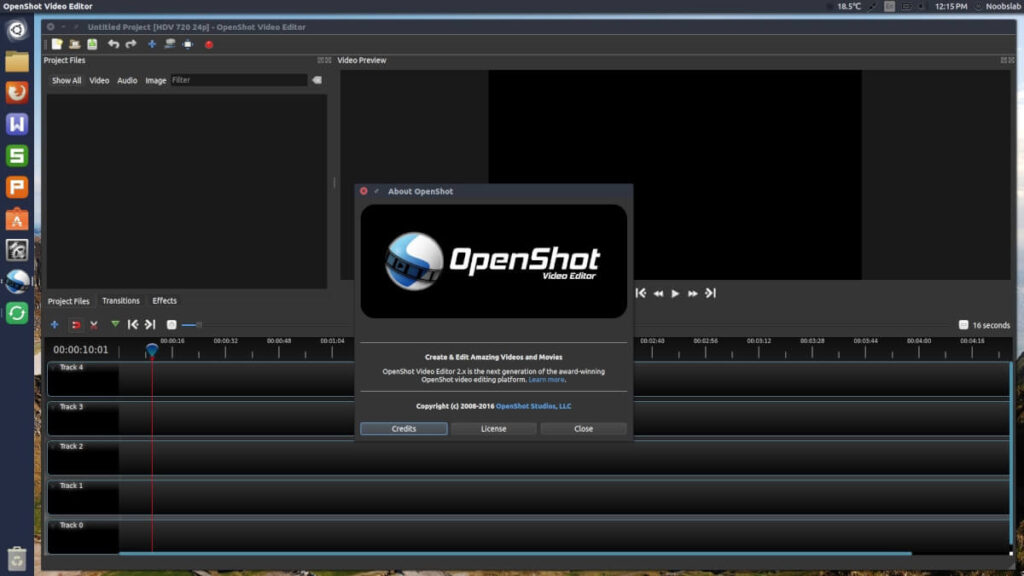
It’s open-source and available across major platforms. More importantly, it exports in HD without watermarks. If you’re just starting or want your kids to learn video editing, OpenShot is a great starting point.
Download OpenShot here.
7. VSDC Free Video Editor – Best for Windows PC Users
VSDC is a hidden gem among free editors for Windows. It’s packed with powerful tools like motion tracking, video stabilization, and masking. Despite being free, it lets you export watermark-free videos in Full HD and even 4K.
VSDC’s interface is non-linear, which allows greater flexibility when editing. You can add effects, blend modes, and animations with ease. While it’s not available on macOS or Linux, Windows users can make the most of this lightweight editor.
Grab VSDC here.
Final Thoughts
In 2025, creators no longer need to choose between quality and affordability. These video editors prove you can achieve professional results without spending a cent—and most importantly, without unwanted watermarks.
No matter your platform or editing skill level, you’ll find the perfect software that aligns with your creative vision. Try a few and see which one best matches your workflow and style.