Posts in Enterprise IT

How to Disable Windows 11 Recall AI Snapshots
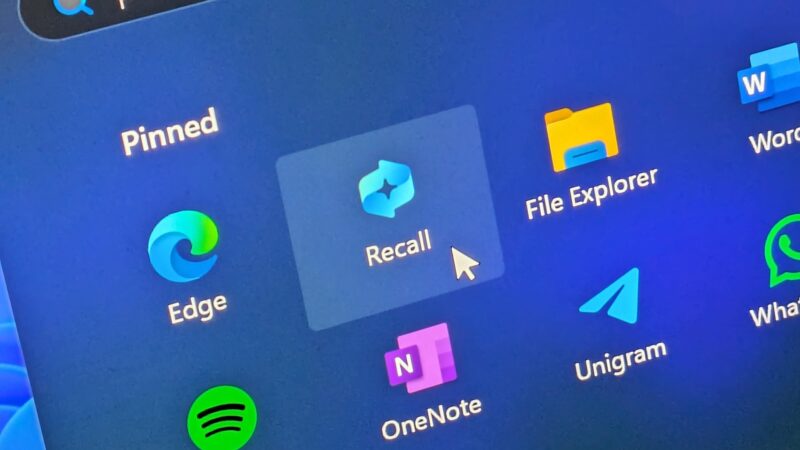
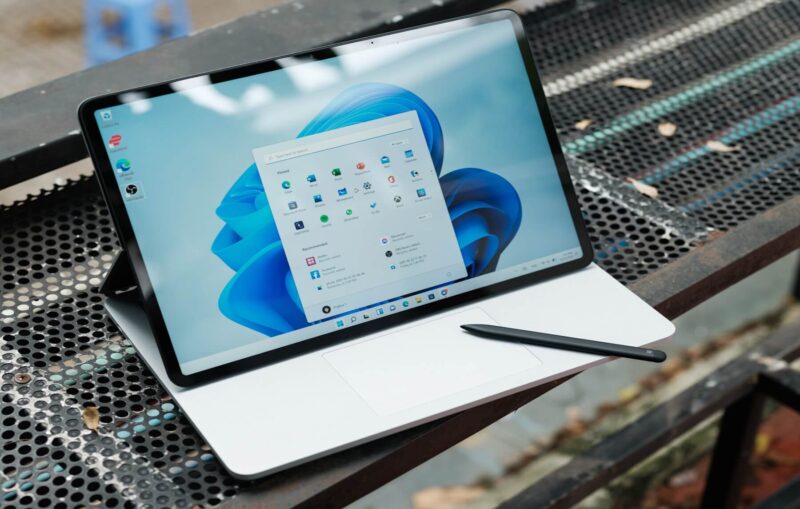
Microsoft recently introduced Windows 11 Recall AI to enhance search capabilities across Copilot+ PCs. However, this feature continuously captures screenshots and creates a comprehensive digital timeline of your desktop activity. Consequently, many users want to disable Windows 11 Recall to safeguard sensitive personal data and business documents. In fact, storing unencrypted or local activity logs raises serious security concerns among enterprise IT administrators. Fortunately, you can take total control over your device privacy today. Specifically, Microsoft offers several methods to pause, sandbox, or completely erase these background AI tracking systems…. Read More

Windows 11 Adds Native Post-Quantum Security APIs

Quantum computing promises incredible breakthroughs for medicine and artificial intelligence. However, it also poses a massive threat to modern digital security. Adversaries can eventually break standard public-key algorithms like RSA and ECC using quantum power. To counter this, Microsoft introduced native post-quantum security APIs into Windows 11. This update enables developers and IT leaders to start building quantum-safe cryptography right into enterprise applications today. The threat is not decades away. Cybercriminals currently intercept and store encrypted enterprise data in large-scale storage hubs. This strategy is known as a “Harvest Now,… Read More

SharePoint File Archiving: How to Cut Storage Costs

The High Cost of Cold Data Organizations generate immense volumes of digital documents every working day. Consequently, IT administrators face expanding SharePoint storage costs across their enterprise environments. Active cloud storage provides incredible speed and collaboration capabilities for modern teams. However, keeping legacy documents in active storage tiers wastes significant operating budget. In response, Microsoft introduced granular SharePoint file archiving within the Microsoft 365 Archive platform. Previously, IT teams could only archive complete SharePoint site collections. Now, admins can target specific cold files within active team sites. Therefore, companies retain… Read More

Gartner 2026 Report: Enterprise Spending on Domain-Specific AI Models Surges 210% as CFOs Audit Cloud Costs

Enterprise artificial intelligence strategy is undergoing a massive structural transformation in 2026. For two years, corporate technology budgets flowed heavily toward massive, general-purpose foundation models. Today, however, enterprise technology decision-makers are pivoting toward specialized architecture. Recent research from Gartner’s AI Spending Forecast highlights a dramatic shift in capital allocation. Chief Financial Officers are aggressively auditing cloud bills and demanding predictable returns on investment. Consequently, enterprise spending on domain-specific AI models is skyrocketing across global markets. This comprehensive technical analysis explores why organizations are abandoning bloated general-purpose models. Furthermore, we examine… Read More

How to Configure Windows 11 “Quick Machine Recovery” (QMR) for Remote System Repair

System administrators remember catastrophic boot outages with intense frustration. For example, flawed kernel driver updates can instantly paralyze thousands of endpoint devices. Consequently, IT teams must manually physically touch each broken workstation. That manual recovery process burns hundreds of expensive engineering hours. Microsoft addresses this massive operational vulnerability with Windows 11 Quick Machine Recovery. This groundbreaking system provides reliable QMR remote system repair capabilities directly over your network. Furthermore, system resilience has become a top operational priority for modern remote workforces. When a remote laptop crashes in another country, shipping… Read More

Microsoft Bundles Defender for Office 365 and Intune P2 into Core M365 Tiers: What It Means for IT Budgets

Managing enterprise cloud subscriptions often feels like a constant game of moving target costs. Recently, major M365 licensing updates altered how organizations structure their modern digital workplace. Microsoft is now bundling Microsoft Defender for Office 365 Plan 1 alongside Intune Plan 2 into core commercial subscriptions. Specifically, plans like Microsoft 365 E3 receive these built-in security and management tools at no extra standalone cost. Historically, sysadmins had to purchase separate add-on licenses to gain advanced phishing protection and advanced device capabilities. Consequently, IT leaders can now eliminate overlapping third-party software… Read More

Recover Files from Purview DLP Quarantine in SharePoint

Data security remains a top priority for IT organizations today. Consequently, administrators rely on automated tools to protect sensitive business information. Specifically, Microsoft Purview DLP actively scans document libraries in SharePoint Online. It continuously monitors files for credit card numbers, tax identifiers, and intellectual property. However, security policies sometimes trigger unexpectedly. As a result, valid business documents vanish instantly from shared document libraries. Microsoft Purview moves those items into an isolated location for analysis. Therefore, learning how to recover files from Purview DLP quarantine becomes an essential skill for system… Read More

Severe New Global Security Compliance Mandates Leave Legacy AI Tech Vendors Scrambling

Global regulators have officially ended the unmonitored era of artificial intelligence. Consequently, strict AI compliance mandates are now reshaping how enterprises acquire and deploy software. Legacy software vendors built their core architectures on black-box algorithms and unchecked data collection. Therefore, these older providers now face severe operational hurdles as new rules take effect. Meanwhile, enterprise customers are demanding complete transparency and rigorous enterprise AI security controls. Modern IT leaders simply refuse to absorb regulatory liability for their vendor’s outdated code. As a result, legacy tech firms are scrambling to rewrite… Read More

Microsoft Sounds the Alarm: Windows 11 Version 24H2 Reaches Absolute End of Support This October

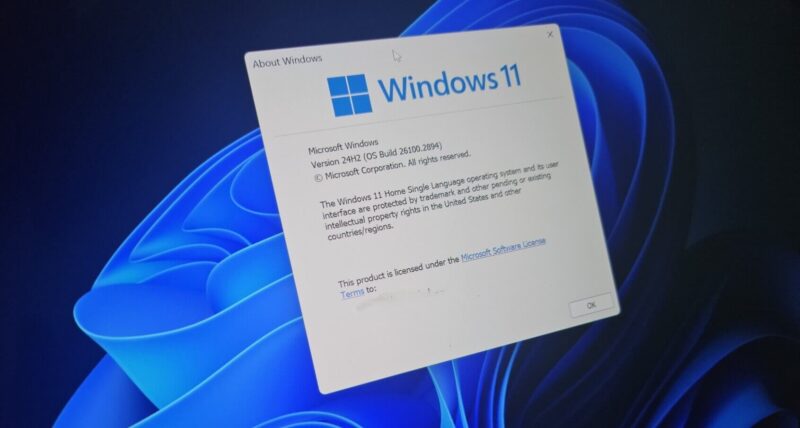
Microsoft just issued an urgent security warning for millions of desktop setups worldwide. Consequently, the tech giant confirms that Windows 11 version 24H2 will reach its absolute end of support this coming October. Therefore, administrators must act immediately to prevent unexpected operational exposures across their corporate networks. To clarify, this upcoming support termination specifically impacts early testers, enterprise environments, and specialized licensing models. Meanwhile, standard consumers might wonder how this quick lifecycle cycle directly affects their daily PC operations. However, this official notice signals an aggressive posture from Microsoft regarding… Read More

Moving From Excel VBA to Office Scripts: Web Automation Guide

For decades, desktop automation relied entirely on Excel VBA. However, modern business requires cloud-first solutions. Microsoft 365 users frequently run into roadblocks because VBA macros fail on mobile devices and Excel for the Web. Fortunately, Microsoft introduced Office Scripts to solve this specific problem. This comprehensive guide will help you transition from legacy desktop macros to web-compatible automation. By learning this modern framework, you ensure your automation workflows run seamlessly across all platforms. The Driving Force Behind the Shift to Office Scripts The modern workplace relies heavily on cloud collaboration… Read More