Posts tagged RAM compatibility

The Ultimate Guide to RAM Compatibility – How to Choose, Install, and Future‑Proof Your Memory
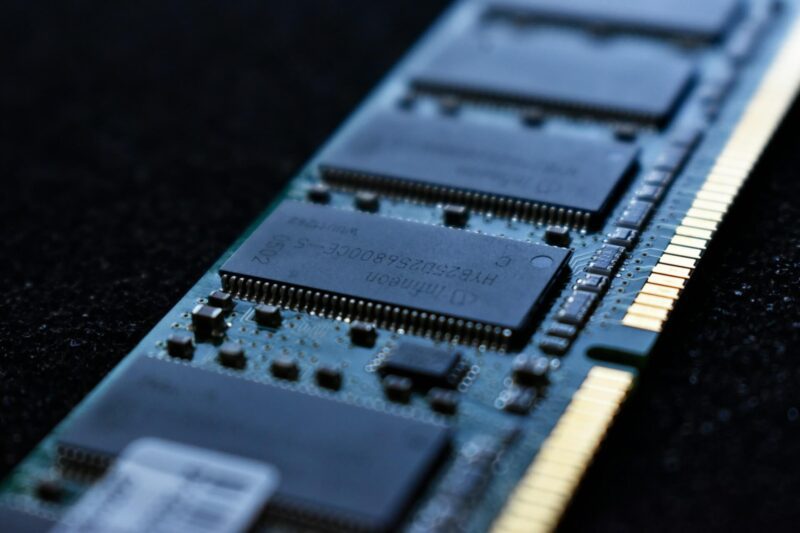
Why “Just Any RAM” Won’t Cut It Imagine you’ve just splurged on a sleek new gaming rig or a high‑performance workstation, only to discover it boots up sluggishly, crashes during intensive tasks, or refuses to recognize the memory you just installed. The culprit? Incompatible RAM. Memory (RAM) is the heart‑beat of every computer, and like any good partnership, it needs to be a perfect match. From DDR generations to voltage requirements, a single mismatch can turn a dream build into a headache. In this guide we’ll demystify RAM compatibility, walk… Read More

How to Choose the Right Motherboard for Your Needs

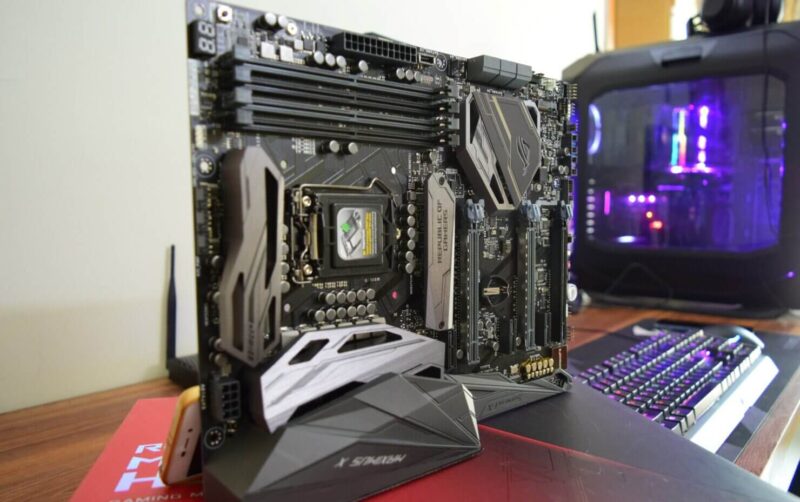
The motherboard is the backbone of any computer, determining what components you can use and how efficiently your system will run. Whether you’re building a gaming PC, a workstation, or an everyday-use computer, selecting the right motherboard is crucial for performance and future upgradability. In this guide, we’ll explore the key factors to consider when choosing a motherboard that best suits your needs. Understanding Motherboard Form Factors Motherboards come in different sizes, known as form factors, which determine their compatibility with various cases and components. The most common form factors… Read More

How much RAM can my laptop or desktop computer take?

The amount of RAM acceptable in computer systems is determined by the computer’s motherboard. This is true for laptop computers and desktop computers. So the best way to know how much RAM (Random Access Memory) is acceptable in your computer is to refer to your computer’s documentation specifically the motherboard’s information. You will surely need this information if you want to upgrade your computer’s memory and you want to exactly know which RAM stick is compatible and how much RAM your system can take. Another method is to manually check… Read More