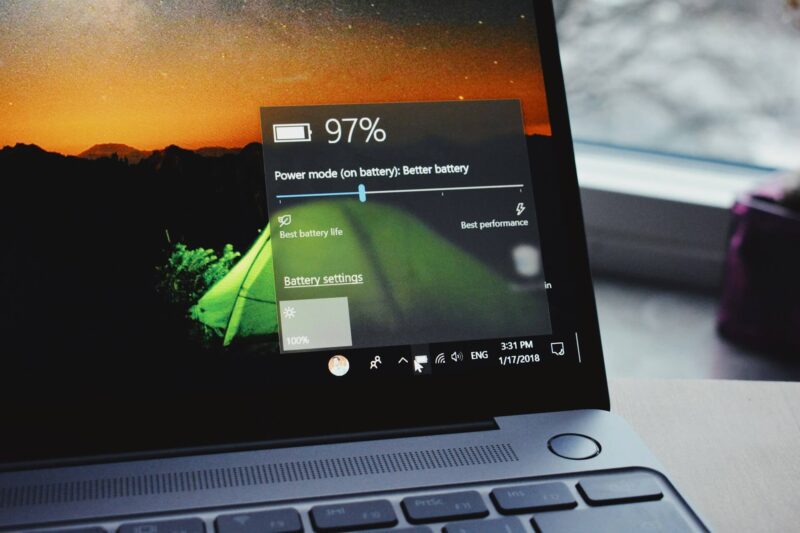
Is Your Laptop Battery Losing Its Strength? Does your laptop battery drain faster than it used to? Perhaps it once lasted six hours but now struggles to reach three. You might even experience unexpected shutdowns despite Windows showing 20% battery remaining. These problems often indicate that your laptop battery needs closer attention. Fortunately, you can check laptop battery health in Windows 11 without installing additional software. Microsoft includes a built-in diagnostic utility that generates a detailed Windows 11 battery report. This report reveals your battery’s original capacity, current charging capacity,… Read More
Date Archives November 2026
Best Budget Laptops Under ₱30,000 in the Philippines (2026 Buying Guide)
Can You Buy a Good Laptop for Under ₱30,000 in 2026? Finding the best budget laptops under ₱30,000 in the Philippines doesn’t have to be difficult. However, choosing the wrong laptop can leave you frustrated with sluggish performance within months. Fortunately, several affordable laptops in the Philippines now offer decent processors, fast SSD storage, and Full HD displays. The challenge is knowing which specifications actually matter. If you’re a student, office worker, freelancer, or home user, ₱30,000 can cover your everyday computing needs. You can comfortably run Microsoft Office, Google… Read More
Best Free AI Tools in 2026: 15 Useful Apps for Work and Everyday Tasks
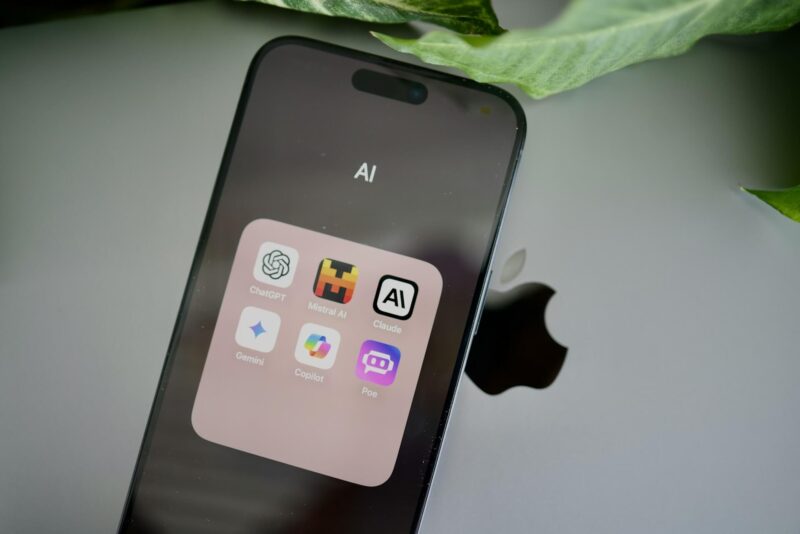
Artificial intelligence has become a practical part of everyday computing. The best free AI tools can help you write emails, research technical problems, summarize documents, and create professional graphics. Better yet, many applications provide useful features without requiring a monthly subscription. You just need to know which ones deserve your attention. In 2026, free AI apps offer capabilities that once required expensive software or specialized knowledge. Students can organize research materials, while office workers can prepare documents more efficiently. Meanwhile, content creators can develop visuals, presentations, and video scripts. Even… Read More
Wi-Fi Connected but No Internet? 10 Windows 11 Fixes
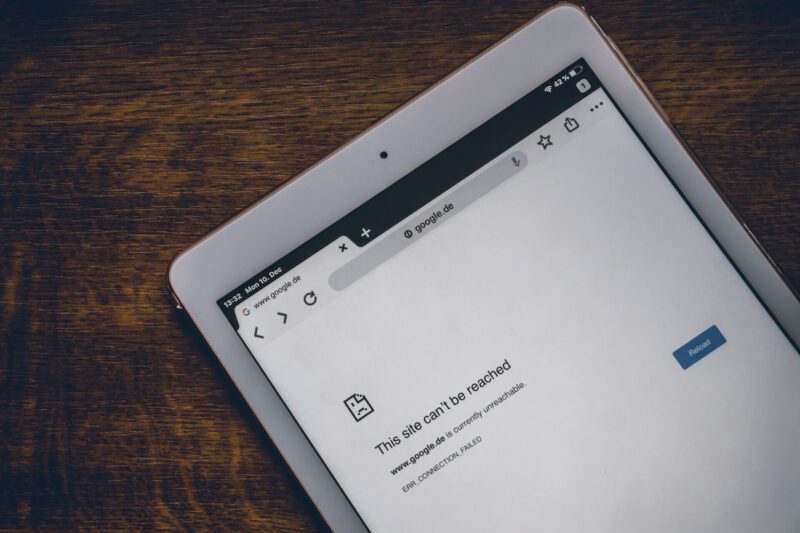
Your Windows 11 laptop shows a strong Wi-Fi signal, but websites refuse to load. You refresh the browser, restart the application, and still get nowhere. Meanwhile, the Wi-Fi icon looks perfectly normal. Sound familiar? The Wi-Fi connected but no internet problem can leave even experienced computer users scratching their heads. Sometimes, Windows displays “No internet, secured” beneath your wireless connection. Other times, everything appears connected, but browsers and online applications remain offline. Here’s the important distinction: a Wi-Fi connection doesn’t automatically mean you have internet access. Wi-Fi establishes communication between… Read More
How to Fix Windows 11 Running Slow: 12 Ways to Speed Up Your PC
Is your Windows 11 running slow, even though your computer worked perfectly a few months ago? Perhaps applications take forever to open, File Explorer freezes, or your PC struggles with basic tasks. Worse, your computer might take several minutes to become usable after startup. These problems frustrate users, especially when their computers should handle everyday work without difficulty. Fortunately, a slow Windows 11 computer doesn’t always require expensive upgrades. Often, a few configuration changes can restore much of its responsiveness. Over time, installed applications, background services, and temporary files can… Read More