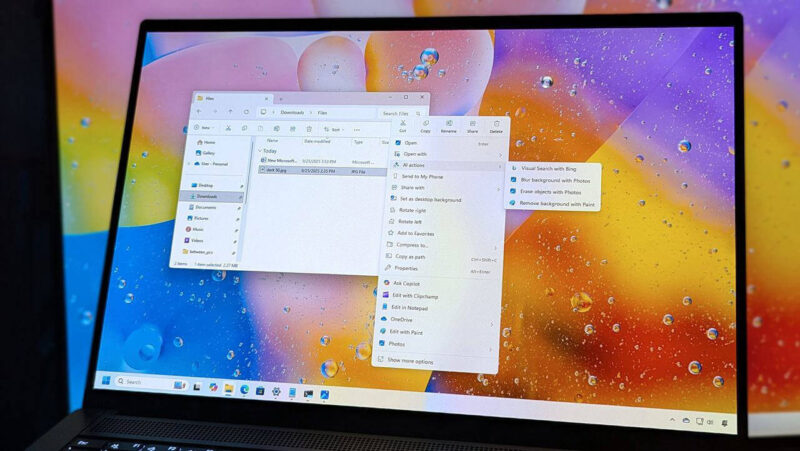
Windows 11 version 25H2 brings impressive system performance upgrades. However, recent cumulative patches have introduced frustrating File Explorer issues. Many users report frequent File Explorer hanging. Others encounter incorrect file size display bugs across local and cloud directories. These bugs disrupt daily file management. Fortunately, you can fix them using proven administrative tweaks. In this article, we will guide you step-by-step to restore stability to your Windows 11 desktop experience. Understanding the Windows 11 25H2 File Explorer Glitches Microsoft overhauled the File Explorer UI framework in recent updates. Consequently, these… Read More
How to Fix File Explorer Hanging and File Size Display Bugs in Windows 11 25H2