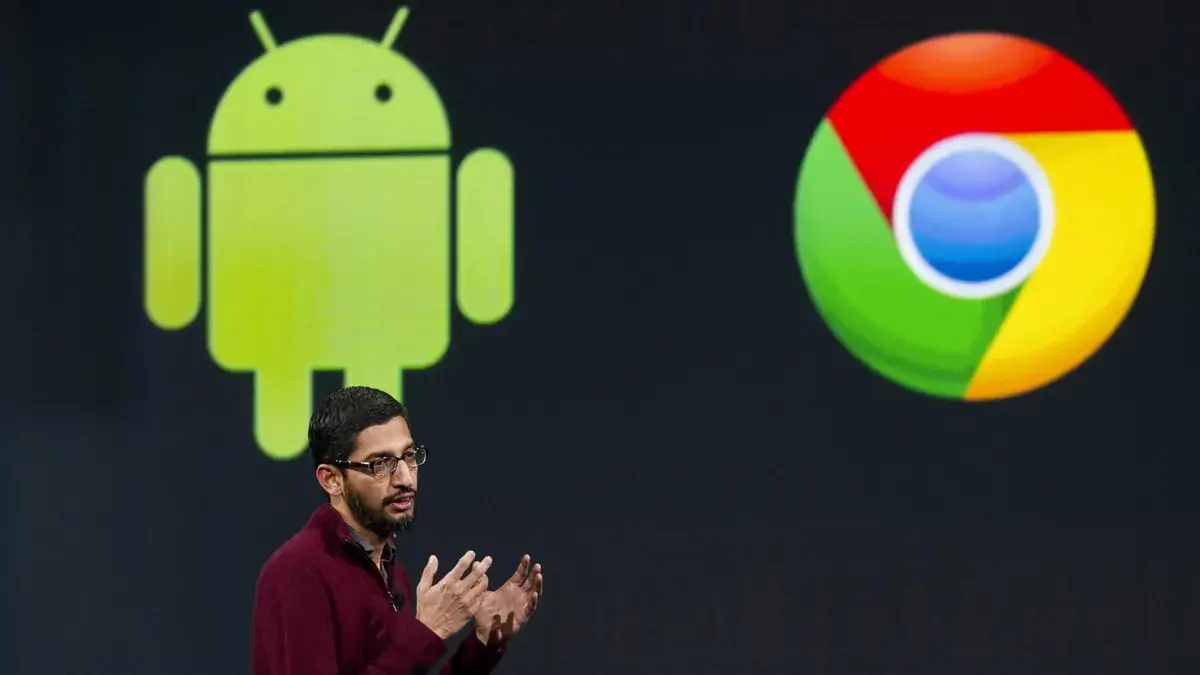
Google is officially shifting its strategy to create a unified Google OS by merging the technical foundations of ChromeOS and Android. This monumental change aims to streamline engineering and bring advanced AI features like Gemini to every device you own. Instead of managing two separate platforms, Google is building the familiar ChromeOS interface directly on top of the robust Android stack.
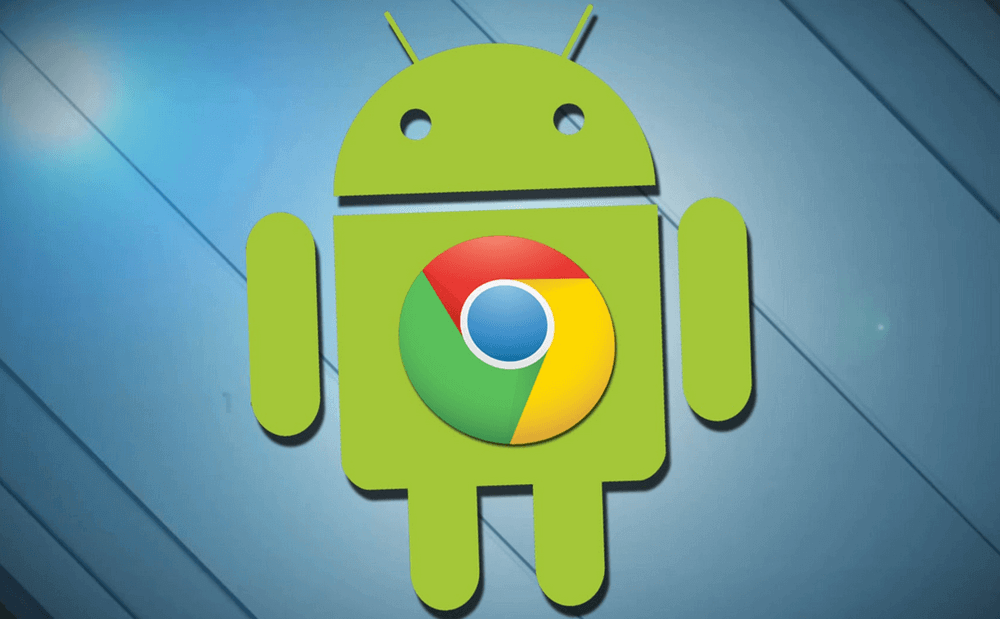
This transition represents a massive leap for the tech giant as it attempts to conquer the desktop market. By adopting a shared technical foundation, Google can finally offer a seamless experience across phones, tablets, and laptops. Consequently, users will no longer face the friction of “mobile-only” apps that feel clunky on a desktop. You can expect a more powerful ecosystem where your favorite software works natively on any screen size.
Analyzing the Google OS Strategy Shift
The company is moving away from the Gentoo Linux-based roots of ChromeOS to embrace the Android Linux kernel. This Google OS strategy shift allows for faster updates and deeper integration of Google’s latest AI innovations. Engineers will focus on a single codebase, which effectively doubles the development speed for new features. Furthermore, this move helps Google better compete with Apple’s tightly integrated iPadOS and macOS ecosystem.
Microsoft has historically dominated the PC space, but Google now has a distinct advantage with its mobile dominance. Since billions of people already use Android, the learning curve for this unified system will remain incredibly low. Most importantly, the company intends to keep the web-centric soul of Chromebooks alive while adding the versatility of mobile frameworks. This balance ensures that education and enterprise users do not lose the simplicity they currently value.
Enhancing Software Compatibility Across Devices
One of the biggest wins for consumers involves the radical improvement in software compatibility. Currently, running Android apps on a Chromebook requires a resource-heavy virtual machine that often hampers performance. Under the new architecture, these apps will run natively on the system because the system is Android at its core. You will finally enjoy smooth, windowed multitasking with your favorite mobile tools without any lag or crashes.
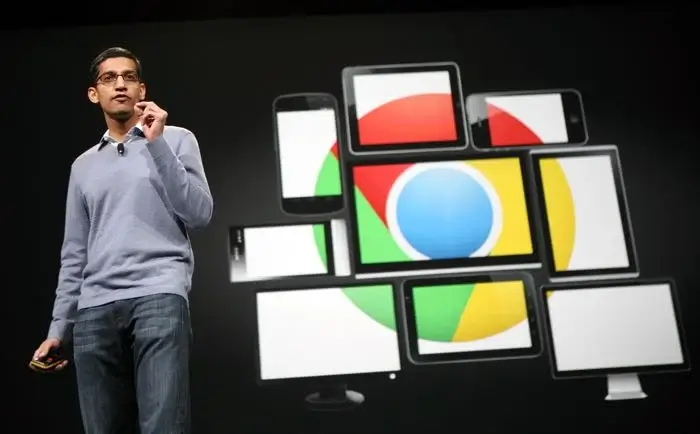
Developers also stand to benefit significantly from this unification of platforms. They only need to build one application to target a massive range of hardware, from pocket-sized phones to 15-inch productivity laptops. This efficiency will likely lead to a surge in high-quality, “desktop-class” apps in the Play Store. Transitioning between devices will feel effortless as your data and app states sync perfectly across the entire Google ecosystem.
Evolution of Hardware Choices for Consumers
As the software merges, we will likely see a significant change in hardware choices available on the market. Manufacturers are already preparing new devices, such as the rumored high-end “Pixel Laptop” and powerful tablets using Snapdragon X Elite chips. These machines will offer the battery efficiency of mobile processors combined with the raw power of traditional PCs. We might see more “detachable” form factors that function perfectly as both a tablet and a laptop.
However, this shift raises questions about the longevity of existing budget hardware. Older Chromebooks with limited storage or Intel-based x86 processors might struggle with the transition to an Android-based kernel. While Google promises support for current devices until their Auto Update Expiration dates, the best experience will undoubtedly live on new “Aluminium” hardware. Buyers should look for devices with at least 8GB of RAM to ensure they are ready for this AI-driven future.
Impact on PCs and Chromebooks in the Enterprise
The impact on PCs and Chromebooks in the workplace cannot be overstated. IT managers will soon use a unified Management API to control every company device through a single console. This simplifies security patches, app deployments, and remote troubleshooting for large organizations. Because the underlying tech is shared, a security fix for a Pixel phone could theoretically protect a Chromebook simultaneously.
Enterprise users will also appreciate the enhanced productivity features coming to the desktop interface. Google is working on improved keyboard and mouse support, external monitor handling, and advanced Linux terminal integration. These tools make the platform a viable alternative to Windows for professional developers and creative experts. The goal is to make the “Chromebook” brand synonymous with high-performance computing, not just affordable school laptops.
Conclusion and Final Thoughts
The merger of ChromeOS and Android is a bold bet on the future of computing. By creating a unified platform, Google is finally addressing the fragmentation that has held its desktop ambitions back for years. Users can look forward to a more cohesive, AI-powered experience that blends the best of mobile and desktop worlds. While the full transition may take time, the era of the “all-in-one” Google OS has officially begun.
What do you think about Google’s plan to put Android at the heart of your next laptop? Are you excited about better app support, or do you prefer the classic ChromeOS experience? Share your thoughts in the comments below and let’s discuss the future of your favorite devices!