
The digital landscape is rapidly evolving. We demand faster, more reliable connections. Consequently, Wi-Fi 7, also known as 802.11be or Extremely High Throughput (EHT), is here. This next-generation wireless standard promises a significant leap forward. It will transform both home and small office networks. Get ready for unprecedented speed and efficiency.
Stepping Up from Wi-Fi 6: Key Enhancements

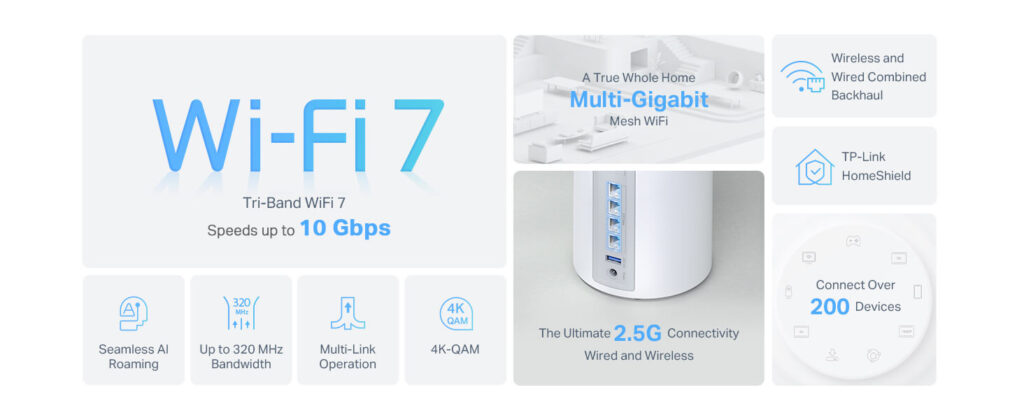
Wi-Fi 6 (802.11ax) brought substantial improvements. However, Wi-Fi 7 takes connectivity to new heights. It introduces several groundbreaking features. One major advancement is 320 MHz channel width. This doubles the capacity of Wi-Fi 6. Moreover, it enables far greater data transmission. Another key feature is 4096-QAM modulation. This packs more data into each signal. Therefore, it boosts theoretical speeds significantly. Multi-Link Operation (MLO) is also a game-changer. MLO allows devices to use multiple frequency bands simultaneously. For instance, a device can connect to 2.4 GHz, 5 GHz, and 6 GHz bands. This ensures more stable and faster connections. It also provides enhanced redundancy. Wi-Fi 7 also offers improved OFDMA. This further optimizes spectrum utilization. These advancements directly translate to real-world benefits. You can expect a much smoother online experience.
Real-World Performance: What to Expect
The theoretical speeds of Wi-Fi 7 are astounding. It can reach up to 46 Gbps. However, real-world performance will vary. Factors like interference and network congestion play a role. Yet, you will still experience significant gains. For example, large file transfers will be incredibly fast. 4K and 8K streaming will be buffer-free. Online gaming will have minimal latency. Small offices will benefit immensely. High-bandwidth applications will run smoothly. This includes video conferencing and cloud computing. The increased capacity supports many more devices. Furthermore, the enhanced stability is crucial. Businesses can depend on consistent connectivity. This is vital for productivity. You can explore more about Wi-Fi 7’s performance benefits at Intel’s Wi-Fi 7 overview.
Choosing the Right Wi-Fi 7 Router
Selecting a Wi-Fi 7 router is an important decision. Consider your specific needs first. For home users, a basic Wi-Fi 7 router might suffice. However, small offices need more robust features. Look for routers with multiple Ethernet ports. Also, consider USB ports for network storage. Check for advanced security protocols. WPA3 is the current standard. Enterprise-grade features are beneficial. These include VLAN support and VPN capabilities. Brands like TP-Link, Netgear, and Asus offer excellent options. Research different models carefully. Read reviews before making a purchase. Prices will initially be higher. However, they will decrease over time. You can compare various models at PCMag’s Best Wi-Fi Routers.
Setting Up Your Wi-Fi 7 Network
Setting up a Wi-Fi 7 network is straightforward. First, place your router centrally. This ensures optimal coverage. Avoid obstructions like thick walls. Connect your modem to the router’s WAN port. Power on both devices. Then, access the router’s web interface. Use the provided login credentials. Change the default network name (SSID). Also, create a strong, unique password. Enable WPA3 encryption for security. Consider creating a guest network. This isolates guest traffic. Regularly update your router’s firmware. This ensures optimal performance and security. Most routers have an easy-to-use mobile app. This simplifies the setup process further. For more detailed instructions, refer to your router’s manual. You can also find helpful guides on TechRadar’s Wi-Fi setup tips.
Optimizing Your Wi-Fi 7 Experience
To truly maximize your Wi-Fi 7 experience, consider these tips. Position devices strategically. Closer proximity to the router improves signal strength. Utilize the 6 GHz band whenever possible. This band offers cleaner, less congested airwaves. Upgrade your devices to Wi-Fi 7 compatible hardware. New laptops and smartphones will support it. However, older devices will still work. They will just operate at their older Wi-Fi standard. Consider mesh Wi-Fi systems for larger areas. This ensures seamless coverage throughout your space. Minimize interference from other electronics. For example, microwaves can disrupt signals. Regularly restart your router. This can often resolve minor issues. Finally, monitor your network performance. Many routers offer built-in tools. You can also use third-party applications. Discover more about network optimization at Cnet’s Wi-Fi optimization guide.
Future-Proofing Your Connectivity
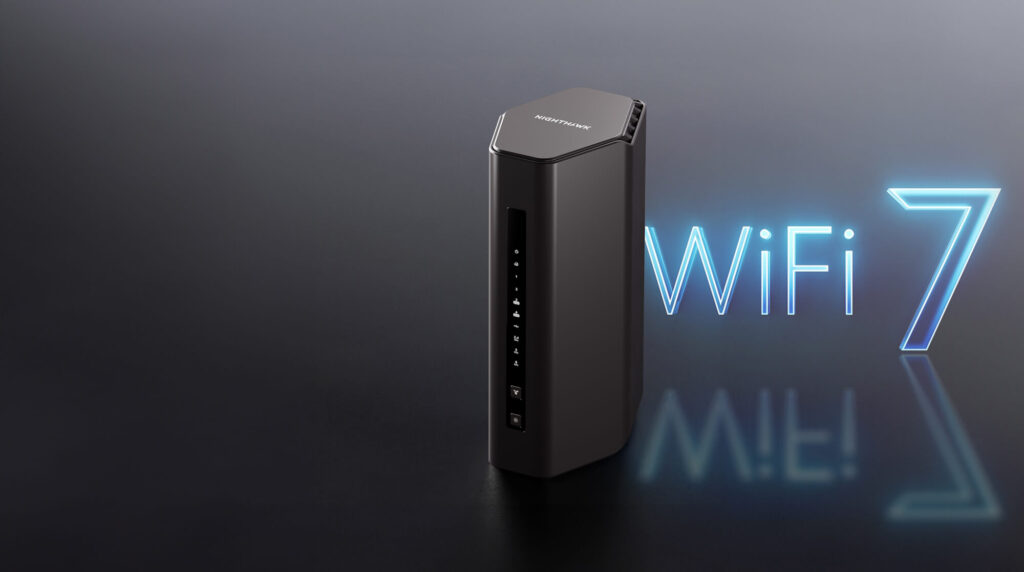
Investing in Wi-Fi 7 is a smart move. It future-proofs your network. The demand for bandwidth will only grow. More smart devices will connect. High-resolution content will become standard. Virtual reality and augmented reality are emerging. These technologies require robust connectivity. Wi-Fi 7 provides that foundation. It ensures your network can handle future demands. This makes it a valuable upgrade. It truly sets the stage for advanced digital interactions.
Final Thoughts
Wi-Fi 7 represents a significant leap forward. It offers unmatched speed, capacity, and reliability. This empowers both homes and small offices. It enables new possibilities in connectivity. Are you considering upgrading to Wi-Fi 7? What are your biggest expectations or concerns? Share your thoughts and experiences below! We would love to hear from you. For further insights on the latest in wireless technology, visit The Wi-Fi Alliance.