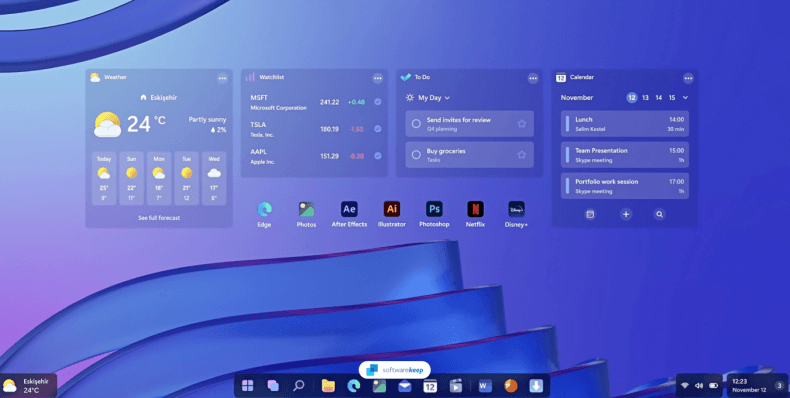
Microsoft recently hinted at the future of computing, sparking a massive debate between Windows 12 vs. Windows 11. Many users wonder if they should jump to the next generation or stick with their current stable environment. This guide explores whether you should embrace the Windows 12 features immediately or wait for the ecosystem to mature.
The shift toward AI-driven software marks the biggest change in the history of the operating system. While Windows 11 focused on a visual overhaul, the newer version prioritizes deep integration with neural processing. Consequently, the decision to upgrade depends heavily on your specific hardware and your daily productivity needs.
Performance and the Neural Leap
The primary difference in performance lies in how the system handles background tasks and artificial intelligence. Windows 11 relies mostly on your CPU and GPU for standard operations and early Copilot features. In contrast, Windows 12 leverages dedicated Neural Processing Units (NPUs) to offload complex AI workloads from the main processor.
Users can expect significantly faster response times when using local AI tools for photo editing or live translations. Furthermore, the new Windows 12 performance optimization promises better battery life for laptops by managing resource allocation more efficiently. If you own a Copilot+ PC, you will see the most dramatic improvements in speed.
Hardware Requirements: Is Your PC Ready?
One major hurdle for many users is the strict set of Windows 12 hardware requirements. While Windows 11 famously demanded TPM 2.0, the new OS raises the bar for system memory and processing power. You will likely need a minimum of 8GB of RAM, though 16GB is highly recommended for a smooth experience.
| Requirement | Windows 11 | Windows 12 (Expected) |
| RAM | 4 GB | 8 GB – 16 GB |
| Storage | 64 GB | 64 GB+ (SSD Mandatory) |
| Processor | 1 GHz, 2+ Cores | NPU-capable (Intel Core Ultra / Ryzen AI) |
| Security | TPM 2.0 | TPM 2.0 + Pluton Security |
Microsoft now insists on Solid State Drives (SSDs) for the primary installation partition. This requirement ensures that the modular architecture of the OS can load system components quickly. You can check your current compatibility through the official Windows PC Health Check tool.
Comparing the User Experience and UI
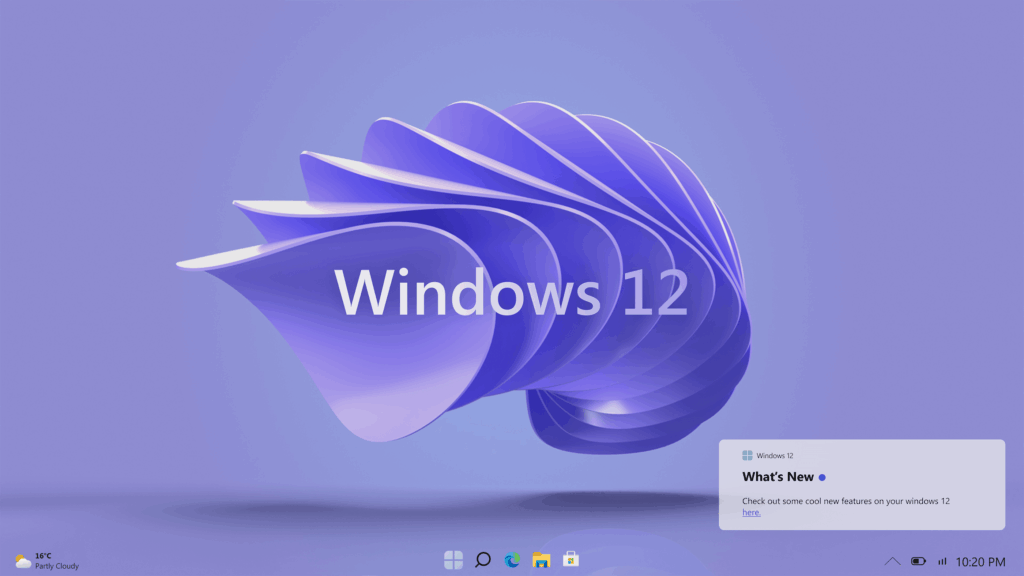
The Windows 12 user experience introduces a “floating” taskbar that feels more like a dock than a static bar. This design choice provides a cleaner look and allows for more desktop customization. Additionally, the system tray and clock move to the top of the screen in some preview builds.
Windows 11 brought us centered icons and rounded corners, which many users now find comfortable and modern. However, the newer interface focuses on “Modular Shell” technology, allowing the UI to adapt to different devices like tablets or foldables. You can learn more about these design philosophies on the Microsoft Design blog.
Compatibility: Will Your Apps Still Work?
Software Windows 12 compatibility remains a high priority for Microsoft to prevent enterprise-level disruption. Most applications that run on Windows 11 will function perfectly on the newer version without any modifications. However, older legacy software that lacks 64-bit support might face increasing hurdles as the OS sheds “legacy cruft.”
Gamers should feel particularly excited about the move, as DirectX 12 Ultimate continues to be the foundation. The new OS improves on DirectStorage technology, which significantly reduces loading times for massive open-world titles.
Pros and Cons for Everyday Users
Pros:
- Advanced AI Integration: Enjoy smarter search and automated task management.
- Superior Efficiency: Better power management for mobile devices and laptops.
- Enhanced Security: AI-driven threat detection protects against modern malware.
Cons:
- Stricter Requirements: Many older PCs will not be eligible for the upgrade.
- Initial Bugs: Early versions often have stability issues and driver conflicts.
- Learning Curve: The redesigned UI may feel unfamiliar to long-time users.
Final Thoughts: Should You Upgrade?
Deciding between Windows 12 vs. Windows 11 comes down to your tolerance for early-stage software. If you rely on your computer for critical professional work, staying with Windows 11 for another year is wise. Windows 11 is currently stable, highly compatible, and receives regular security updates.
However, if you love trying the latest tech and own a newer machine, the upgrade offers a glimpse into the future. The AI features alone can save you hours of manual work every week. You should always back up your data before performing a major OS transition.
What do you think about the new floating taskbar and AI features? Are you planning to upgrade immediately, or will you wait for the first big update? Let us know in the comments below!