Choosing the right data protection strategy has become quite complex in 2026. Data volumes are exploding globally. Most users struggle to pick between local hardware and remote servers. This article compares the top backup solutions available today. We will examine industry leaders like Seagate and Google Drive. Understanding these tools helps you secure your digital life effectively. Whether you are a student or a pro, you need a plan. Let us dive into the best options for your files.
Seagate and WD: The Power of External Drives
Physical storage remains a very popular choice for many users. Seagate and Western Digital (WD) lead the market with high-capacity units. Modern external drives now offer up to 24TB of space. You can find the latest Seagate portable options easily online. These devices provide a one-time purchase model with no monthly fees. Many users prefer this “set it and forget it” hardware approach. High-speed USB-C connections make transfers faster than most internet uploads. You own the hardware and keep total control over your data.
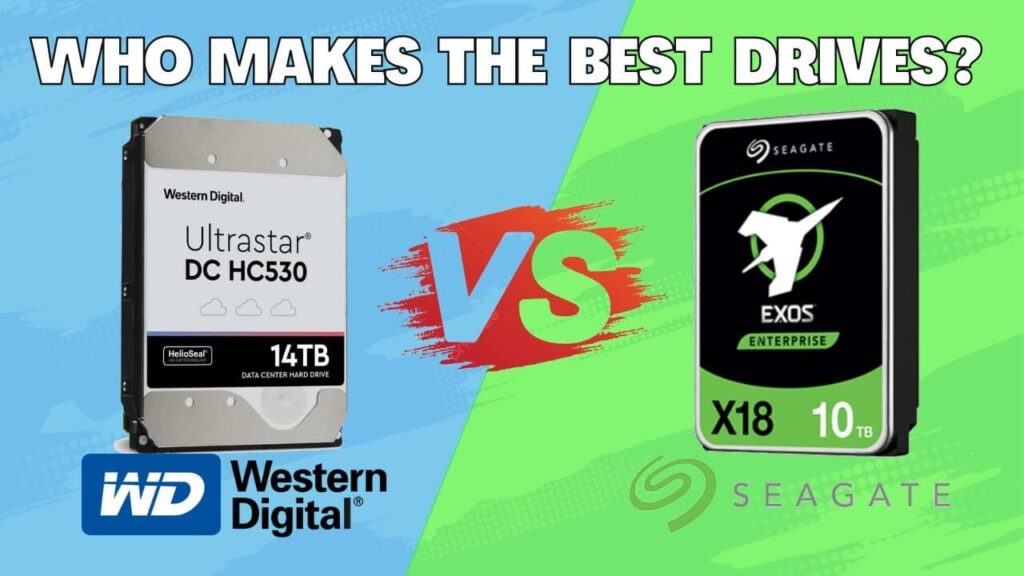
However, physical drives face several significant risks in 2026. A single drop can destroy a traditional mechanical hard drive. Fire or theft can also result in permanent data loss. To mitigate this, many experts suggest using WD My Passport for encrypted local storage. You must manually plug these devices in to start a backup. This requirement often leads to users forgetting to save their work. Reliability is high, but human error remains a constant threat.
Cloud Storage: OneDrive, Google Drive, and Dropbox
Cloud storage offers unmatched convenience for the modern mobile lifestyle. Services like OneDrive integrate deeply into the Windows operating system. You can access your files from any device with an internet connection. Google Drive remains a favorite for its excellent collaboration features. Many users love how Google One bundles storage with other helpful digital perks. Dropbox continues to win over professionals with its superior file-syncing speeds. These platforms automate the entire backup process for you.
Despite the convenience, subscriptions can become quite expensive over time. You must pay every month to keep your storage active. Security is another concern since your data sits on third-party servers. While Microsoft OneDrive uses strong encryption, hackers still target cloud accounts. You also need a stable internet connection to access your files. If the server goes down, your work might be inaccessible. Always weigh the ease of use against these potential privacy risks.
2026 Storage Comparison: Hardware vs. Services
To help you decide, we have compiled a comparison of the current market leaders. This table highlights costs and capacities for the most popular options today.
| Provider | Type | Capacity (Avg) | 2026 Estimated Cost |
| Seagate Expansion | External Drive | 5TB – 20TB | $110 – $350 (One-time) |
| WD My Passport | External Drive | 2TB – 6TB | $70 – $160 (One-time) |
| Google Drive | Cloud Service | 2TB Plan | $9.99 / Month |
| OneDrive | Cloud Service | 1TB – 6TB | Included with M365 |
| Dropbox | Cloud Service | 2TB – Unlimited | $11.99+ / Month |
Offline vs. Online Backups: The Great Debate
The choice between offline vs. online backups usually depends on your specific needs. Offline backups provide an “air-gapped” layer of protection against ransomware. Hackers cannot reach a drive that is not plugged in. This makes IDrive a unique player by offering hybrid backup features. You get the speed of local hardware with cloud redundancy. Online backups excel at versioning, allowing you to recover older file versions. This feature is a lifesaver if you accidentally delete an important document.
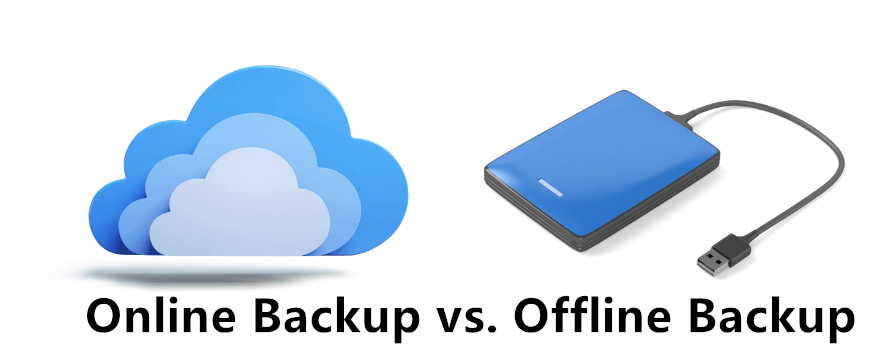
Scalability is another factor where the cloud usually wins the battle. You can upgrade your cloud plan in seconds to get more space. If an external drives unit fills up, you must buy a new one. Backblaze offers unlimited cloud backup for a single computer at a flat rate. This is perfect for users with massive photo or video libraries. Local drives are better for large file editing where latency matters. The best strategy usually involves using both methods simultaneously.
Final Thoughts on Your Backup Strategy
Selecting a backup solution is about balancing risk and convenience. Do not rely on just one method for your most precious memories. Hardware can fail and cloud accounts can be locked or hacked. We recommend the 3-2-1 rule: three copies, two different media types, and one offsite. Start your journey today by securing your most important digital assets. Your future self will certainly thank you for taking this small step.
What is your preferred way to keep your files safe this year? Do you trust the cloud, or do you prefer holding a physical drive? Let us know in the comments below and share your best backup tips!