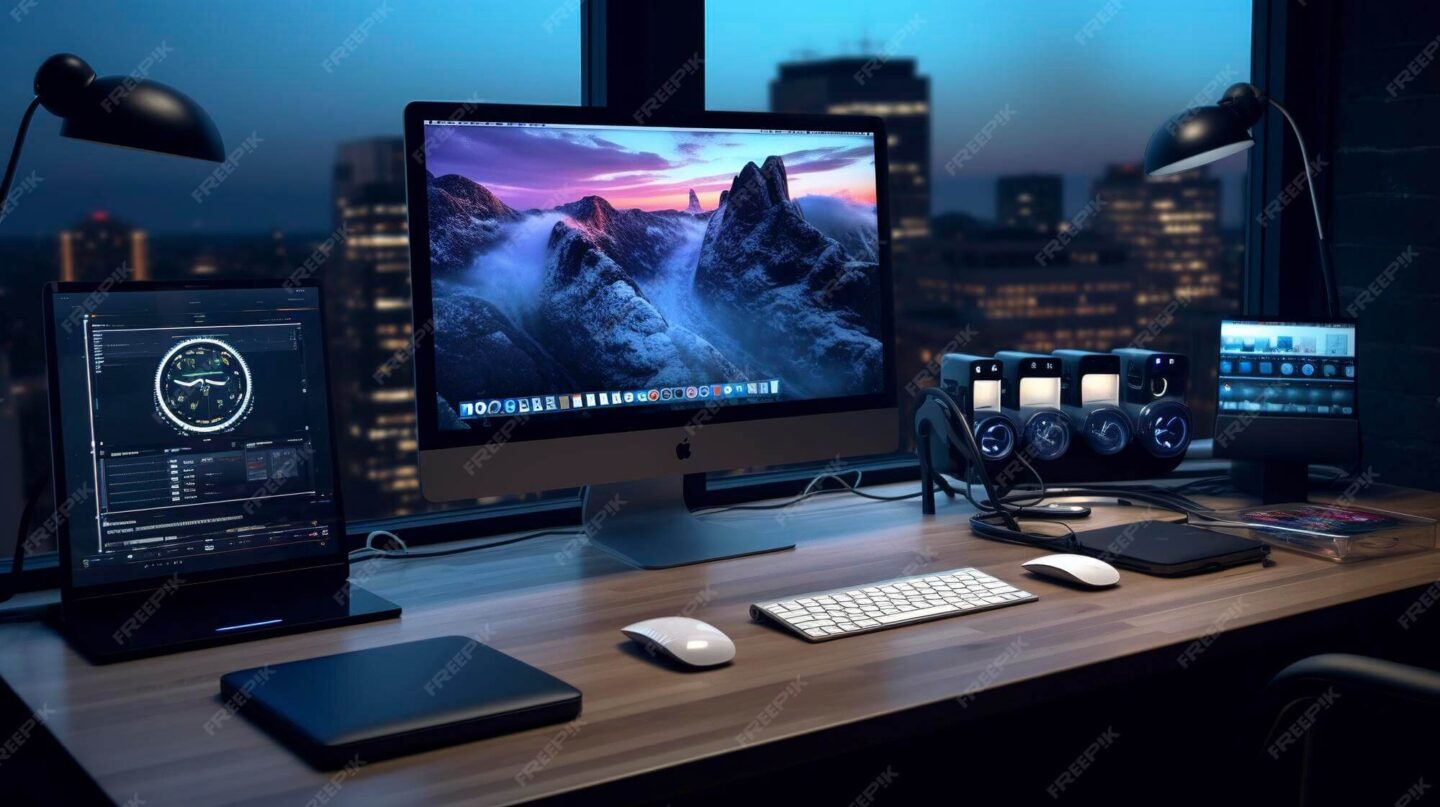
Productivity often improves with the right peripherals. Therefore, smart productivity peripherals upgrades deliver immediate comfort and efficiency. Small changes can reduce fatigue and improve focus.
This guide reviews best ergonomic keyboards and wireless mouse for work options. We also cover budget-friendly monitors for daily tasks. As a result, Windows and Mac users can upgrade confidently.
Moreover, compatibility matters more than ever. Modern peripherals support multiple devices seamlessly. Consequently, hybrid workers gain flexibility and consistency.
Why Peripheral Upgrades Matter for Daily Work
Peripherals directly affect posture and comfort. Therefore, poor choices increase strain and reduce output. Upgrading improves ergonomics and workflow.
Durable peripherals also save money long term. They withstand daily use without frequent replacements. As a result, reliability becomes a productivity asset.
Additionally, modern peripherals offer smart features. Multi-device switching reduces desk clutter. Learn more about ergonomics at https://www.osha.gov/ergonomics
Best Ergonomic Keyboards for Comfortable Typing
Best ergonomic keyboards focus on natural hand positioning. Split and curved designs reduce wrist strain. Therefore, long typing sessions feel easier.
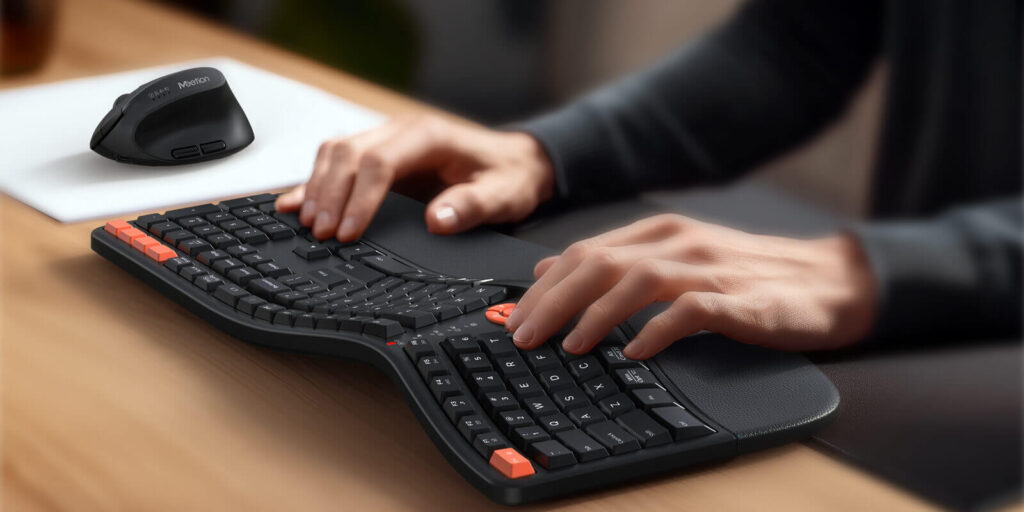
The Logitech Ergo K860 offers excellent wrist support. Its curved layout promotes neutral posture. As a result, comfort improves for office workers.
Microsoft Sculpt Ergonomic Keyboard remains a strong option. It works well on both Windows and macOS. Details appear at https://www.logitech.com
Mechanical and Low-Profile Keyboards for Productivity
Some users prefer tactile feedback. Mechanical keyboards offer precision and durability. Therefore, typing accuracy improves noticeably.
The Keychron K Pro series supports Windows and Mac layouts. Hot-swappable switches extend lifespan. As a result, customization becomes simple.
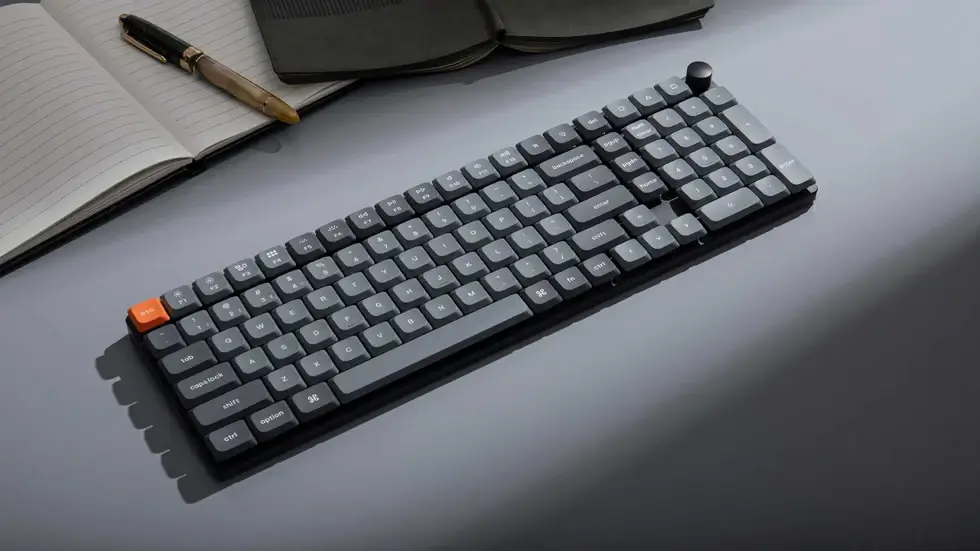
Low-profile models reduce desk height strain. They suit minimalist workspaces. Explore options at https://www.keychron.com
Wireless Mice That Enhance Precision and Comfort
A reliable wireless mouse for work improves navigation speed. Ergonomic shapes reduce hand fatigue. Therefore, daily use feels smoother.
The Logitech MX Master 3S remains a productivity favorite. It supports multiple devices and operating systems. As a result, switching between machines feels seamless.
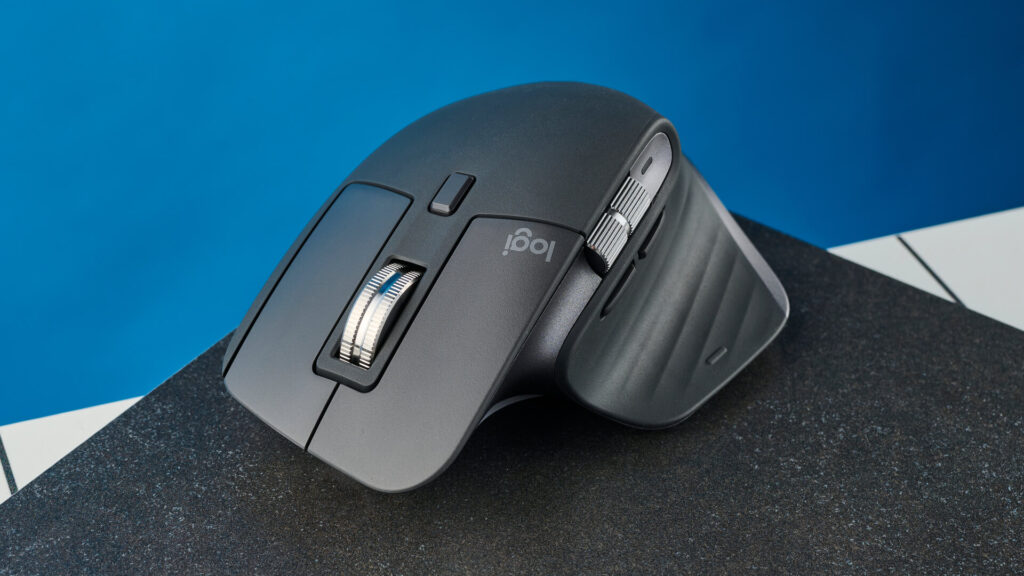
For budget users, the Logitech M720 offers value. Battery life lasts for months. More details appear at https://www.logitech.com
Vertical and Compact Mouse Options
Vertical mice encourage natural wrist angles. They reduce strain during long sessions. Therefore, comfort improves for repetitive tasks.
The Anker Vertical Ergonomic Mouse suits budget buyers. It works on Windows and Mac systems. As a result, accessibility increases.
Compact mice suit travel setups. They save space without sacrificing performance. User reviews appear at https://www.pcmag.com
Budget-Friendly Monitors for Productivity Setups
A budget monitor for productivity improves multitasking significantly. Larger screens reduce window switching. Therefore, efficiency increases.
The Dell P2422H offers sharp visuals and ergonomic stands. Its IPS panel ensures color consistency. As a result, eye strain reduces.
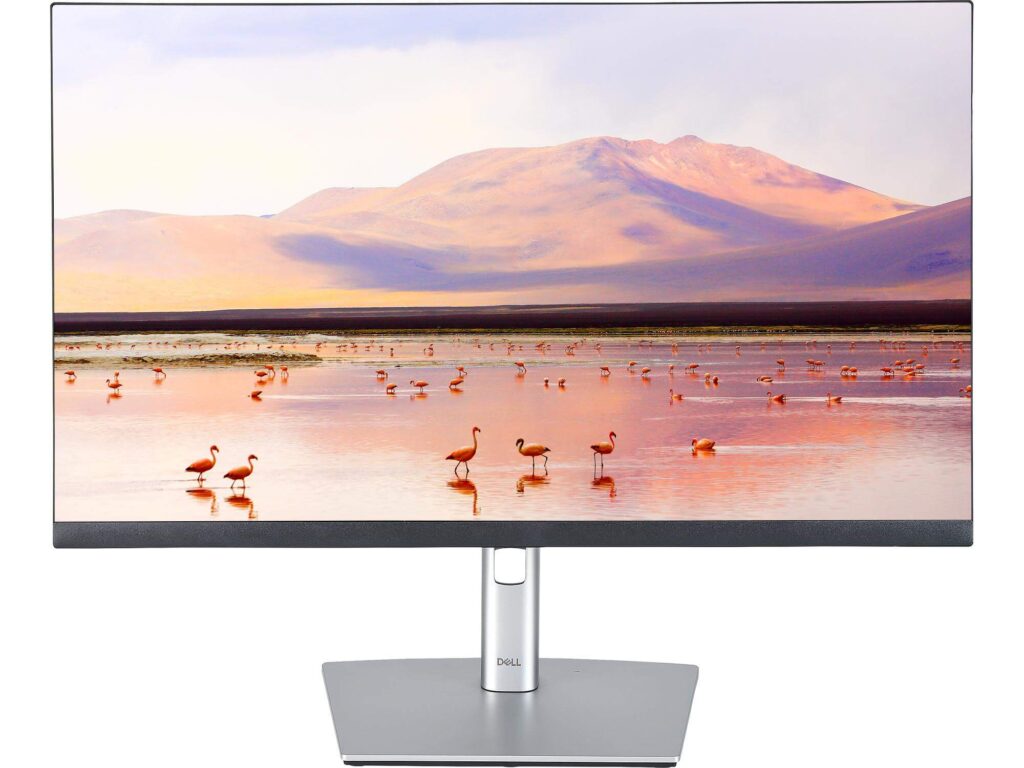
For affordability, the ASUS VA24EHE delivers value. It includes eye-care features. Specifications appear at https://www.dell.com
Monitor Features That Matter Most
Resolution impacts clarity and comfort. Full HD remains sufficient for most tasks. Therefore, budget buyers need not overspend.
Adjustable stands improve posture alignment. Height and tilt adjustments matter daily. As a result, ergonomics improve.
Compatibility with Windows and Mac remains essential. HDMI and DisplayPort ensure flexibility. Learn more at https://www.asus.com
Compatibility and Setup Tips
Most modern peripherals support Windows and macOS. However, always verify driver support. Therefore, setup issues reduce.
Bluetooth devices simplify cable management. USB receivers offer stable connections. As a result, performance stays consistent.
Check firmware updates regularly. They improve compatibility and security. Helpful guides appear at https://support.apple.com
Conclusion and Final Thoughts
Peripheral upgrades deliver measurable productivity gains. Comfort, durability, and compatibility matter most. Therefore, thoughtful choices outperform flashy designs.
The right keyboard, mouse, and monitor transform daily work. Small investments create long-term benefits. As a result, work feels easier and healthier.
Which peripheral upgrade helped you most?
Share your experience or questions in the comments below.