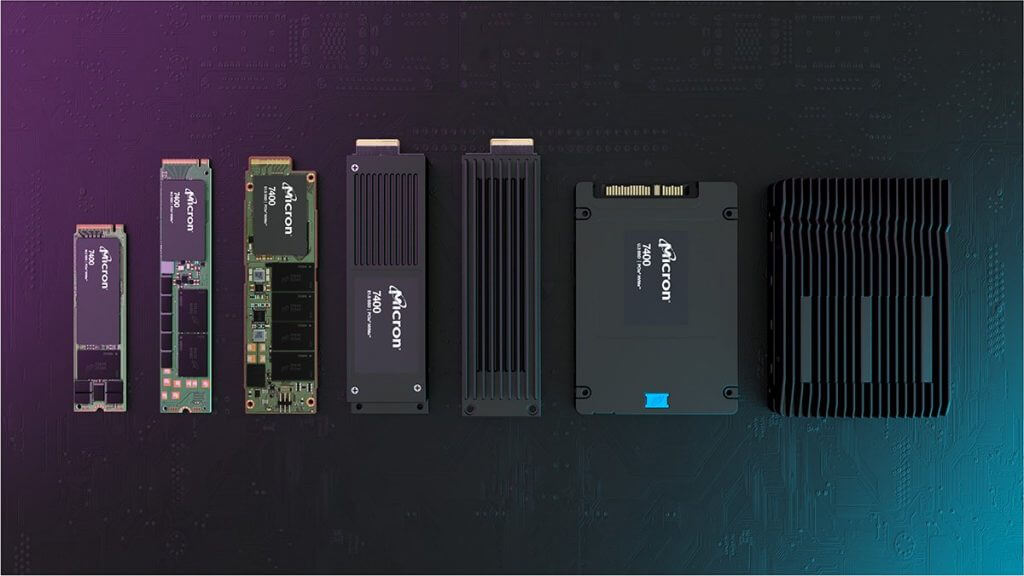
Storage upgrades remain one of the most effective PC improvements in 2026. Faster storage directly improves boot times, loading speeds, and responsiveness. Therefore, choosing the right option matters greatly.
Today, SSD vs NVMe comparisons dominate upgrade discussions. At the same time, users search for storage upgrade 2026 guidance before investing. As a result, understanding real-world differences becomes essential.
Moreover, falling prices make high-speed storage more accessible. Consequently, users must balance performance gains against budget limits. This guide explains how to choose between solid-state drives and NVMe storage.
Understanding Solid-State Drives in 2026
Solid-state drives use flash memory to replace traditional hard disks. They connect primarily through the SATA interface. As a result, they deliver consistent speed improvements over HDDs.
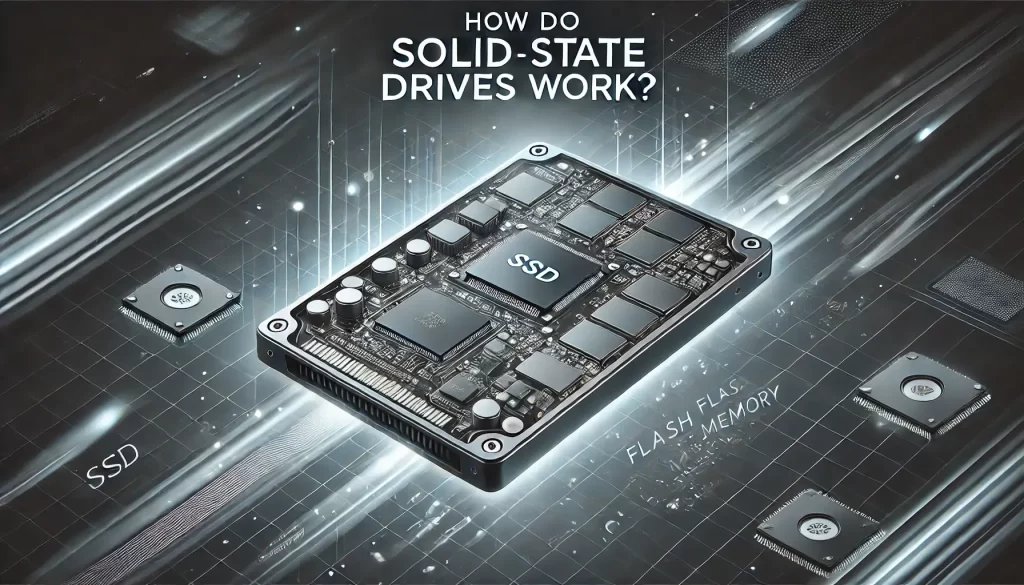
SATA SSDs typically reach speeds up to 550 MB/s. This performance suits everyday computing tasks comfortably. Therefore, SSDs remain popular for general users.
Additionally, SATA SSDs offer wide compatibility with older systems. Installation remains simple and cost-effective. For technical details, visit https://www.samsung.com/semiconductor/minisite/ssd/.
What Makes NVMe Storage Different
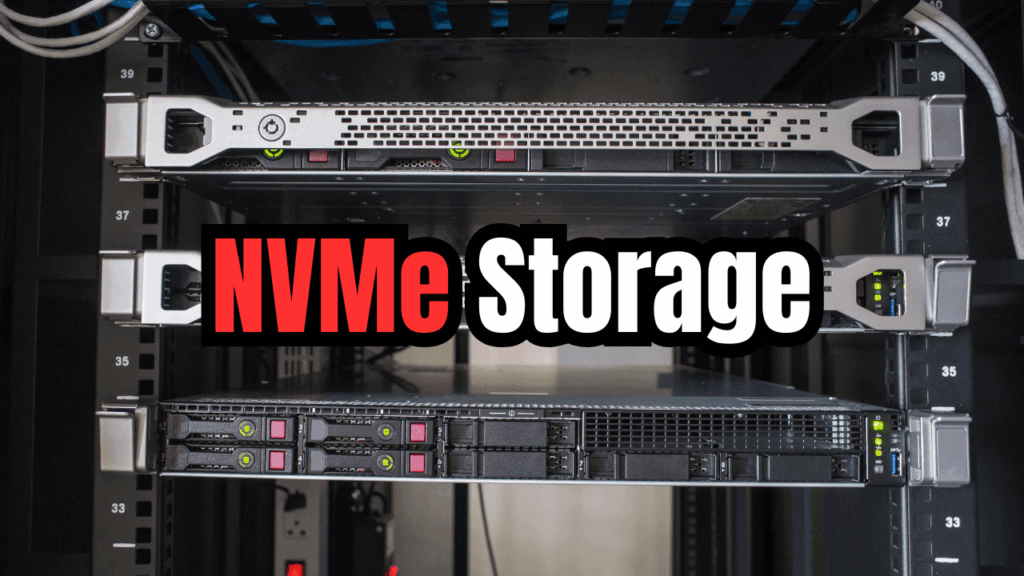
NVMe storage uses the PCIe interface for significantly higher throughput. Unlike SATA, NVMe communicates directly with the CPU. As a result, latency drops dramatically.
Modern NVMe drives reach speeds exceeding 7,000 MB/s. This performance benefits demanding workloads strongly. Therefore, NVMe suits professionals and power users.
Furthermore, NVMe drives use the M.2 form factor. This design saves space and improves airflow.
You can explore NVMe technology at https://www.kingston.com/en/ssd/nvme.
SSD vs NVMe Performance Comparison
SSD vs NVMe performance differences appear clearly in benchmarks. NVMe drives outperform SATA SSDs in sequential tasks. Therefore, large file transfers complete faster.
However, everyday tasks show smaller differences. Web browsing and office work feel similar.
As a result, casual users may not notice dramatic gains.
Moreover, gaming benefits vary by title and engine. Load times improve slightly with NVMe.
For performance testing, see https://www.tomshardware.com/reviews/ssd-buying-guide.
NVMe vs SATA SSD: Compatibility and Installation
NVMe vs SATA SSD compatibility depends on motherboard support. Older systems often lack NVMe slots. Therefore, SATA SSDs remain safer upgrades.
Installing SATA SSDs requires standard cables and bays. Meanwhile, NVMe drives install directly onto the motherboard. As a result, NVMe installation feels cleaner.
However, BIOS support also matters for boot drives. Checking specifications prevents compatibility issues.
For upgrade guides, visit https://www.crucial.com/support.
Cost Considerations in 2026
SSD upgrade benefits include affordability and reliability. SATA SSD prices remain lower per gigabyte.
Therefore, they suit budget-focused upgrades.
NVMe prices continue declining steadily. However, high-end models still cost more. As a result, users must justify performance needs.
Additionally, capacity affects pricing significantly. Larger drives offer better long-term value.
For price comparisons, see https://www.pcmag.com/how-to/how-to-buy-the-right-ssd.
Best Use Cases for SATA SSDs
SATA SSDs suit everyday computing and office workloads. They dramatically outperform traditional hard drives. Therefore, system responsiveness improves instantly.
Students and casual users benefit greatly from SATA SSDs. These drives handle multitasking smoothly.
Moreover, compatibility remains universal.
Additionally, SATA SSDs work well as secondary storage. They balance cost and reliability effectively.
Best Use Cases for NVMe Drives
NVMe drive advantages shine in professional workloads. Video editing and large data processing benefit significantly. Therefore, creators prefer NVMe storage.
Gamers also benefit from faster asset streaming. Future games increasingly leverage fast storage. As a result, NVMe offers better longevity.
Furthermore, developers appreciate reduced build times. Time savings compound across workflows.
For creator insights, visit https://www.adobe.com/creativecloud/photography/discover/ssd-vs-hdd.html.
Which Storage Upgrade Should You Choose in 2026
Choosing depends on budget, system compatibility, and usage. SATA SSDs remain excellent upgrades for most users. Therefore, they offer strong value.
NVMe suits users seeking maximum performance. However, benefits appear mainly in demanding tasks. As a result, casual users may not need NVMe speeds.
Balancing cost and performance ensures satisfaction. Future-proofing also deserves consideration.
Conclusion and Final Thoughts
Both SSDs and NVMe drives deliver major performance improvements in 2026. SATA SSDs provide affordable, reliable speed boosts. Meanwhile, NVMe drives push performance boundaries.
The right choice depends on workload and hardware support. Smart upgrades extend system life significantly. Informed decisions prevent unnecessary spending.
Which storage upgrade are you planning next?
Share your setup in the comments and help other readers decide.