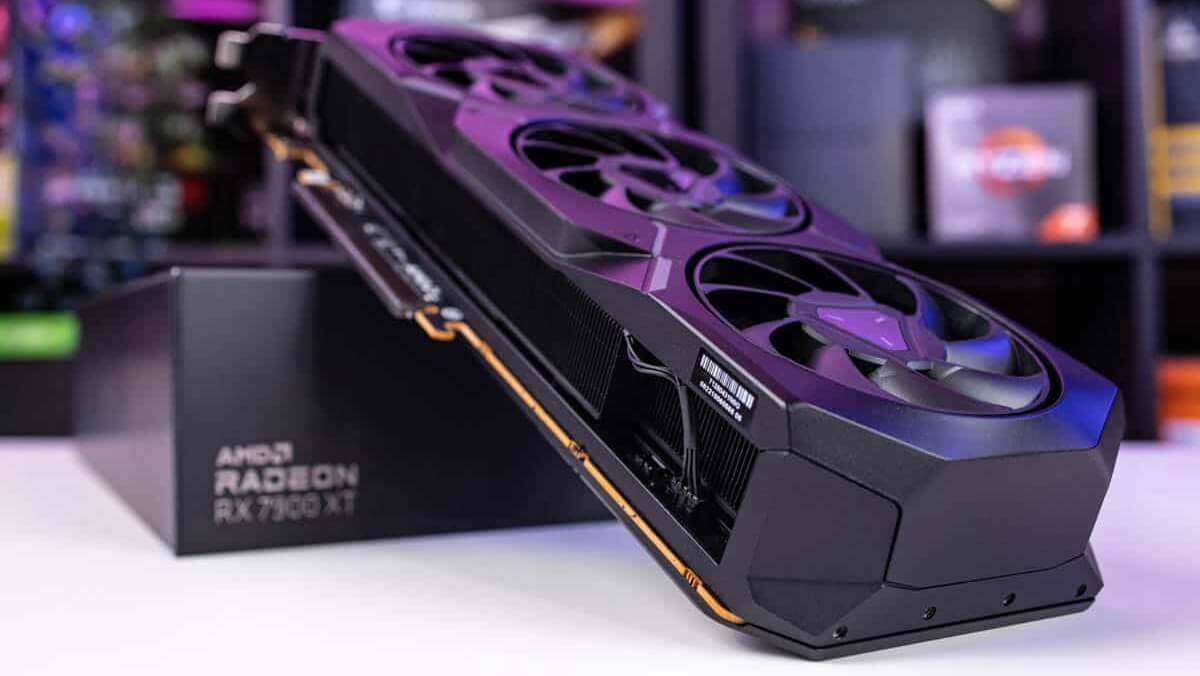
In 2025, the graphics card is the heart of your gaming or creative workstation. Whether you’re building a new PC or upgrading your current one, choosing the right GPU is crucial. With constant technological shifts, a smart choice ensures you get top performance without overpaying.
Both gamers and creative professionals face a similar challenge: finding a graphics card that balances price, power, and long-term value. While high-end GPUs offer unmatched performance, they may be overkill for many users. Understanding your actual needs helps narrow the choices and avoids costly mistakes.
Why Your Use Case Matters More Than the Price Tag
Before choosing a card, define your primary use. Are you a competitive gamer chasing high FPS? Or do you edit 4K videos, run simulations, or stream professionally? Your goals will help filter options faster than brand hype.

Gamers often prioritize frame rates, while content creators need VRAM and stability with tools like Adobe Premiere or Blender. Choosing based on your tasks ensures you’re not underpowered or overspending.
Understanding Key GPU Specs in 2025
1. GPU Architecture and Performance Benchmarks
Modern GPUs from NVIDIA (like the RTX 5000 series) and AMD (like Radeon RX 8000 series) use advanced architectures. These offer real-time ray tracing, AI-powered upscaling, and massive throughput improvements.
Check benchmark scores on trusted sites like UserBenchmark, PassMark, or TechPowerUp to compare real-world performance. Don’t rely only on spec sheets.
2. VRAM: How Much Do You Really Need?
Video RAM (VRAM) affects how smoothly games and applications load textures, models, and assets. In 2025, here are general VRAM guidelines:
- 8GB: Sufficient for 1080p gaming and light content work
- 12GB: Ideal for 1440p gaming or moderate video editing
- 16GB+: Best for 4K gaming, 3D rendering, or AI workloads
Tools like DaVinci Resolve or Unreal Engine benefit from more VRAM.
Choosing Based on Resolution and Refresh Rate
3. Match Your Monitor’s Power
Your GPU should match your monitor’s capabilities. A 1080p 60Hz display doesn’t need a $1,000 GPU. However, for 1440p at 144Hz or 4K at 120Hz, stronger cards like the RTX 5080 or RX 8900 XT are better.
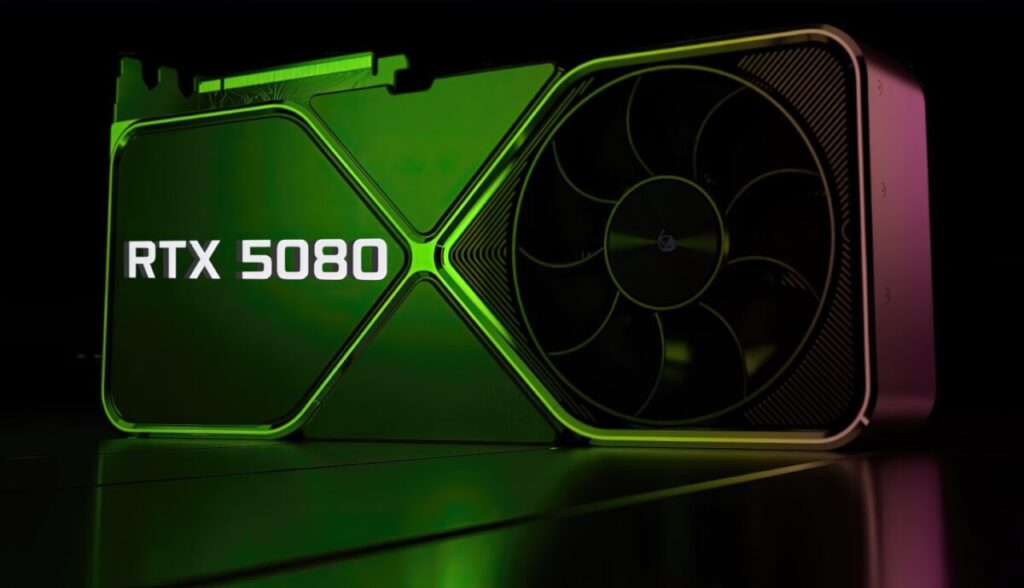
Use Display Specifications to check your monitor’s refresh rate and resolution. This avoids bottlenecks and ensures you maximize both your GPU and display investment.
4. Ray Tracing and DLSS/FSR Support
Ray tracing adds realistic lighting, shadows, and reflections. NVIDIA’s RTX series and AMD’s newer cards support this. Paired with DLSS (Deep Learning Super Sampling) or FSR (FidelityFX Super Resolution), you’ll get higher performance with better visuals.
Check game support lists for DLSS and FSR. These features matter more in 2025’s demanding AAA games.
Power, Cooling, and Compatibility
5. Check Power Supply and Size Clearance
GPUs in 2025 often require 650W+ PSUs and take up 2.5 to 3 slots in your case. Before buying, check your power supply’s wattage and ensure the card fits in your case.
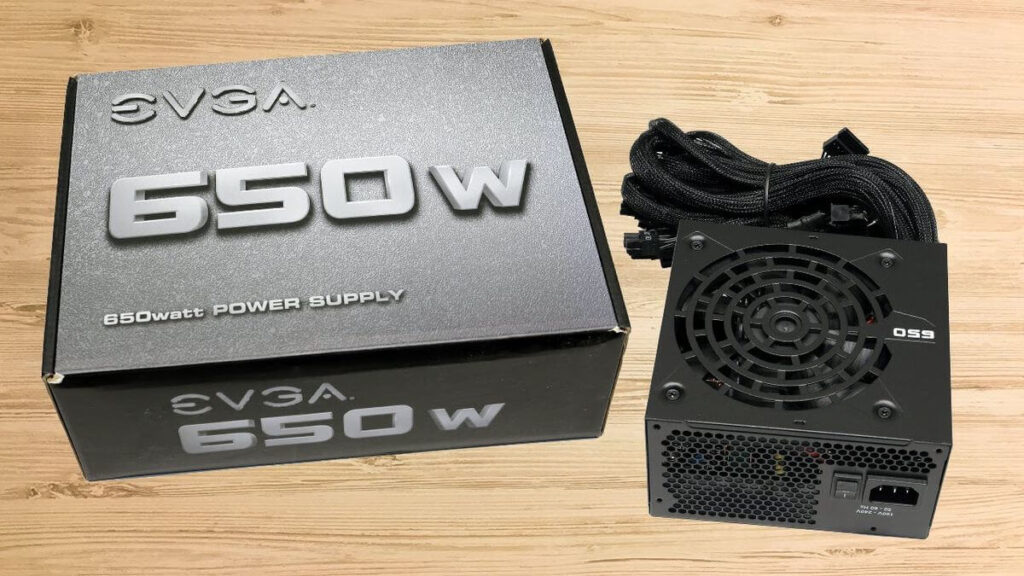
Websites like PCPartPicker help you check compatibility and calculate power needs accurately.
6. Thermal Performance and Noise
High-end GPUs can run hot and loud under load. Look for cards with efficient fans, vapor chambers, or hybrid cooling. Brands like ASUS ROG, MSI, and Gigabyte offer custom-cooled models that keep noise and temps down.
If silence is key for you, especially in a creative studio, prioritize low-noise coolers or fanless options where possible.
NVIDIA vs AMD vs Intel: Which Brand Should You Pick?
7. NVIDIA
NVIDIA leads in AI-enhanced gaming with DLSS 3.5, real-time ray tracing, and strong driver support. Their GPUs work best with creative apps and feature tools like NVIDIA Broadcast for streamers.
Check the GeForce homepage for the latest launches and software.
8. AMD
AMD offers competitive performance at better prices. Radeon RX 8000 series cards are great for 1440p and 4K gaming. With Smart Access Memory and FSR 3, they close the gap in visual fidelity.
See AMD Radeon’s product page for up-to-date options.
9. Intel Arc (Still Evolving)
Intel’s Arc GPUs have matured and now provide great value for budget gamers and creators. The Arc Battlemage series focuses on price-to-performance and improving driver stability.
Track updates at Intel Arc Graphics.
Future-Proofing Tips Before Buying
- Buy slightly above your current needs to accommodate future games or apps
- Ensure the card has DisplayPort 2.1 or HDMI 2.1 for newer monitors
- Always read real user reviews and thermal tests before purchasing
- Use tools like GPU Check to compare in-game frame rates based on your CPU and resolution
Final Thoughts
Choosing the right graphics card in 2025 doesn’t have to be overwhelming. Focus on your actual usage, research benchmark results, and don’t fall for marketing hype. Whether you’re an esports gamer or a 3D artist, there’s a perfect GPU for your goals and budget.
Have questions or experiences to share? Drop a comment below—your insights could help fellow readers make the right choice!