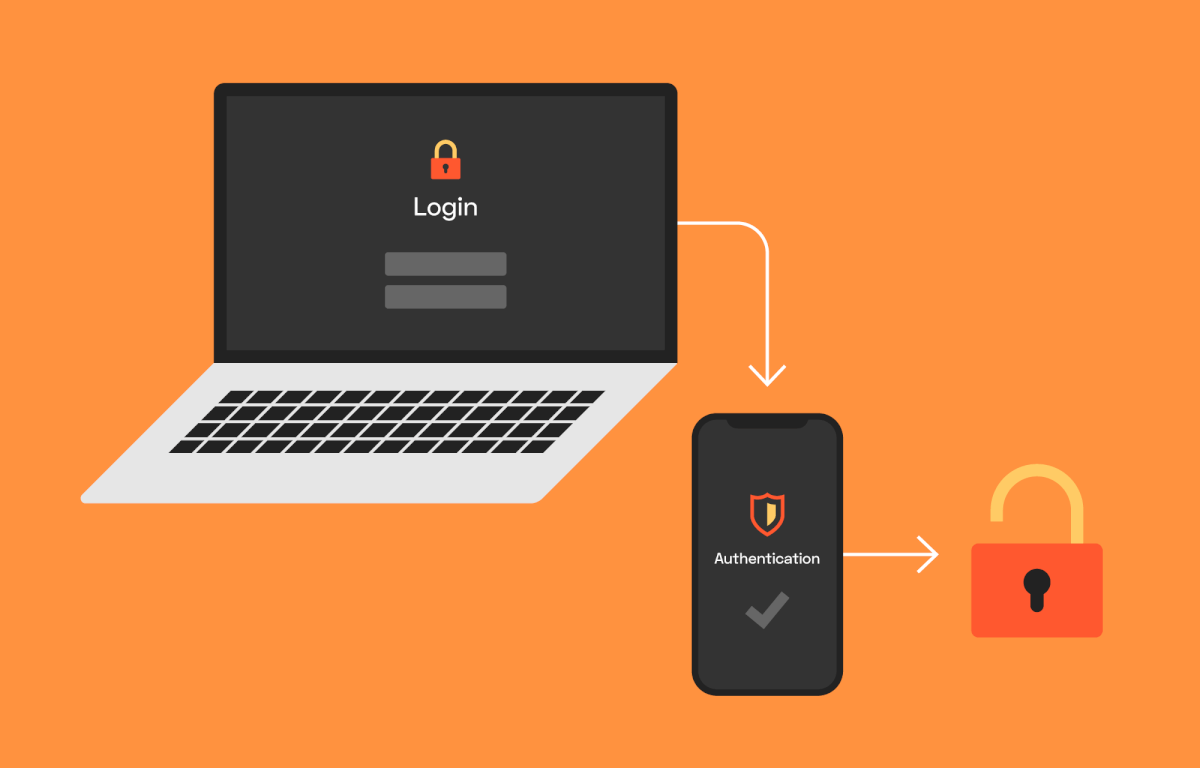
Cyber threats in 2025 are more advanced and relentless than ever. Hackers constantly develop new ways to steal data and breach accounts. As a result, relying on passwords alone is no longer enough.
Fortunately, Two-Factor Authentication (2FA) has become a powerful shield against unauthorized access. It adds a second verification step after entering your password. While many platforms support 2FA, not everyone uses it properly. In this guide, you’ll learn why 2FA matters and how to use it to protect your online security and digital identity.
What Is Two-Factor Authentication and Why Does It Matter?
Two-Factor Authentication combines two forms of identification. First, it verifies something you know—your password. Then, it confirms something you have—like your phone or a secure app.
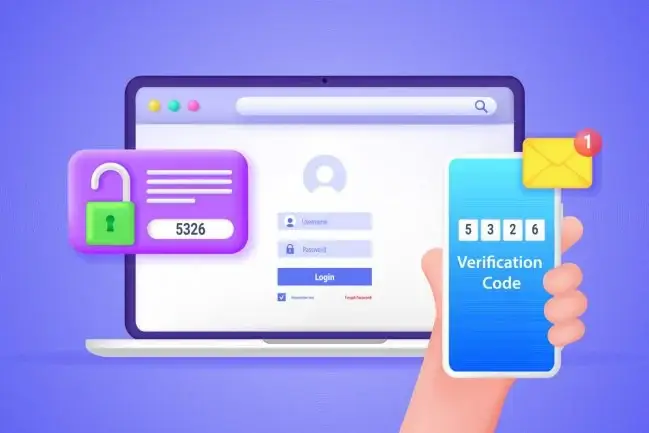
This dual-layered method makes it extremely difficult for hackers to access your accounts, even if they steal your password. In fact, according to Microsoft, enabling 2FA can block 99.9% of automated cyberattacks.
So, it’s not just an option anymore—it’s a necessity. Especially in 2025, where phishing scams and data leaks are on the rise.
How Does Two-Factor Authentication Work?
The process of 2FA usually involves the following steps:
- You enter your username and password to log in.
- The platform then asks for a secondary code or confirmation.
- You receive the code via SMS, email, or an authenticator app.
- You enter the code, confirming your identity.
Most platforms also offer hardware-based authentication using a security key, such as YubiKey or Google Titan. These options are ideal for users needing maximum protection, like business professionals or developers.
You can learn more about how 2FA works on Google’s support page.
Types of Two-Factor Authentication in 2025
Authenticator Apps
Apps like Google Authenticator, Microsoft Authenticator, and Authy generate time-sensitive codes every 30 seconds. They’re more secure than SMS because they don’t rely on your phone number.
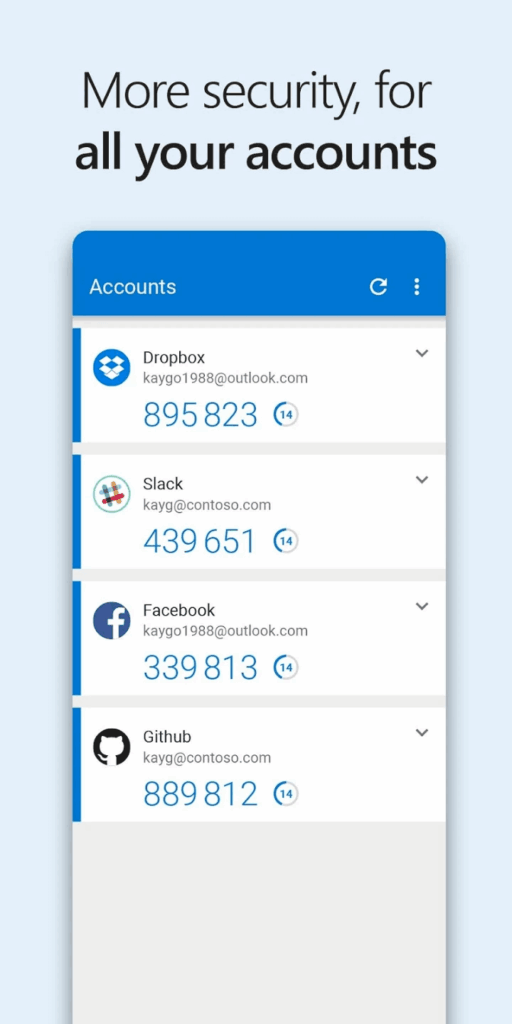
These apps work offline and are harder to intercept. Just scan the QR code during setup, and the app will handle the rest.
Text Message (SMS) or Email Codes
Many services still offer codes via SMS or email. While convenient, these methods are more vulnerable to SIM swapping or phishing attacks. So, whenever possible, opt for an authenticator app or hardware-based 2FA.
However, SMS is better than nothing. Use it especially if the service does not support other forms of 2FA.
Biometric Authentication
Devices now increasingly use fingerprint, face recognition, or voice verification as a second factor. Biometric verification is fast, and it adds a strong physical layer of security.
Platforms like Apple and Samsung integrate biometrics directly into mobile security settings.
Security Keys
Hardware security keys offer the strongest 2FA protection. They connect via USB, NFC, or Bluetooth. When logging in, you simply insert or tap the key.
YubiKey and Titan Security Key are industry leaders in this category. These are ideal for securing sensitive accounts such as banking, developer platforms, or business email.
Where to Enable Two-Factor Authentication
Most major platforms support 2FA in 2025. Here’s how to enable it on popular services:
- Google: Go to “Security” in your Google Account and enable 2-Step Verification.
- Facebook: Visit “Settings => Security and Login => Use Two-Factor Authentication.”
- Microsoft: Under “Security Info,” add a method like Authenticator or phone number.
- Apple: Turn on 2FA in Settings => Password & Security.
- Amazon: Go to “Your Account => Login & Security => Two-Step Verification.”
Most websites also show their 2FA availability on TwoFactorAuth.org.
Tips for Managing Your 2FA Setup Safely
- Back up your recovery codes. Store them in a password manager like Bitwarden or a secure location.
- Use different methods for each service. Avoid linking all 2FA codes to one device or number.
- Enable app-based or hardware key 2FA wherever possible. These are far more secure than SMS.
- Update your phone number and email address. This helps you recover your account in case of device loss.
By taking these simple steps, you can greatly improve your security and prevent losing access to your accounts.
Final Thoughts
Two-Factor Authentication is no longer a bonus—it’s essential. With online threats evolving, every layer of protection counts. Enabling 2FA takes just minutes but can save you from months of stress.
Are you already using 2FA? If so, share which method you prefer in the comments! If not, what’s holding you back? Let’s discuss below.