Microsoft has officially announced the end of support for Windows 10 by October 14, 2025. This decision leaves millions of users wondering about their next steps. If you’re using Windows 10, it’s crucial to understand what this means for your device. This article will explore all your options—from upgrading to alternatives—to keep your PC safe and functional.
First, let’s be clear. End of support doesn’t mean your computer will stop working. However, it does mean you’ll no longer receive critical security updates or software patches. Without those, your PC becomes more vulnerable to malware, cyberattacks, and other performance issues. So, what should you do next?
Understand the Risks of No Support
Once support ends, Windows 10 won’t receive any more updates or security patches. That means your system will become increasingly exposed over time.
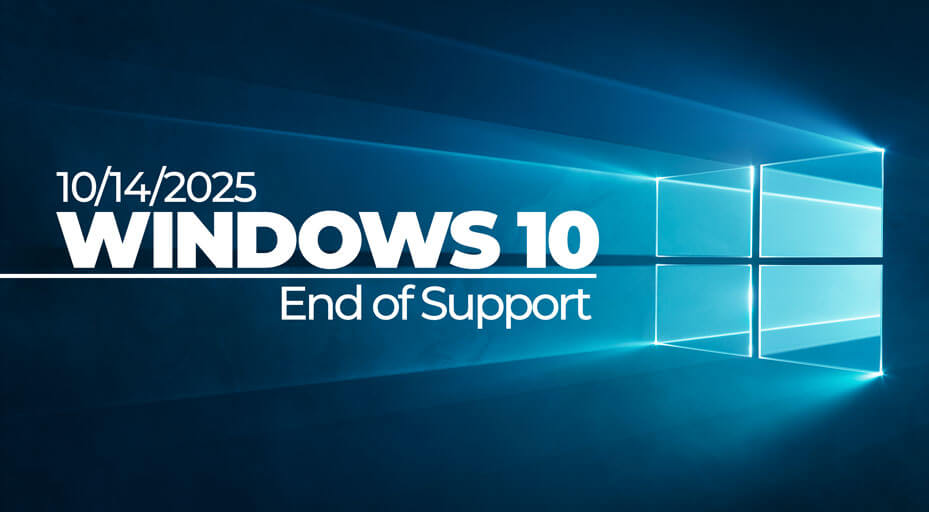
Cybercriminals often target outdated systems because vulnerabilities remain unpatched. Additionally, many third-party applications will soon stop supporting older operating systems. Microsoft’s official page explains this in more detail.
Furthermore, you may face issues with driver compatibility and hardware malfunctions. Your antivirus might also stop working effectively without Windows updates. All these risks grow with each passing month after support ends.
Upgrade to Windows 11
The most straightforward solution is upgrading to Windows 11. This ensures your PC continues receiving updates and security patches. However, not all devices are compatible with Windows 11.
Microsoft has set specific hardware requirements, such as TPM 2.0 and newer processors. You can check if your PC qualifies using Microsoft’s PC Health Check Tool. If it does, upgrading is simple and often free.
For detailed instructions, visit this guide on Windows 11 installation. This upgrade provides a modern interface, faster performance, and continued long-term support.
Explore Extended Security Updates (Microsoft ESU)
For those who can’t upgrade, Microsoft will offer Extended Security Updates (ESU) for Windows 10. This service is paid and targeted mainly at business customers.
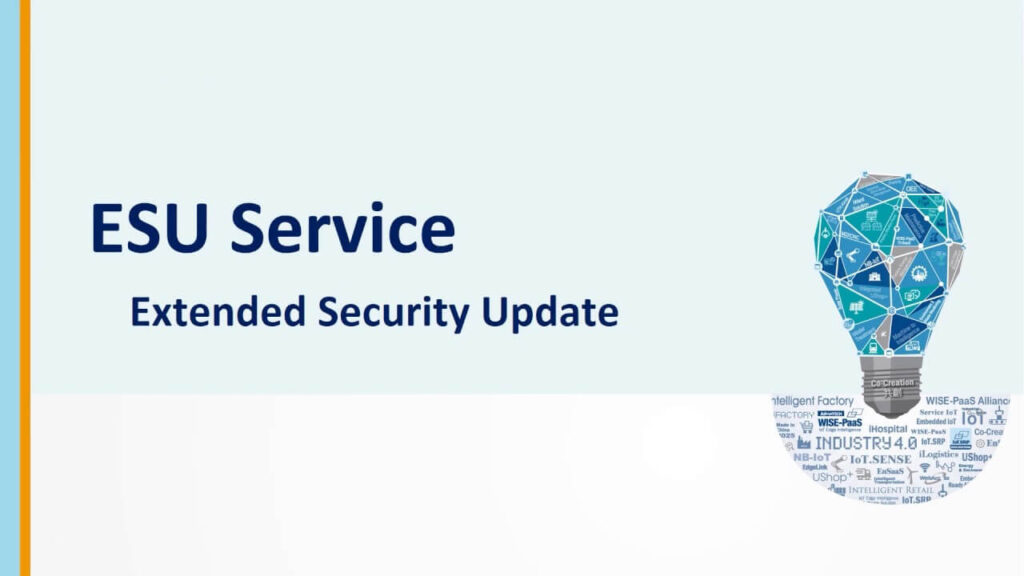
However, Microsoft plans to make ESU available to individual consumers through a subscription model. This could be a short-term solution for users who need more time before upgrading. Learn more about ESU in Microsoft’s FAQ.
While it’s not ideal long-term, ESU can give you extra time to prepare for a better transition.
Try Windows Alternatives Like Linux for PC
Another option is switching to a different operating system. Linux is the most popular free alternative.
Distributions like Ubuntu or Linux Mint are user-friendly and support a wide range of hardware. These systems offer strong community support and frequent updates.
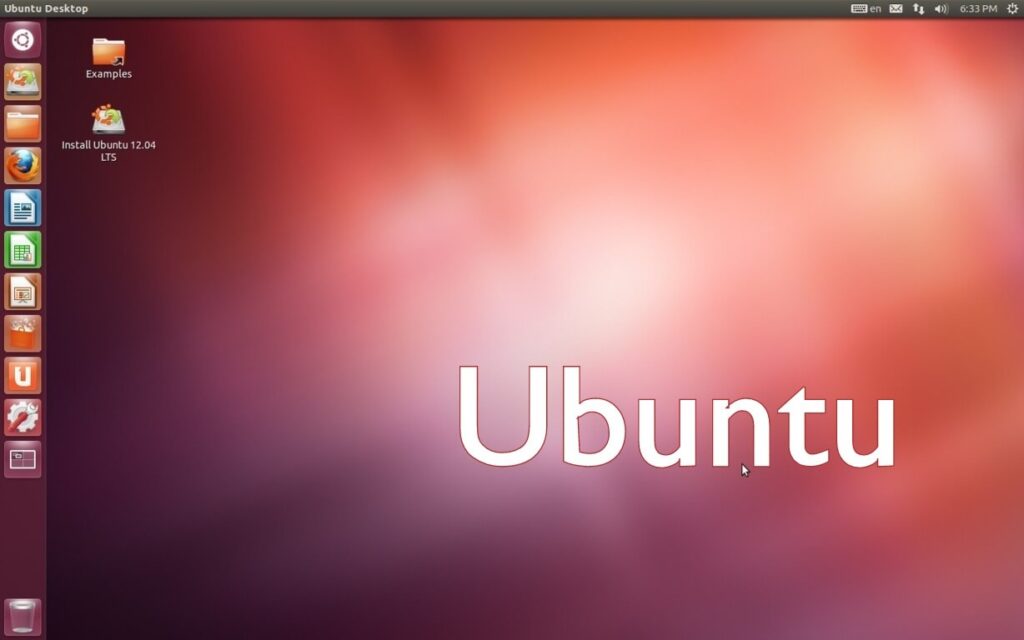
Linux systems are also less prone to viruses and malware. This makes them ideal for those wanting a secure, no-cost solution.
Buy a New PC for a Fresh Start
If your current system doesn’t support Windows 11 and feels outdated, buying a new PC might be your best bet.
Modern laptops and desktops come with pre-installed Windows 11 and updated hardware. This ensures full compatibility and better performance for years to come.
Many budget-friendly models are available today. Retailers like Best Buy and Amazon offer frequent deals on Windows 11-ready devices.
Secure Your Data and Backup Everything
Regardless of the path you choose, always back up your data before making any major change.
Use external hard drives or cloud-based solutions like Google Drive or OneDrive. This will protect your important files during transitions or unexpected errors.
In fact, it’s best practice to maintain regular backups even when everything seems fine. This step is often overlooked until it’s too late.
Final Thoughts
Microsoft’s end of support for Windows 10 is not the end of the world. You have multiple options to stay secure and productive.
You can upgrade, switch systems, extend support, or buy new hardware. Whatever you choose, plan early and act wisely.
Which option are you considering? Have any tips to share? Leave a comment below—we’d love to hear from you!