In today’s digital age, protecting your online identity is more crucial than ever. Cybersecurity threats are rampant, and individuals must take proactive measures. With the rise of social media, online banking, and e-commerce, our personal information is more vulnerable. Therefore, understanding the basics of cybersecurity is essential for everyone. This article will guide you through fundamental strategies to protect your online identity effectively.
Understanding Cybersecurity Threats
Cybersecurity threats come in various forms. Phishing attacks, malware, and identity theft are just a few examples. Phishing attacks often trick users into revealing sensitive information. For instance, you might receive an email that appears legitimate but is designed to steal your credentials. Similarly, malware can infect your devices, compromising your data. Understanding these threats is the first step in safeguarding your online identity.
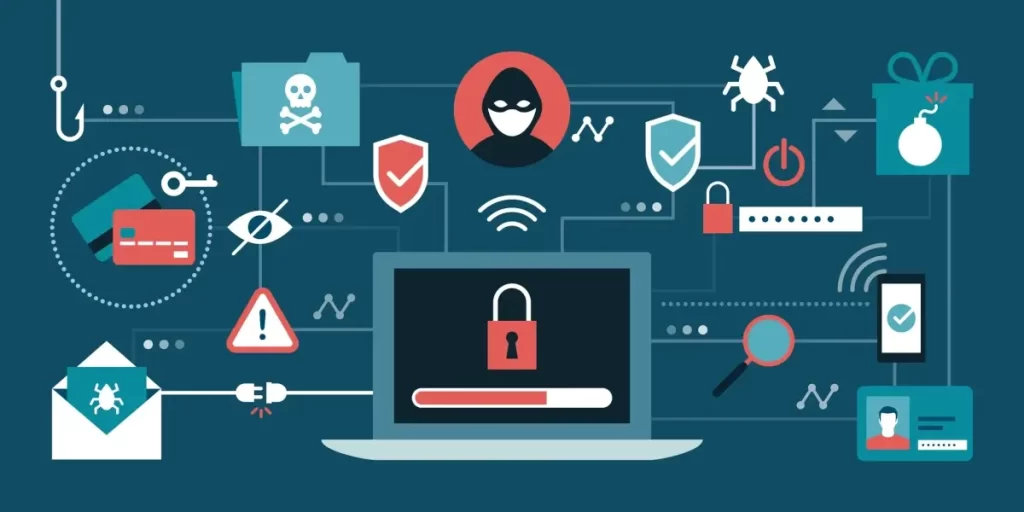
Moreover, identity theft can have devastating consequences. Criminals can use your personal information to open accounts in your name. This can lead to financial loss and damage to your credit score. Therefore, being aware of these threats is vital. You can learn more about common cybersecurity threats from Cybersecurity & Infrastructure Security Agency.
Creating Strong Passwords
One of the simplest yet most effective ways to protect your online identity is by creating strong passwords. A strong password should be at least 12 characters long. It should include a mix of uppercase letters, lowercase letters, numbers, and special characters. Avoid using easily guessable information, such as birthdays or names. Instead, consider using a passphrase, which is a series of random words. This method can enhance your password’s strength significantly.
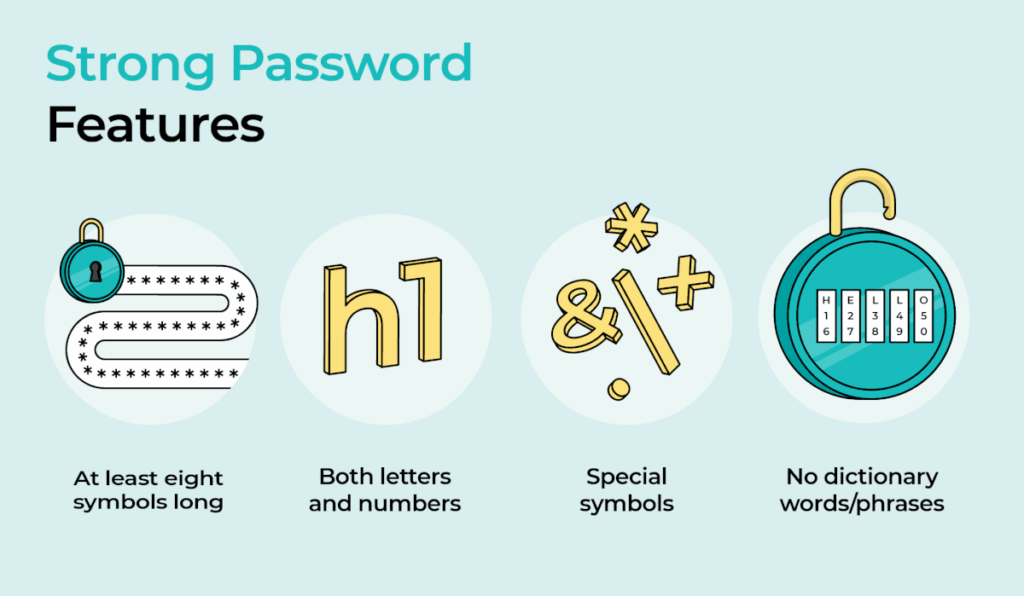
Additionally, using a password manager can help you keep track of your passwords securely. Password managers generate and store complex passwords for you. This way, you only need to remember one master password. For more information on password management, check out LastPass.
Enabling Two-Factor Authentication
Two-factor authentication (2FA) adds an extra layer of security to your online accounts. With 2FA, you must provide two forms of identification before accessing your account. Typically, this involves something you know (your password) and something you have (a mobile device). Many online services, including email providers and social media platforms, offer 2FA. Enabling this feature can significantly reduce the risk of unauthorized access.
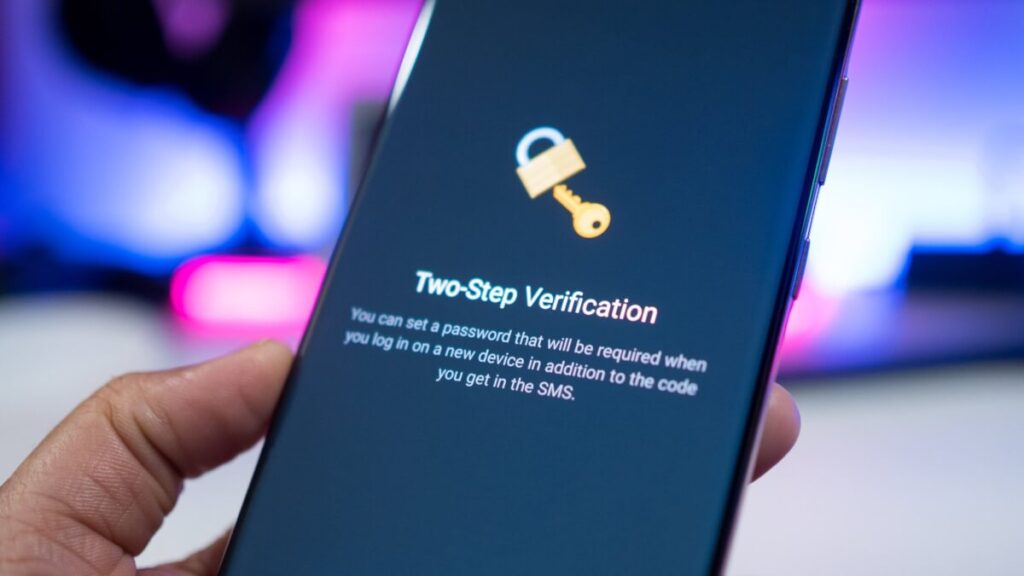
Furthermore, consider using authentication apps like Google Authenticator or Authy. These apps generate time-sensitive codes that enhance your account security. For a detailed guide on setting up 2FA, visit Norton.
Being Cautious with Public Wi-Fi
Public Wi-Fi networks are convenient but can be dangerous. Cybercriminals often exploit these networks to intercept data. When using public Wi-Fi, avoid accessing sensitive information, such as online banking. If you must use public Wi-Fi, consider using a Virtual Private Network (VPN). A VPN encrypts your internet connection, making it harder for hackers to access your data.

Moreover, always ensure that the network you are connecting to is legitimate. Scammers often create fake networks with similar names to trick users. For more tips on using public Wi-Fi safely, check out Kaspersky.
Regularly Updating Software
Keeping your software up to date is crucial for cybersecurity. Software updates often include security patches that fix vulnerabilities. Failing to update your software can leave your devices exposed to threats. Therefore, enable automatic updates whenever possible. This ensures that you receive the latest security features without delay.

Additionally, regularly updating your antivirus software is essential. Antivirus programs help detect and remove malware from your devices. For a list of recommended antivirus software, visit PCMag.
Monitoring Your Online Presence
Regularly monitoring your online presence can help you detect potential threats. Search for your name on search engines to see what information is publicly available. If you find any sensitive information, take steps to remove it. Additionally, consider setting up Google Alerts for your name. This way, you will receive notifications whenever your name appears online.
Furthermore, review your privacy settings on social media platforms. Ensure that you are only sharing information with trusted individuals. For more tips on managing your online presence, visit Privacy Rights Clearinghouse.
Conclusion
In conclusion, protecting your online identity requires vigilance and proactive measures. By understanding cybersecurity threats, creating strong passwords, enabling two-factor authentication, and being cautious with public Wi-Fi, you can significantly enhance your online security. Regularly updating your software and monitoring your online presence are also essential steps. Remember, your online identity is valuable, and taking these precautions can help safeguard it.