Editing PDF files used to be a task for expensive software. Now, there are many free PDF editors that work just as well. Whether you’re a student, freelancer, or business owner, you’ll find it easy to edit PDFs without paying a cent.
Thanks to advancing technology, most tools now run online or as free apps. So, you don’t need complex installations or licenses. Moreover, with tools like PDFescape and Smallpdf, even beginners can edit PDFs quickly and easily. In this article, we’ll explore the best free PDF editors and share practical tips to get the job done.
Why Edit PDF Files in 2025?
PDFs remain one of the most common file formats for contracts, reports, and forms. Their formatting is consistent across devices. However, editing them often feels challenging without the right tools.
As work-from-home and digital documentation grow, the need for flexible PDF editing solutions increases. People now expect tools to be accessible, easy to use, and of course, free. Fortunately, several free options offer premium features without hidden costs.
Best Free Online PDF Editors in 2025
Free online tools are ideal for quick PDF edits. Most work in your browser with no downloads needed.
- Smallpdf: Offers an easy drag-and-drop interface. You can add text, images, or even draw on PDFs.
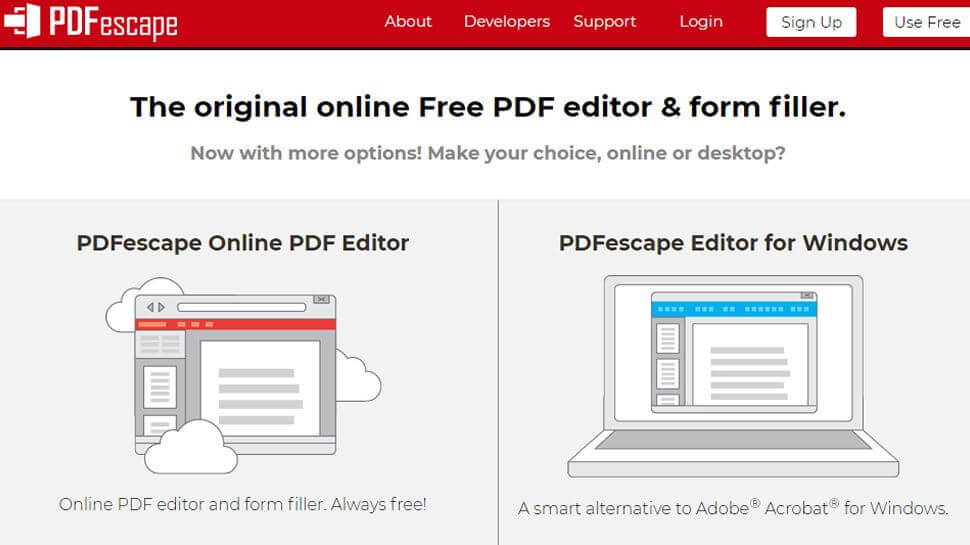
- PDFescape: Fully browser-based. It allows form filling, annotation, and basic editing for free.
- Sejda PDF Editor: Clean interface and supports editing text in the PDF directly. Works well for short documents.
- PDF24 Tools: Includes many editing tools and supports file conversion, merging, and compressing too.
- DocFly: Previously known as PDF Pro, it provides basic editing, signing, and file organization features.
Each of these tools has its strengths. Try a few to find the best fit for your needs.
Best Free Desktop PDF Editors
If you prefer offline editing, desktop tools are perfect. They offer more security and often work without internet access.
- LibreOffice Draw: Completely free and open-source. It lets you edit PDFs as if they were Word documents.
- PDF-XChange Editor: Lightweight and fast. It offers more features than most free editors.
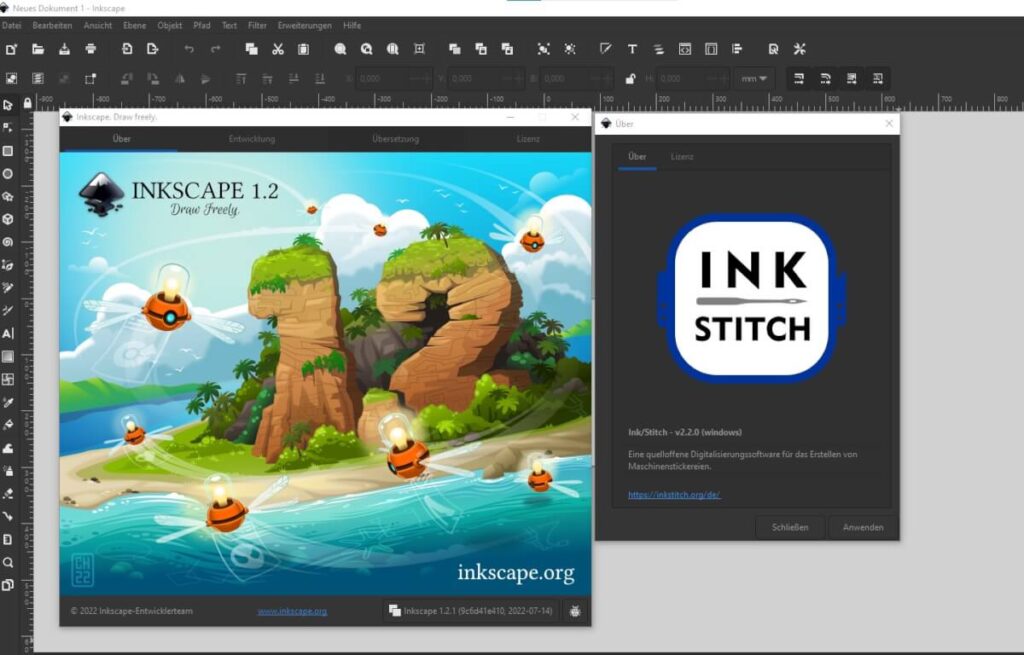
- InkScape: A graphic editor, but great for editing PDF layouts or images.
Although not as sleek as paid software, these desktop tools provide impressive results. They are ideal for heavier tasks or sensitive documents.
Editing PDF Text and Images: Tips to Get it Right
Always choose a tool that matches the type of editing you need. Some tools only let you annotate or fill forms. Others allow full text editing and image insertion.
Make sure you save a backup before editing. This way, you avoid losing the original file. Also, use OCR (Optical Character Recognition) when editing scanned PDFs. Tools like Adobe Acrobat’s free OCR or Smallpdf support this feature.
How to Sign PDFs for Free
Electronic signatures are now legally accepted in many countries. Signing a PDF is simple with the right tool.
Use DocuSign’s free tool to upload and sign your file. Alternatively, use PDFescape or Smallpdf for quick signatures. Some tools let you draw, type, or upload your signature image.
Merge, Split, and Convert PDFs Without Paying
Free tools often include extra features like file merging or converting PDFs to Word or Excel.
PDF24 and Sejda both support merging multiple PDFs into one file. To split a large file, you can set page ranges and save each section separately. For conversions, use ILovePDF or Smallpdf’s conversion tools. They provide accurate results with minimal formatting errors.
Extra Tips to Edit PDFs Efficiently
Keep your file sizes small to avoid upload errors. Compress your files using free tools like PDF24.
Use keyboard shortcuts when using desktop tools for faster workflow. Also, double-check the final version before sharing. Many editors offer a preview option for this reason.
If you regularly edit PDFs, consider bookmarking your favorite tools. This saves time and helps you maintain productivity.
Conclusion
Editing PDFs in 2025 doesn’t require expensive software anymore. Many free tools offer professional-level features. Whether you work online or offline, there’s a perfect solution available.
By exploring different tools, you can find the best one for your needs. Start with trusted options like Smallpdf, Sejda, or LibreOffice. Keep your workflow smooth and efficient with these modern, cost-free solutions.